
Present 5 moods
in 30 seconds.
Upload a client room, choose a style, and generate a photorealistic direction immediately. Explore more creative options before investing time in detailed production.
30s
per visual
30+
styles available
5×
faster concepts
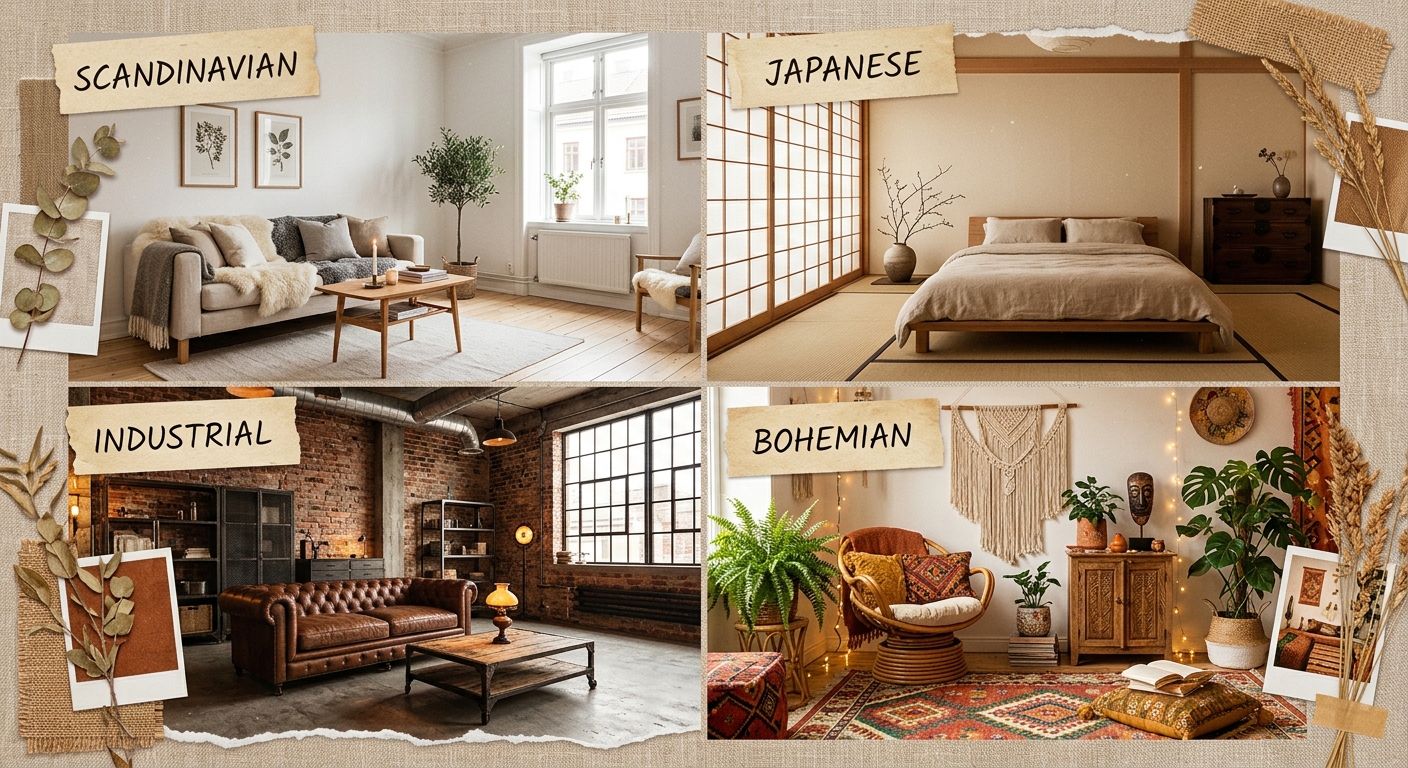
Situations you know well
“The client wants five directions by tomorrow.”
“The brief is vague and the 3D render is expensive.”
“The client changed their mind after sign-off.”
“My 3D workflow takes a full day per room.”
Interior AI turns a room photo into a visual direction in seconds, without a complex production workflow.
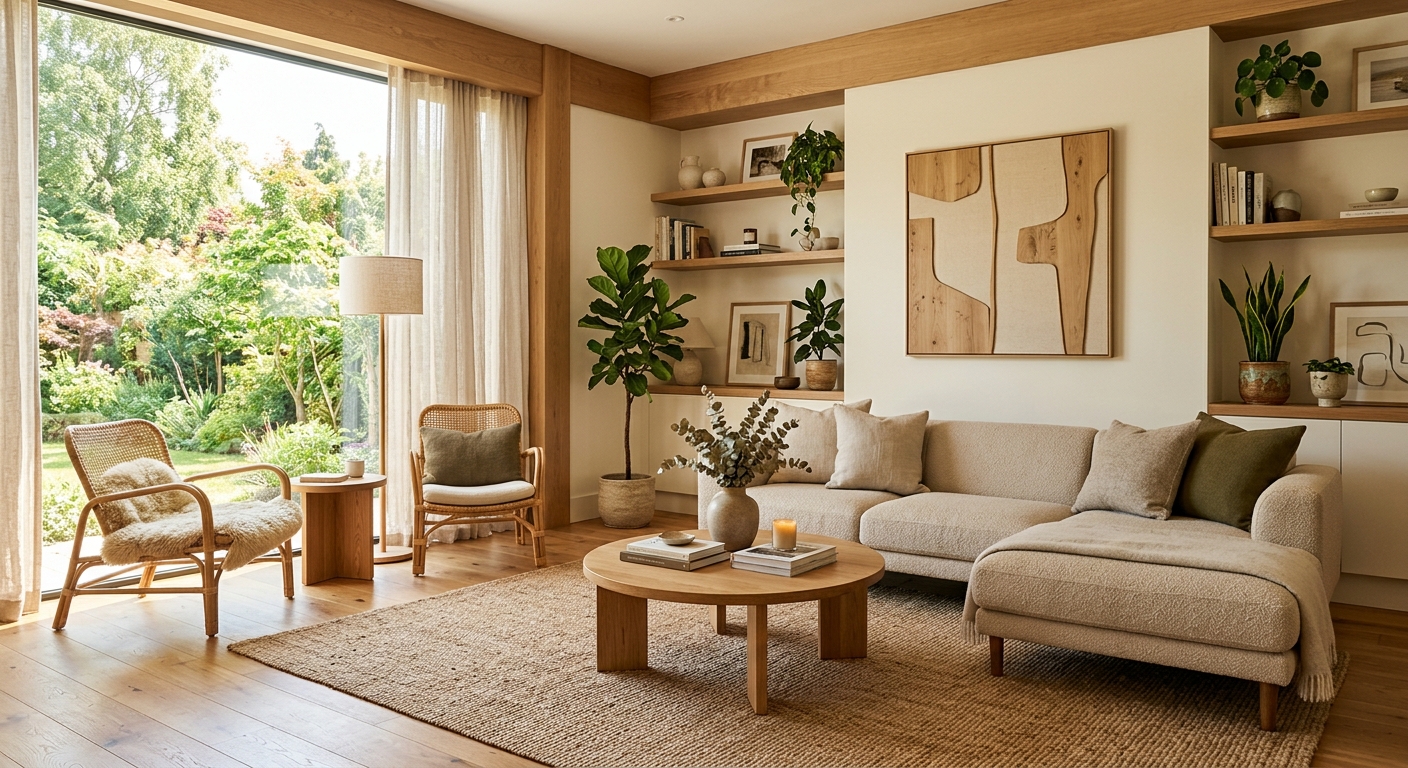
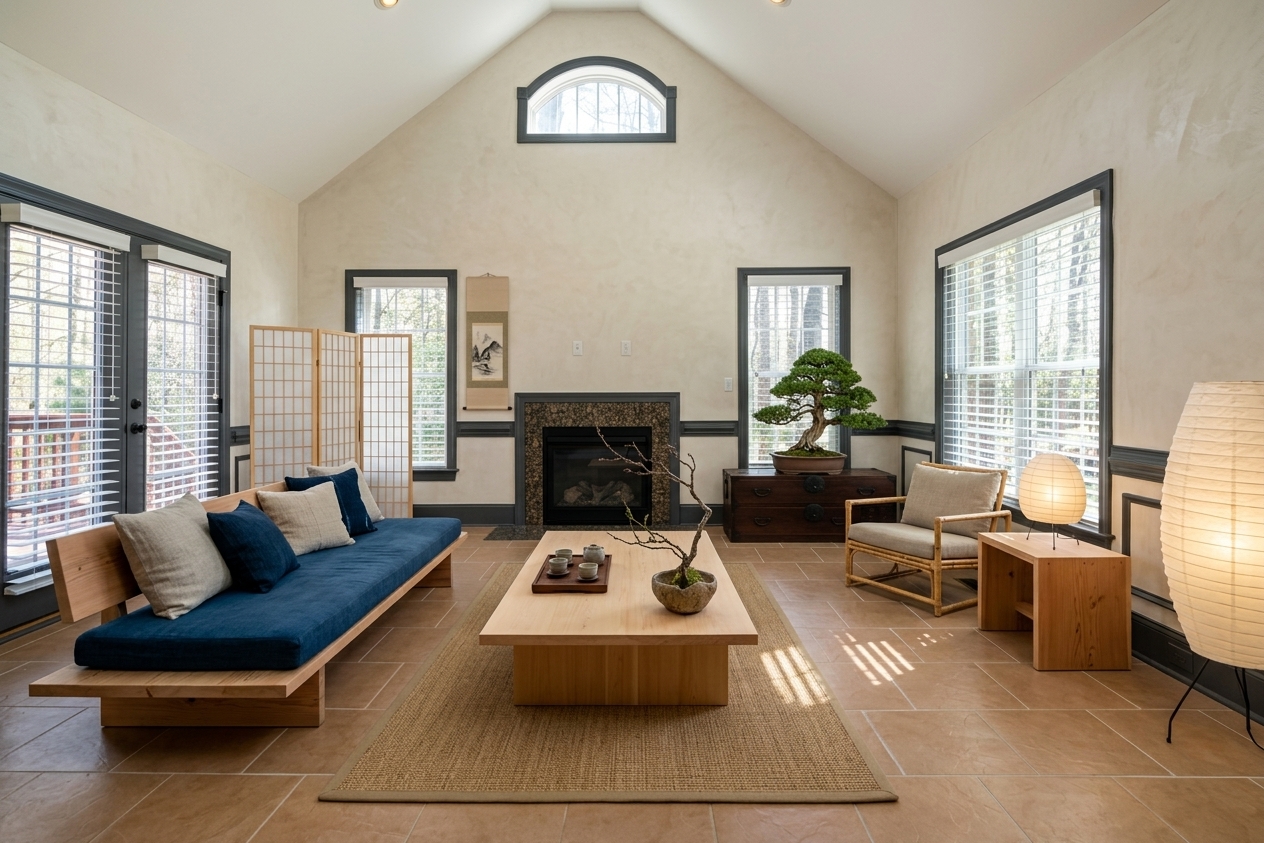 Japandi
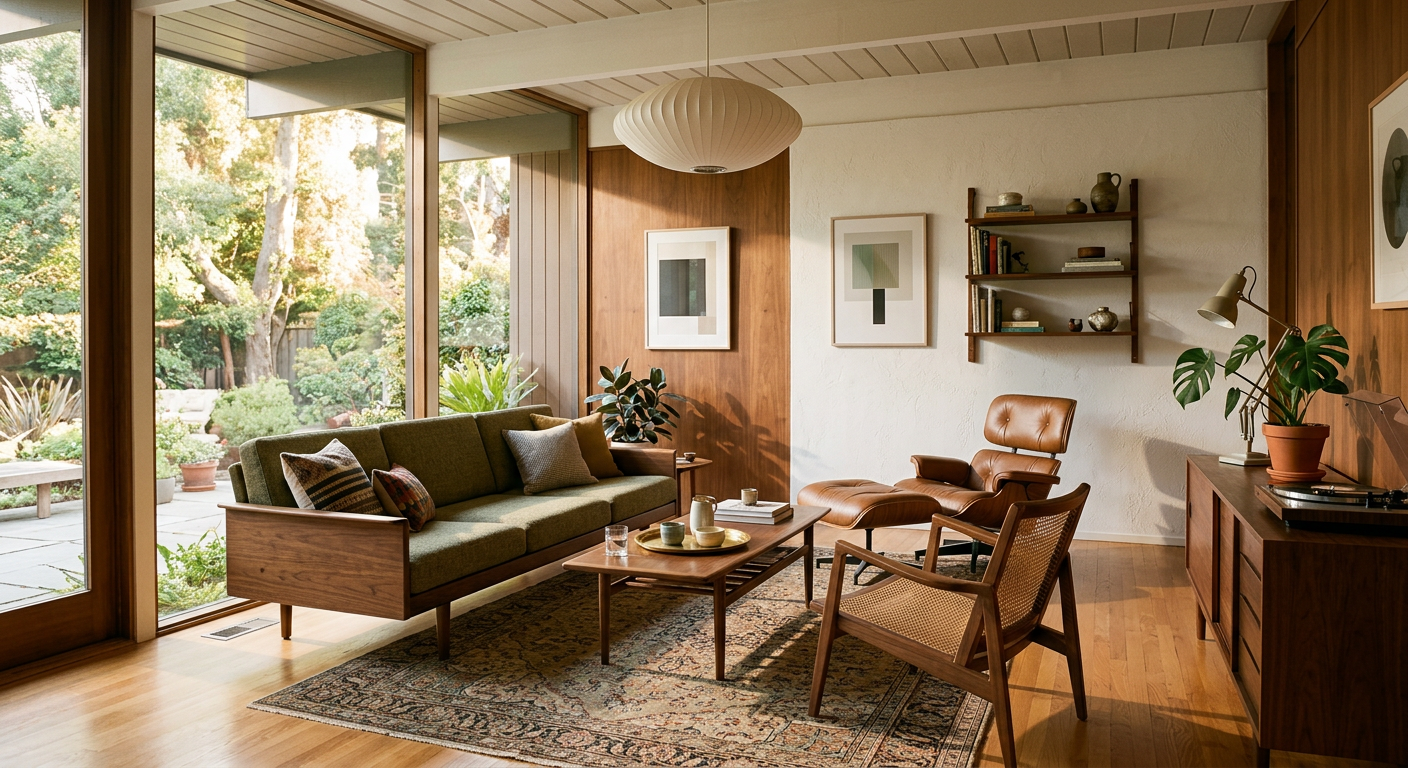
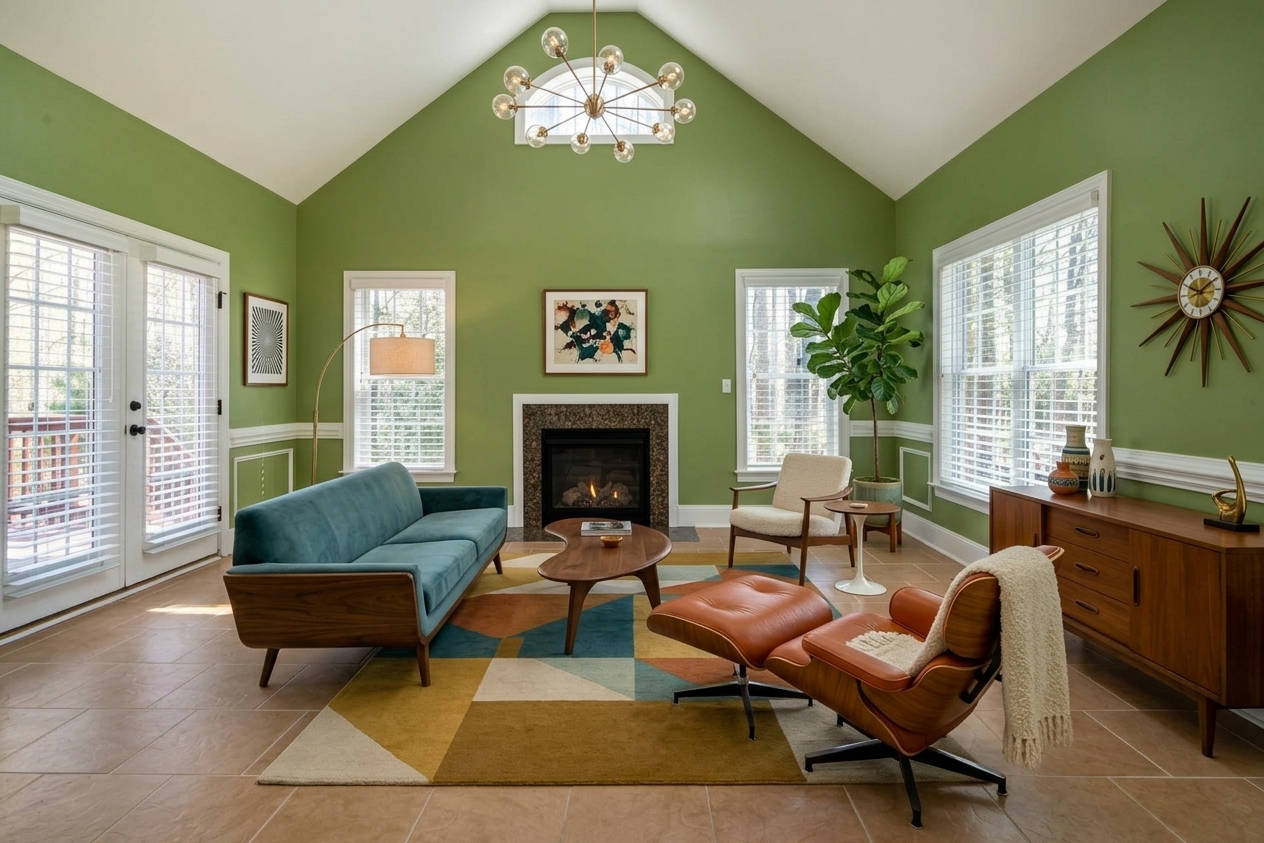 Mid-Century
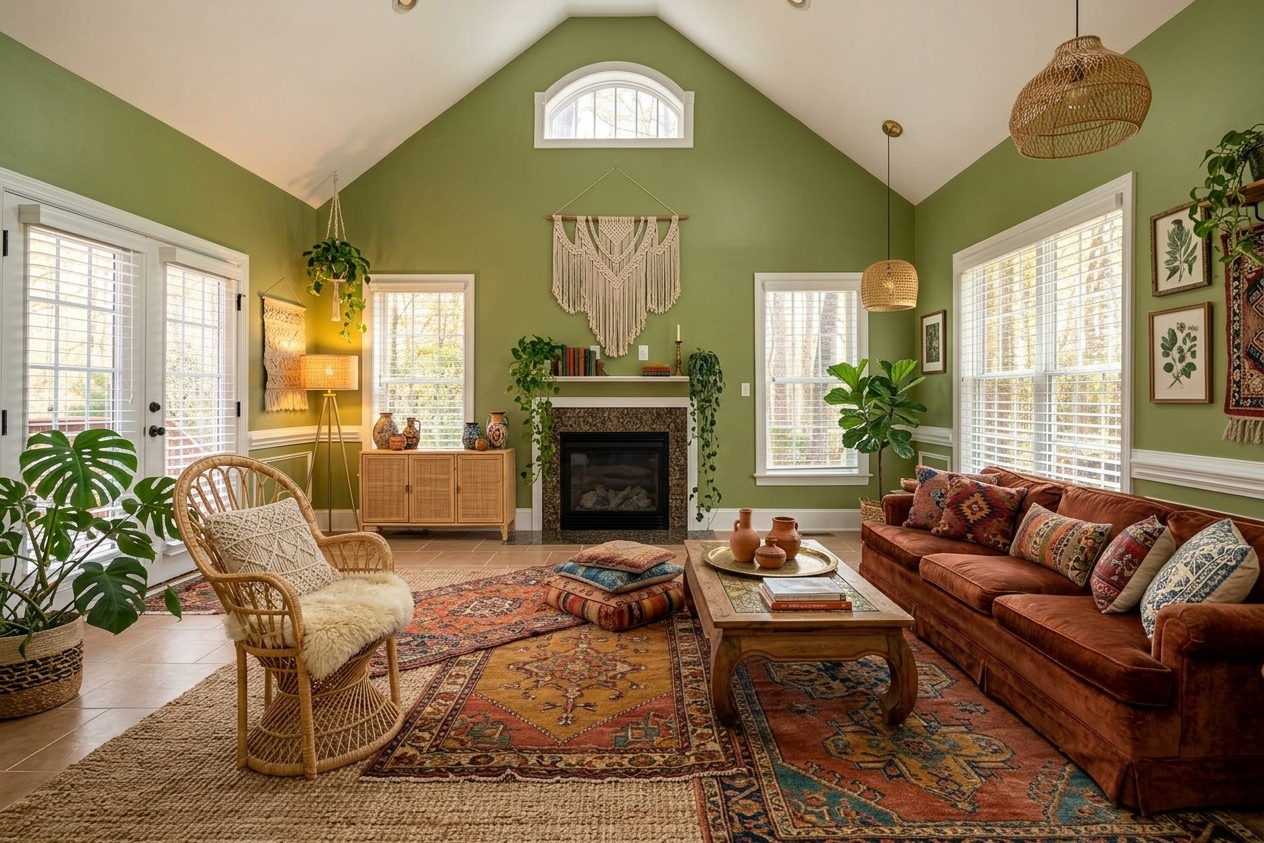 Boho
Boho
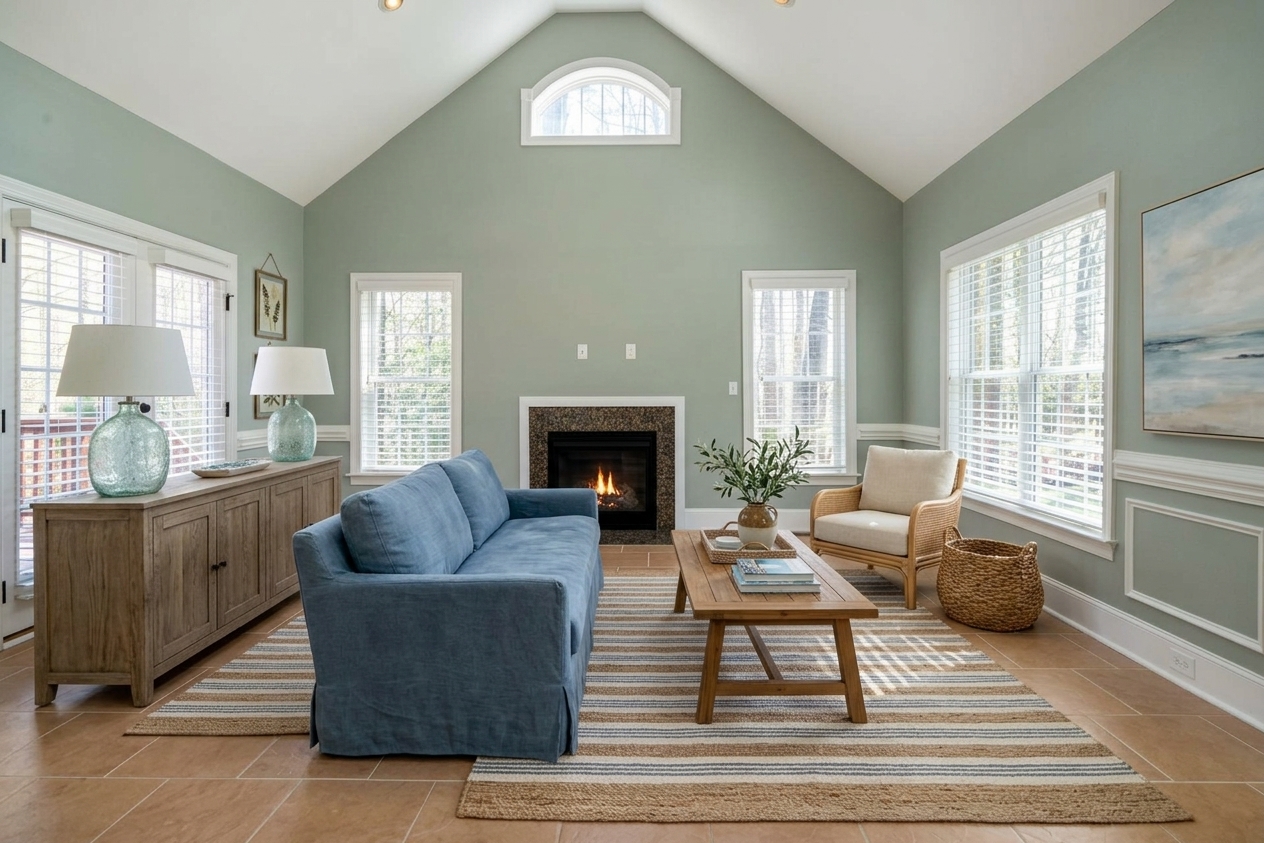 Coastal
5 creative directions
from one photo
Explore 30 styles
without modeling.
Use one photo to generate Scandinavian, Japandi, industrial, art deco and other directions. Compare options while the client is still engaged.
- 30+ interior styles for fast creative exploration
- Generate multiple options and compare them side by side
- Visuals adapt to the room's real light and volumes
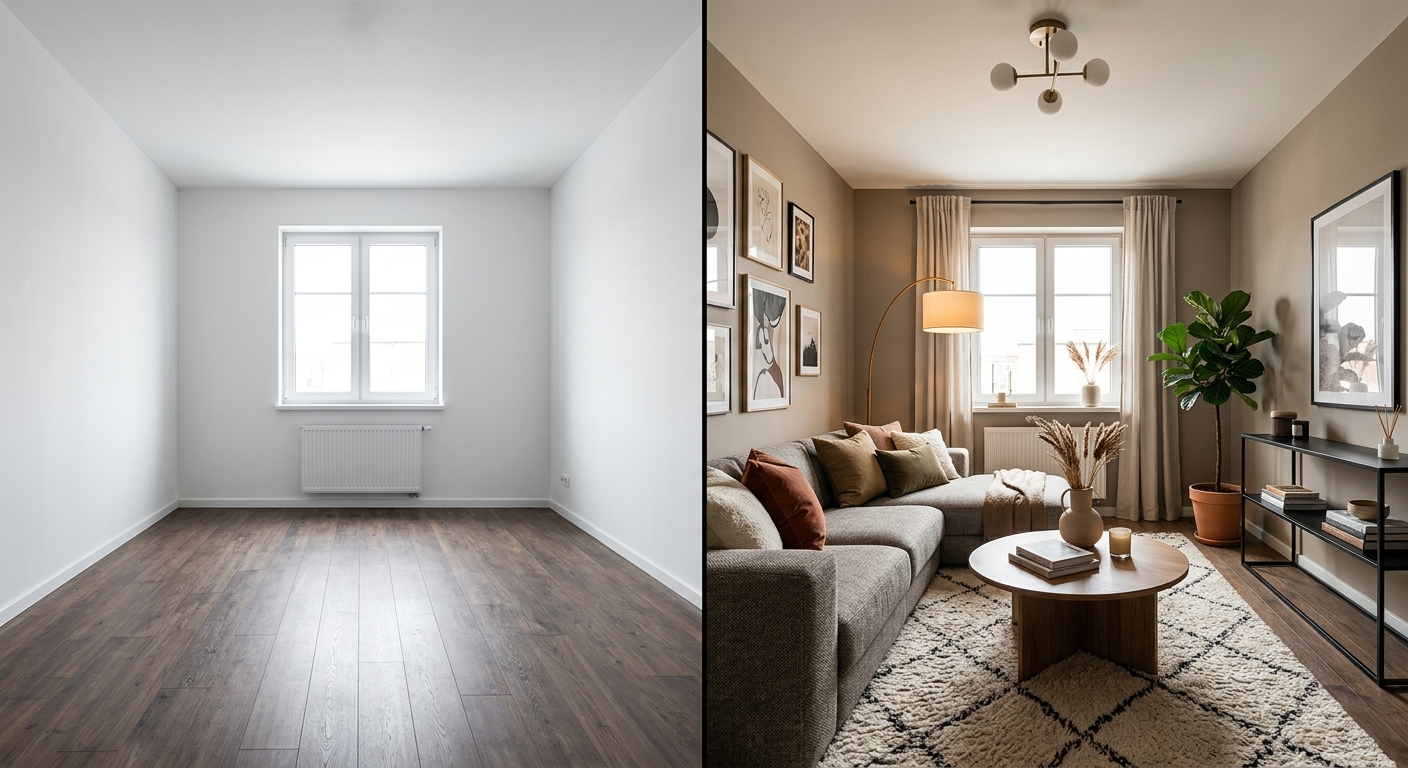
Test colors
with the client.
Validate wall colors, palettes and finish directions visually before ordering samples or requesting a full render.
- Preview paint and palette decisions quickly
- Compare several visual routes in one meeting
- Reduce back-and-forth on minor revisions
From photo to client visual in 3 steps
No 3D modeling and no training required. A photo plus your direction is enough.
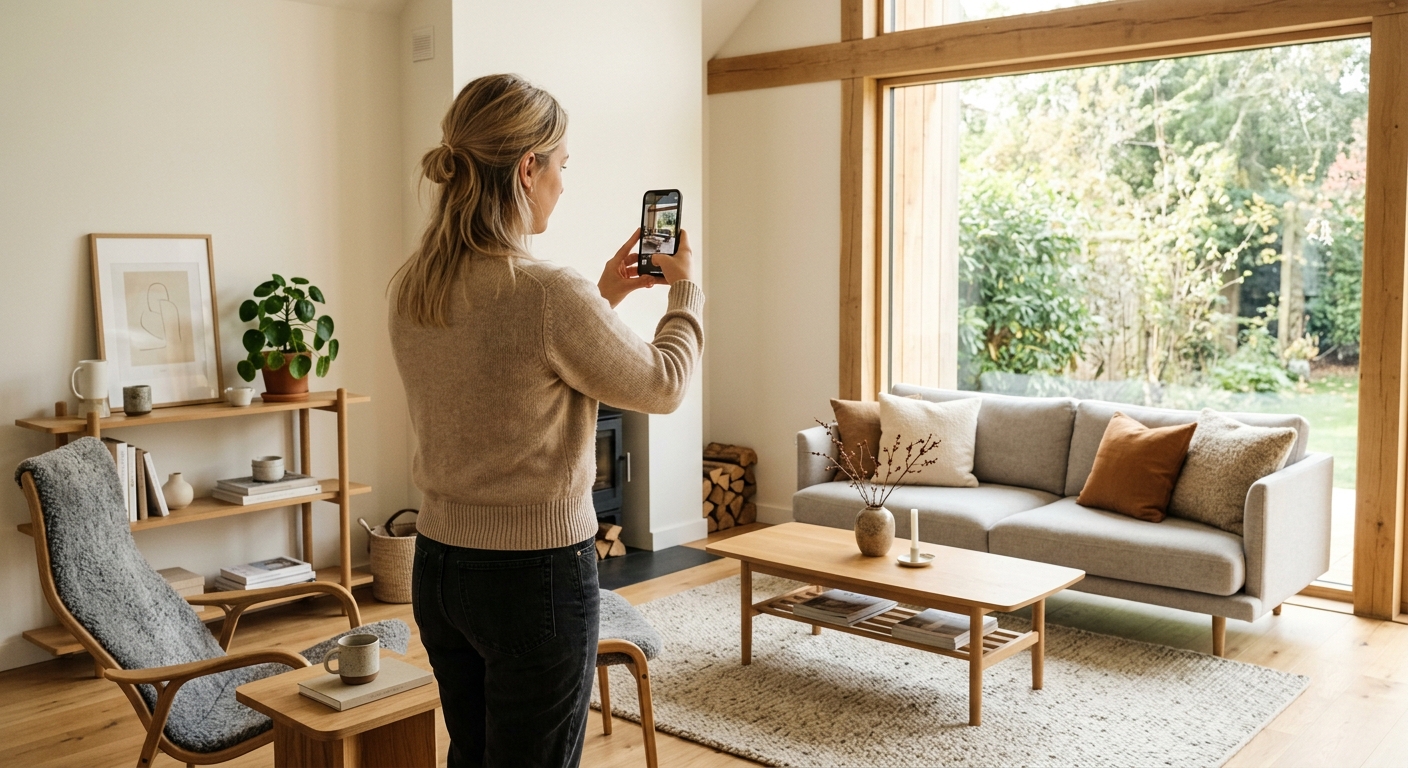
Upload the room
Start from a clear smartphone photo of your client's space.
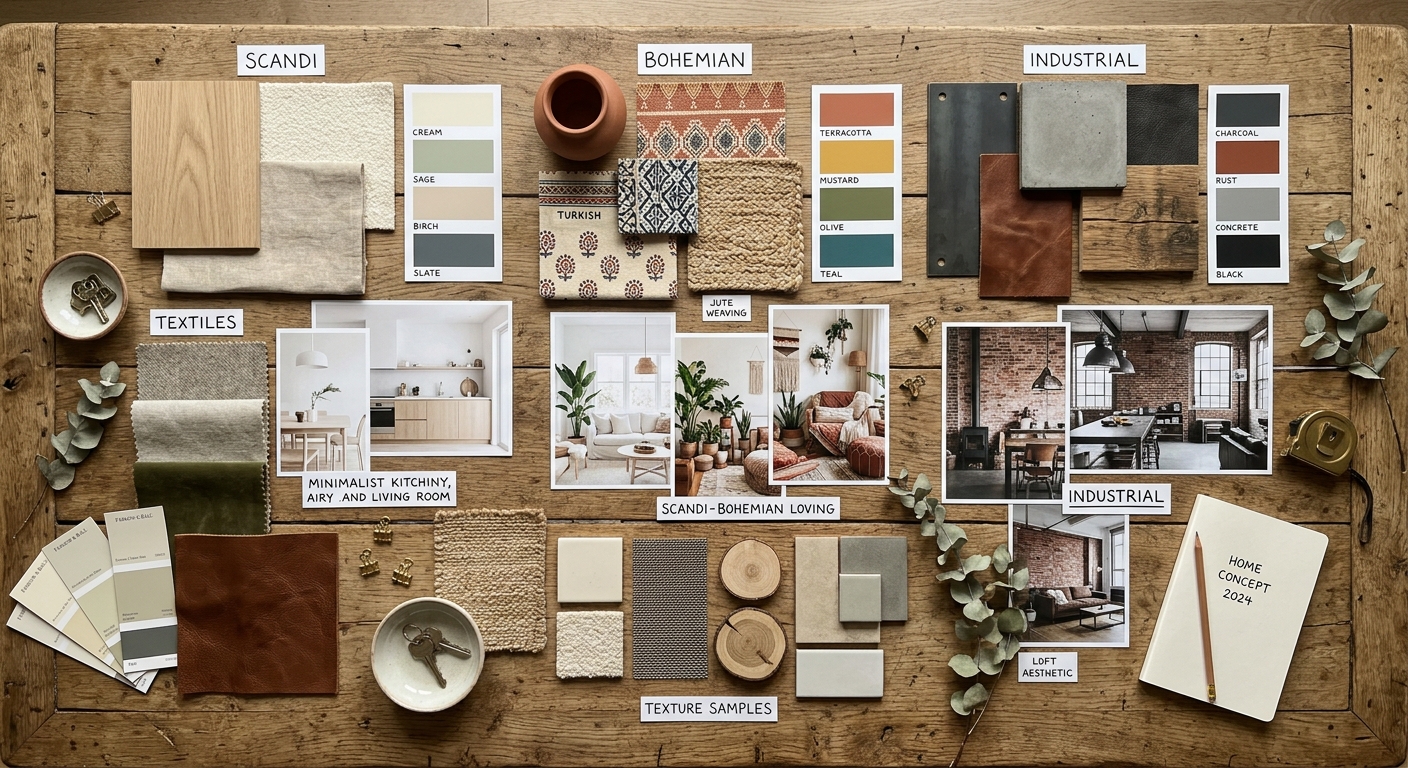
Choose the creative direction
Select the style, colors and atmosphere you want to present.
Present and iterate
Generate variants, discuss them live, and move the project forward faster.
Available on mobile
iOS & Android
Always with you,
in every meeting.
Interior AI works on your smartphone. Generate visuals on the go — at a client visit, during a walkthrough, or directly in the room you are redesigning.
- Generate visuals during client meetings without a laptop
- No installation required — works from your phone
- Share results instantly during the session


Questions from decorators
Practical answers for professional use.
What photo quality do I need?
A recent smartphone photo is enough. Natural light and a clear angle usually produce the best results.
Can I use it before a client visit?
Yes. It is ideal for showing potential before committing to detailed modeling or sourcing.
Is it precise enough for a professional presentation?
It is designed for photorealistic creative direction, not technical construction drawings.
Can I generate several options?
Yes. The experience is built for quick iteration and comparison.
Present more.
Model less.
Start from any room photo and generate a first professional-looking visual in seconds.