
Sell the potential,
not the current state.
Empty or dated rooms make buyers hesitate. Generate photorealistic virtual staging visuals in seconds and make every listing easier to understand.
30s
per visual
30+
staging styles
+
buyer projection
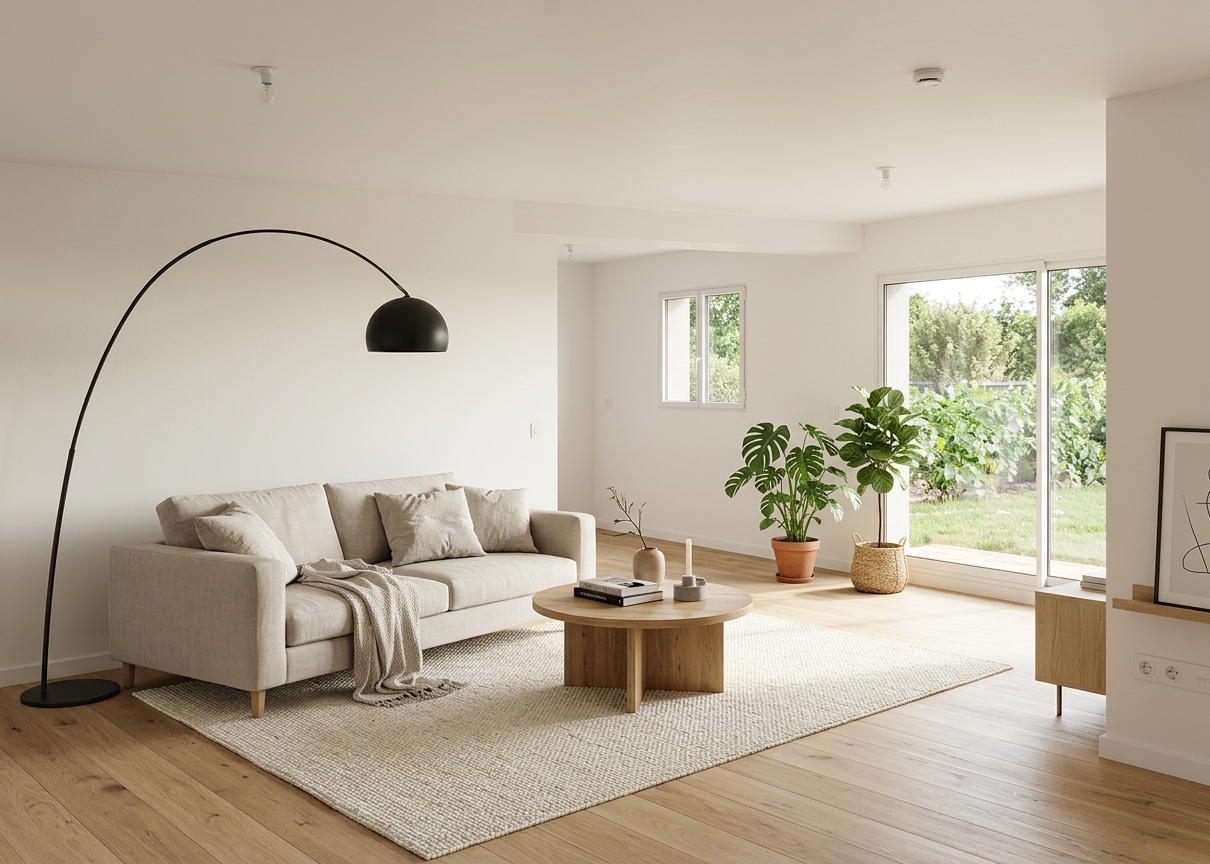
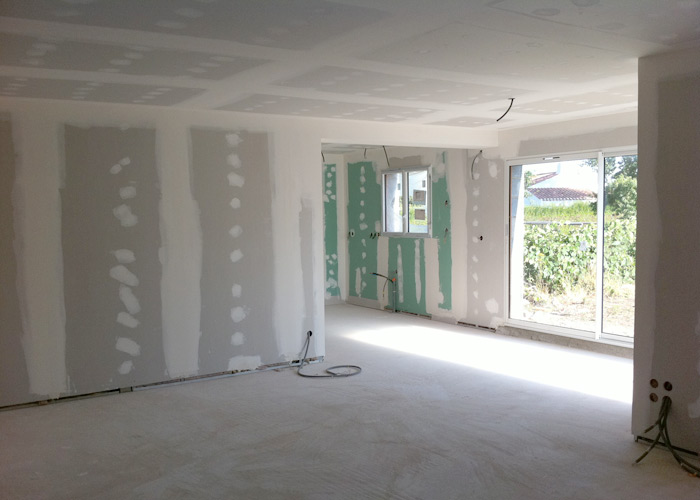
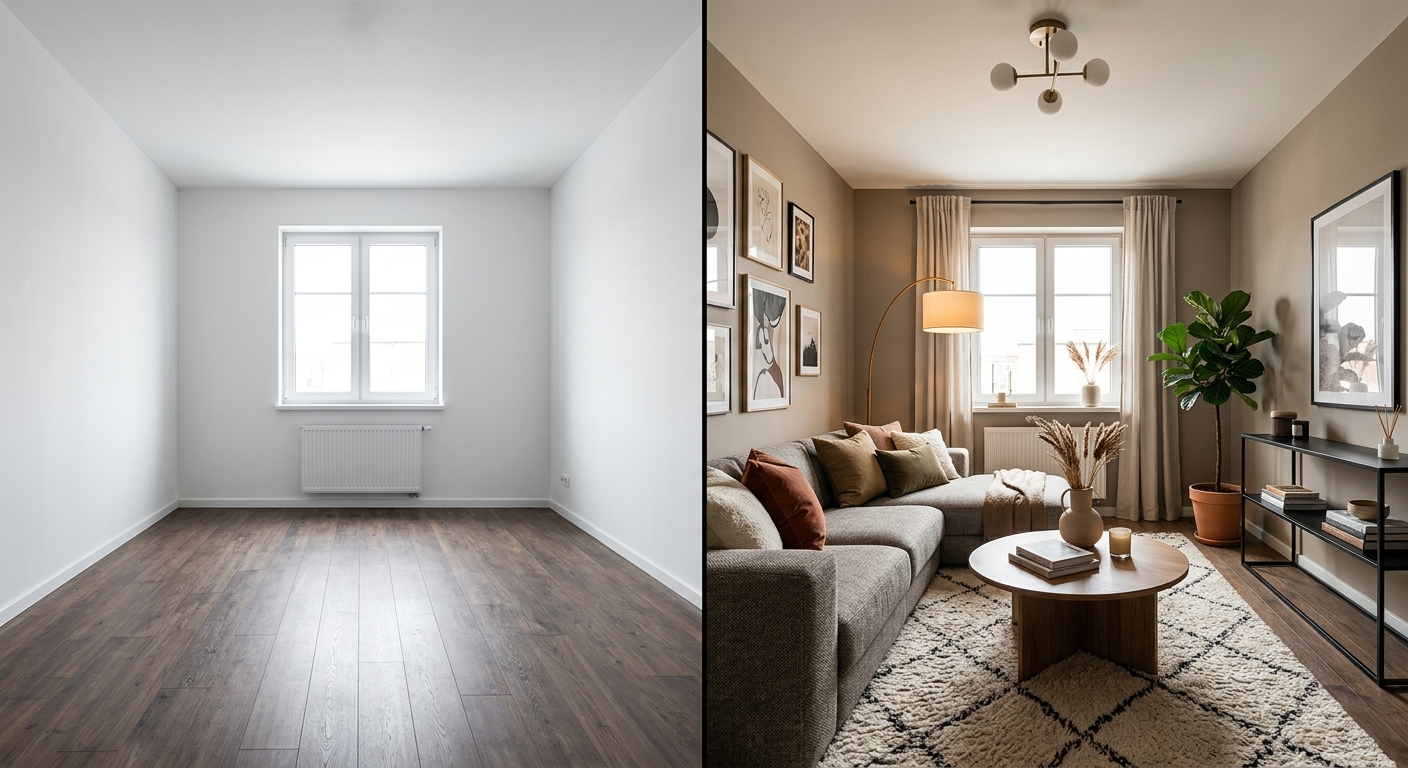
Drag to compare
From raw property to virtual home staging — generated in 30 seconds
Your visuals ready to publish on







Listing blockers you know
“The empty room does not help buyers project themselves.”
“The seller does not want to repaint or declutter.”
“The photos do not show the property's potential.”
“Real staging is too expensive for this mandate.”
Interior AI turns property photos into compelling visual potential without moving furniture.
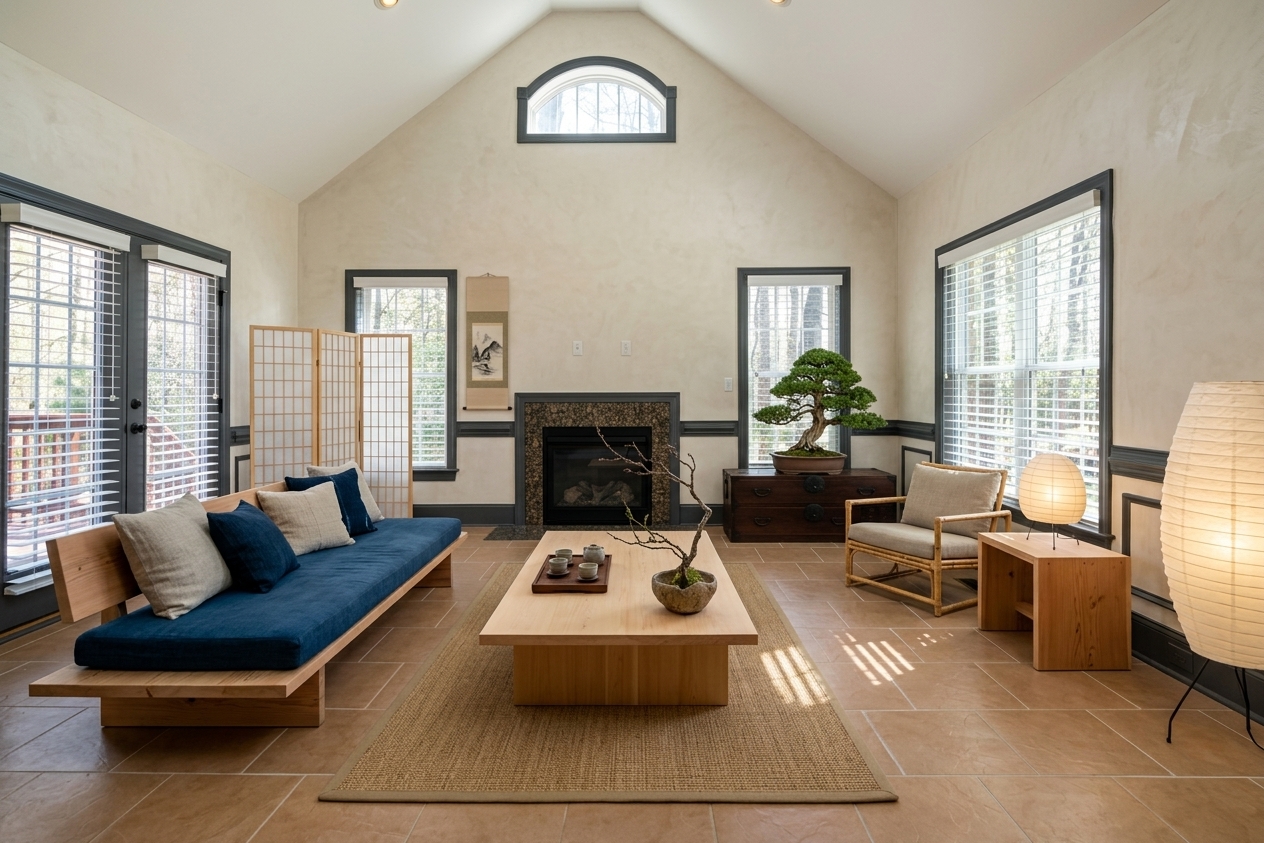 Japandi
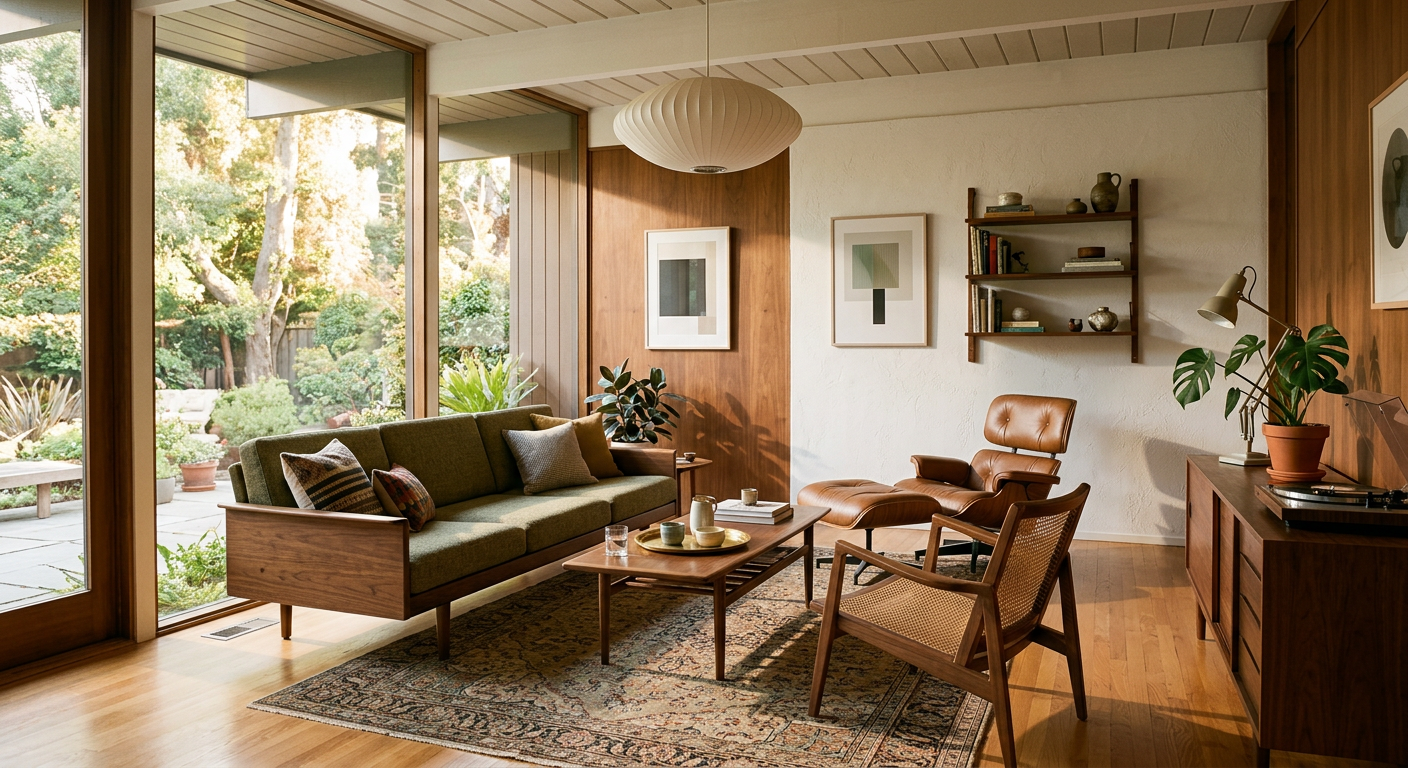
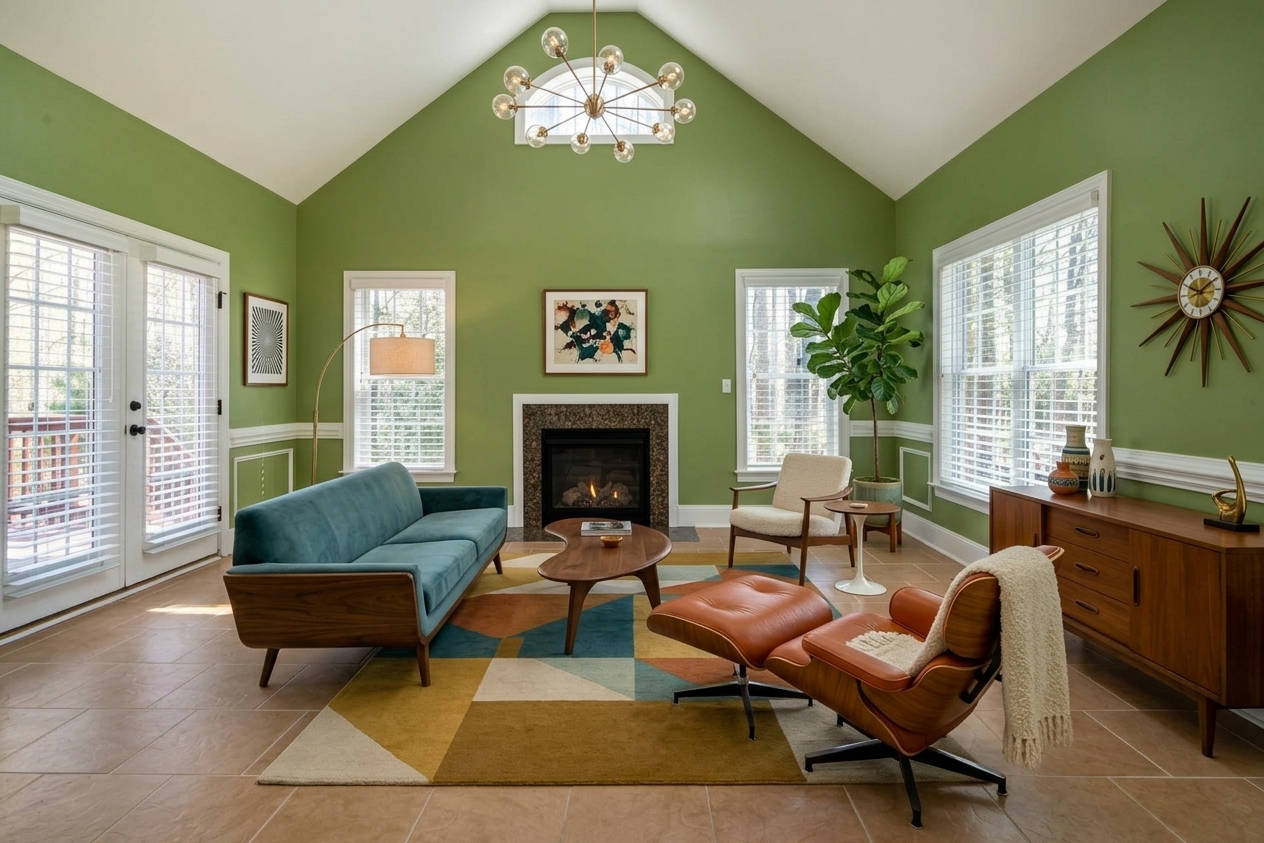 Mid-Century
 Boho
Boho
 Coastal
From empty to furnished
in 30 seconds
Stage the space
without touching it.
Upload the room as it is, choose a style, and generate a staged version buyers can understand immediately.
- Furnish empty rooms visually in seconds
- Modernize dated interiors for stronger listings
- Create several moods for different buyer profiles
Show the potential
of every room.
Preview fresh paint, updated materials and modernized rooms so buyers can evaluate the opportunity faster.
- Simulate wall colors and updated finishes
- Reduce objections on dated interiors
- Show before/after potential in one click
From listing photo to sales visual
No installation and no physical setup. Just a property photo and a clear transformation goal.
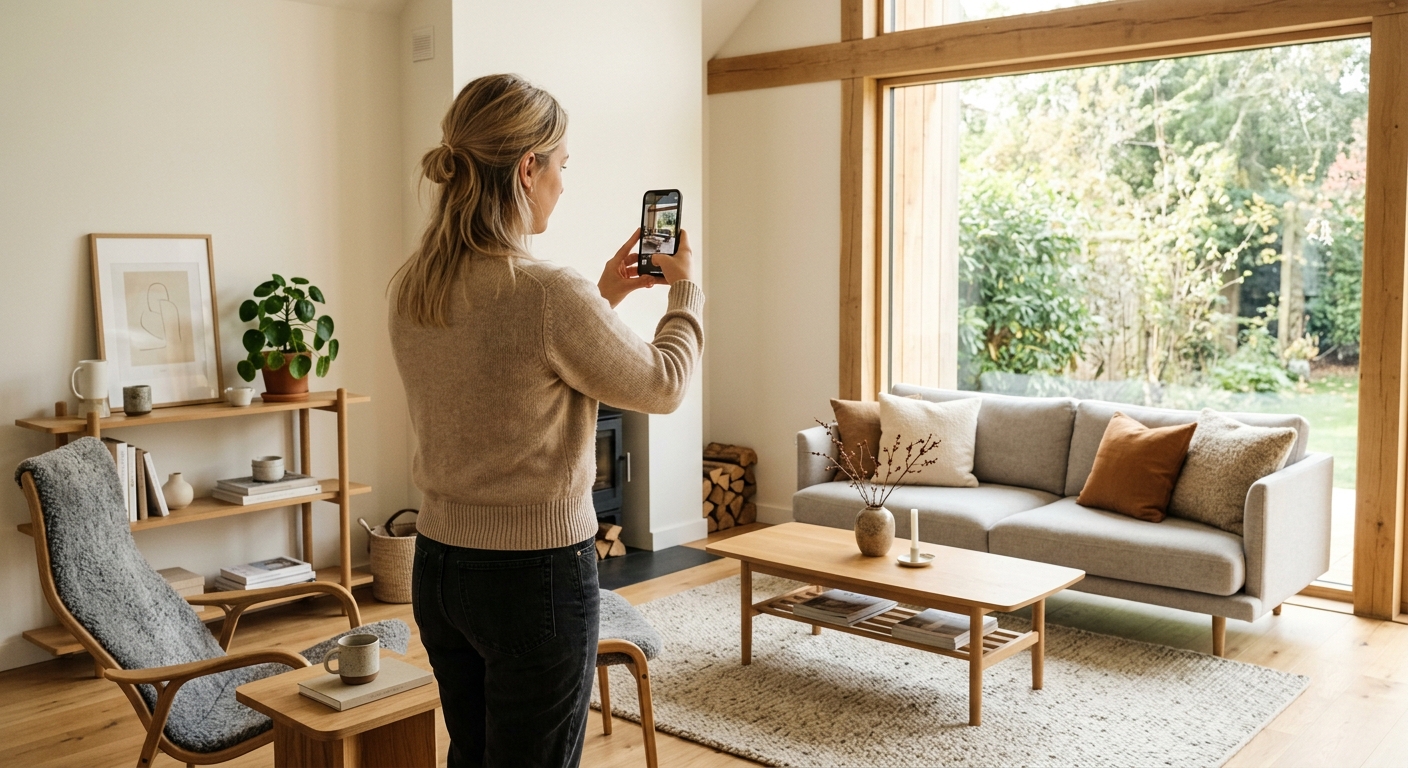
Upload the property photo
Use a clear photo from your visit or listing preparation.
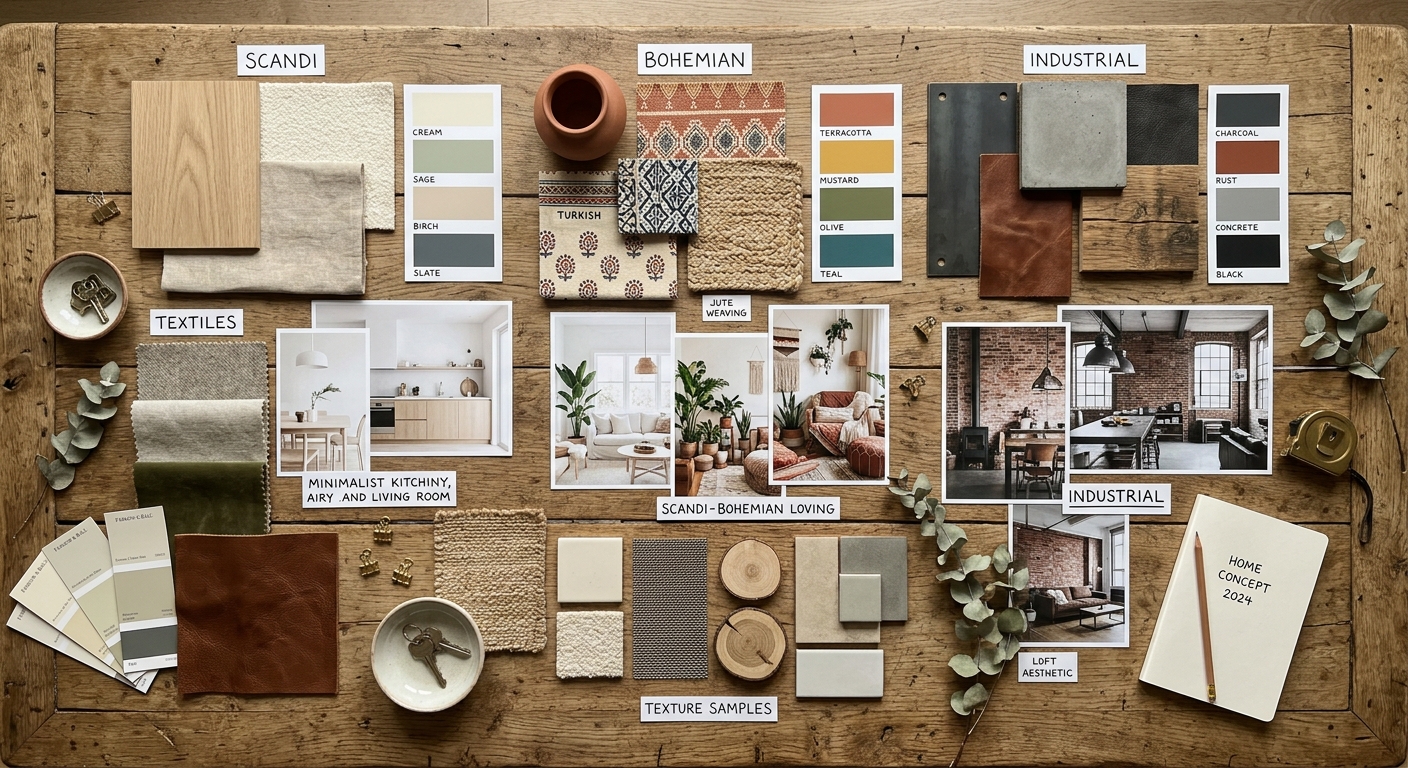
Choose the transformation
Stage, modernize, repaint or explore a style that matches your buyer target.
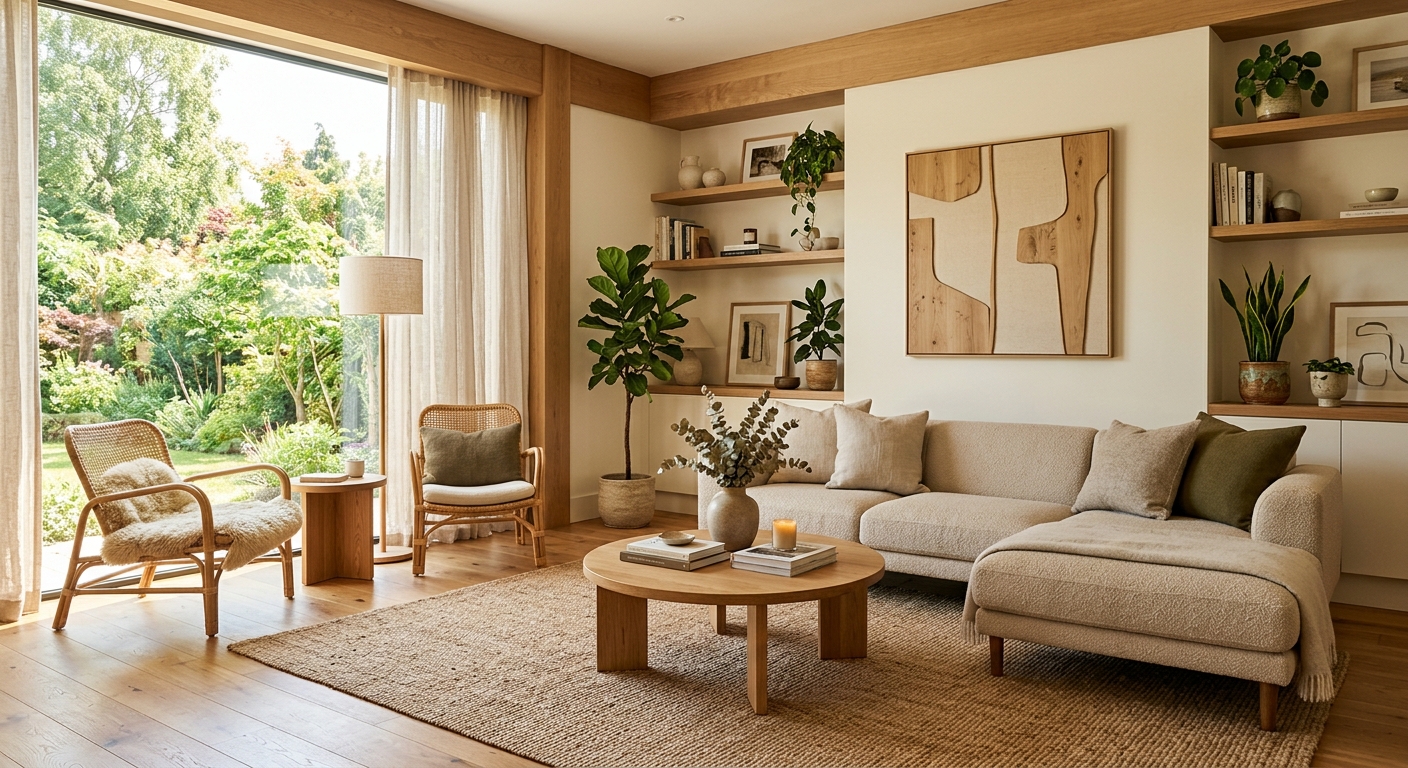
Use the visuals
Add them to listing material, send them to buyers, or use them during visits.
Available on-site
iOS & Android
Stage a property
during the visit.
Use Interior AI directly during property visits. Generate virtual staging on-site and show buyers the potential while they are still in the room.
- Live virtual staging during buyer visits
- Works from any smartphone, no setup needed
- Send visuals to buyers before they leave the property


Questions from real estate agents
For everyday listing and buyer work.
Can I use the visuals in listings?
Yes. We recommend clearly labeling them as AI simulations or non-contractual visuals when required.
What kind of photo works best?
A bright, well-framed smartphone photo is usually enough.
Is the result photorealistic?
The goal is to help buyers project themselves with a credible visual direction.
Can I process several listings?
Yes. The workflow is built for repeated professional use across listings.
Every property deserves
its best version.
Start with a photo of any listing and create your first virtual staging in seconds.