
From concept to visual
in 30 seconds.
Test creative directions before investing in detailed rendering. Upload a space, configure the atmosphere, and generate visual concepts instantly.
30s
per concept
10×
faster exploration
5+
concepts per meeting
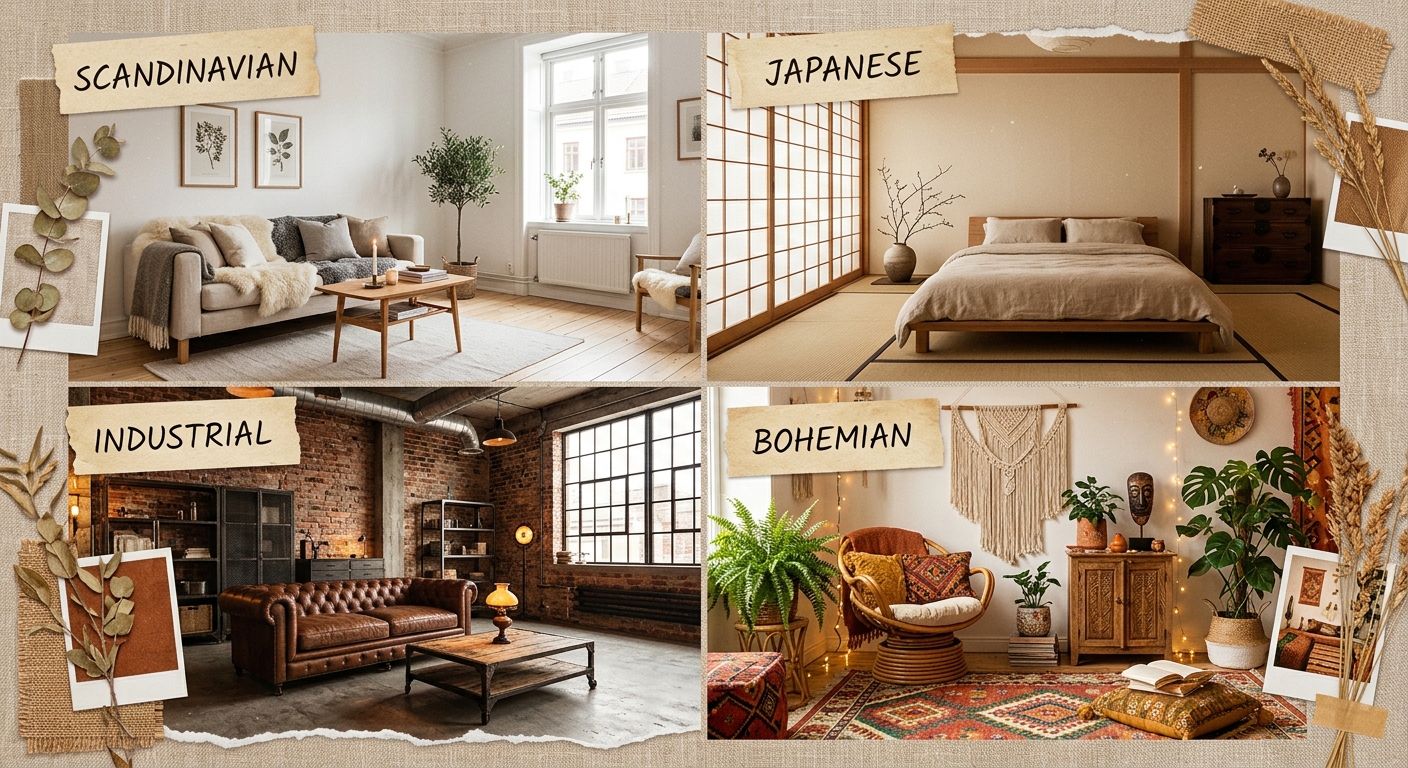
Early-stage friction you know
“A 3D render is too heavy for concept exploration.”
“The client cannot read the space from plans.”
“Concept revisions delay the project kickoff.”
“The render budget is too high for sketch phase.”
Interior AI compresses the concept-to-validation loop so you can test more directions earlier.
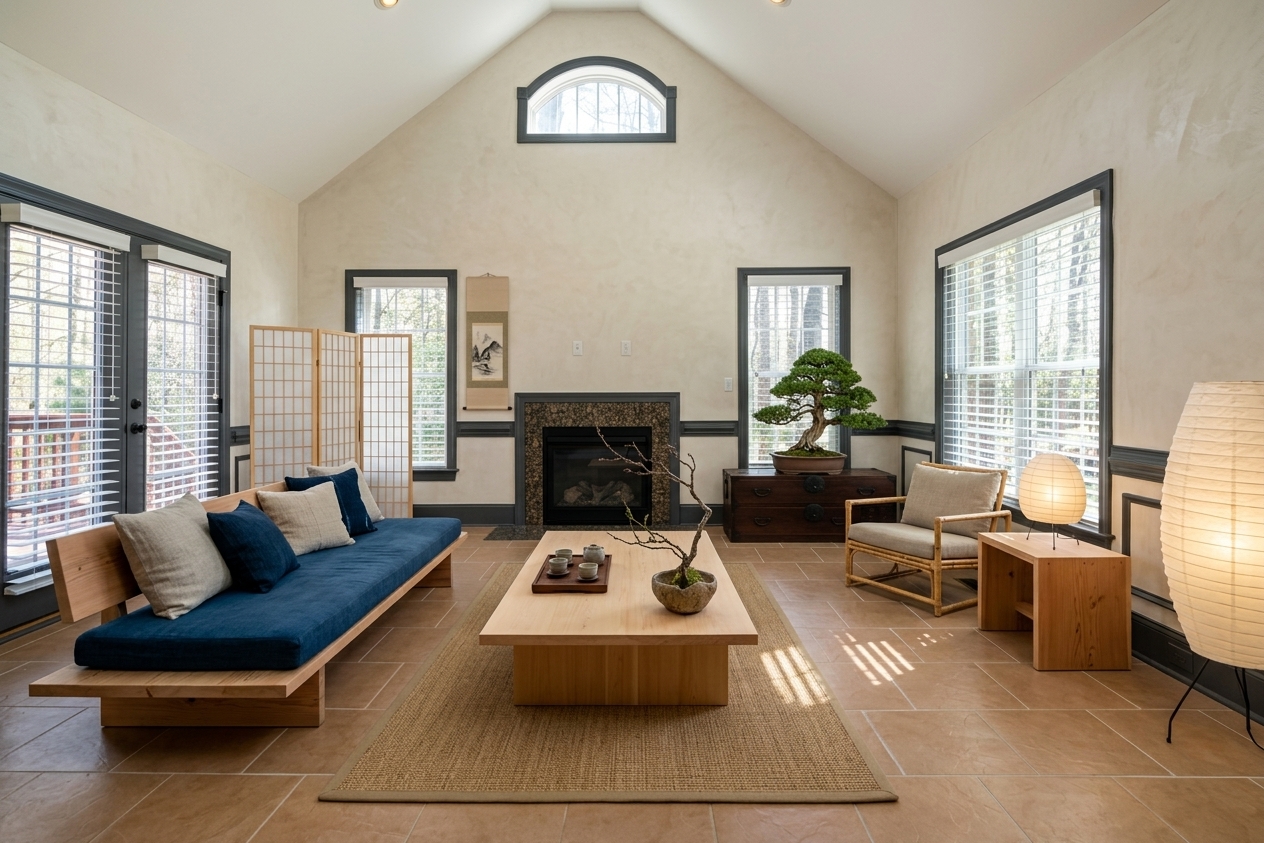 Japandi
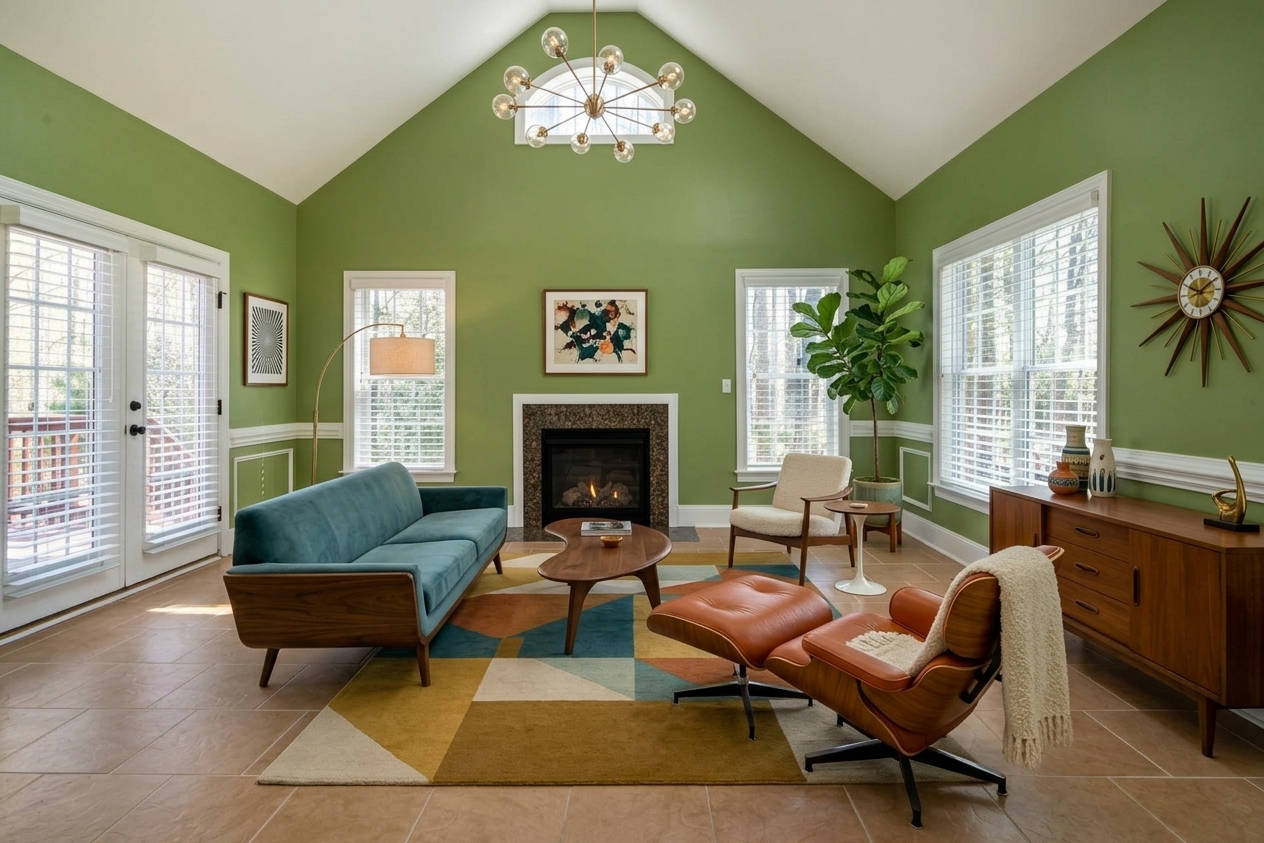 Mid-Century
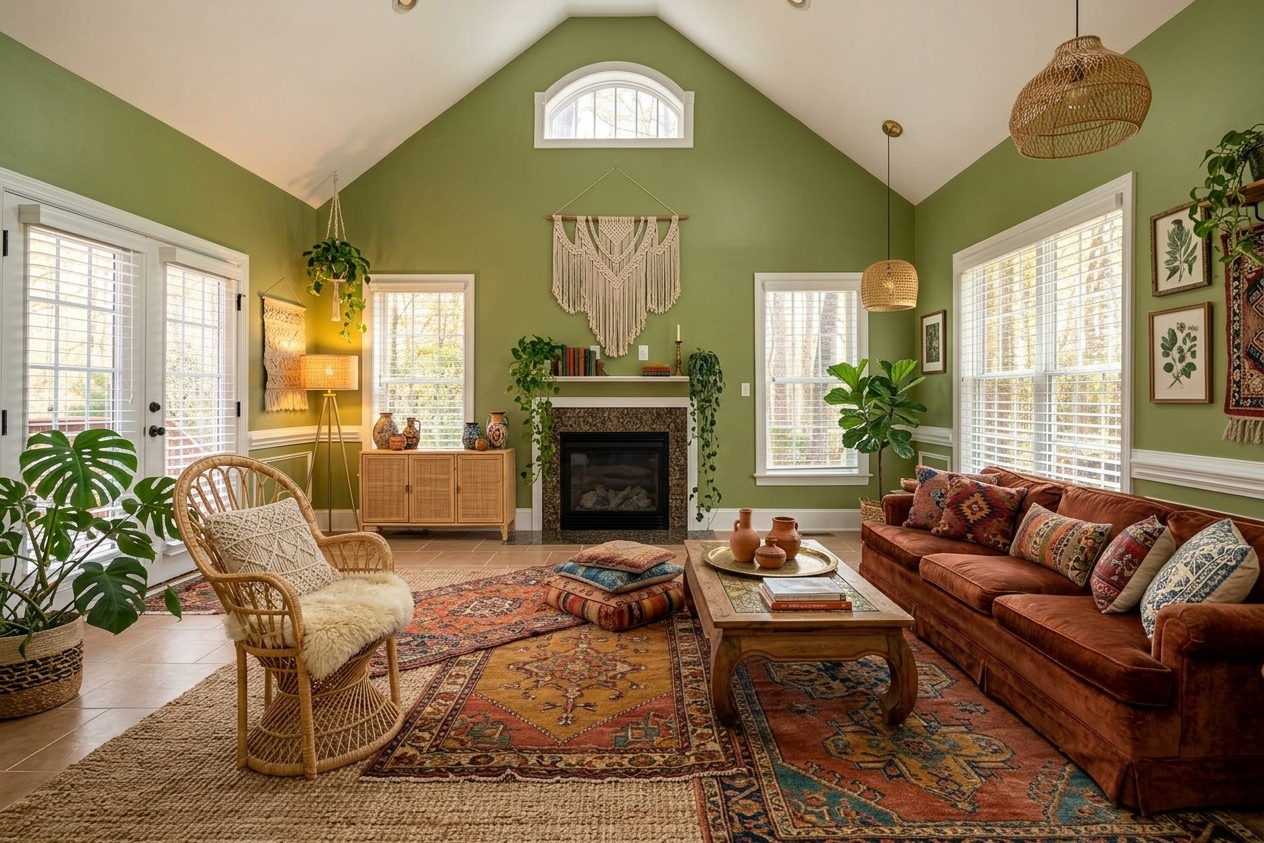 Boho
Boho
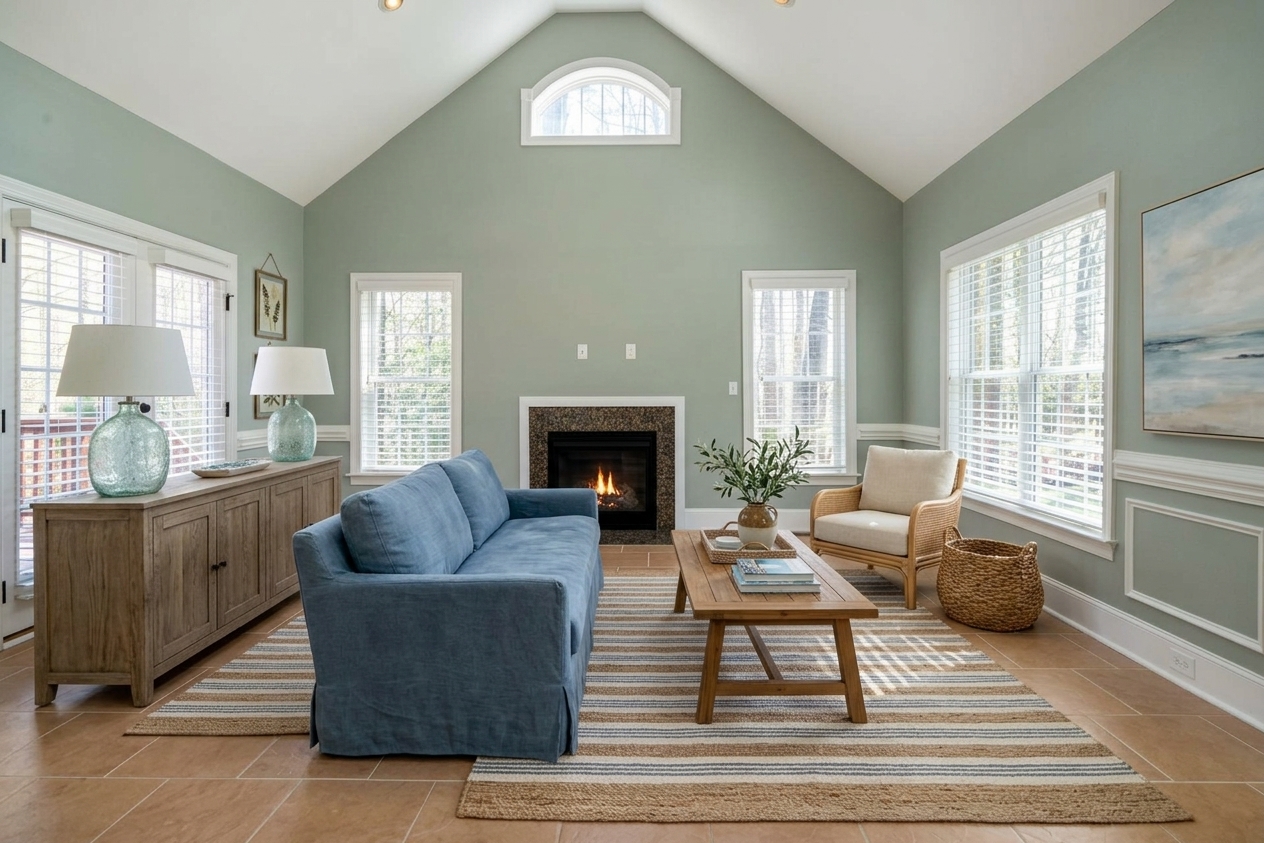 Coastal
5 concepts explored
in minutes
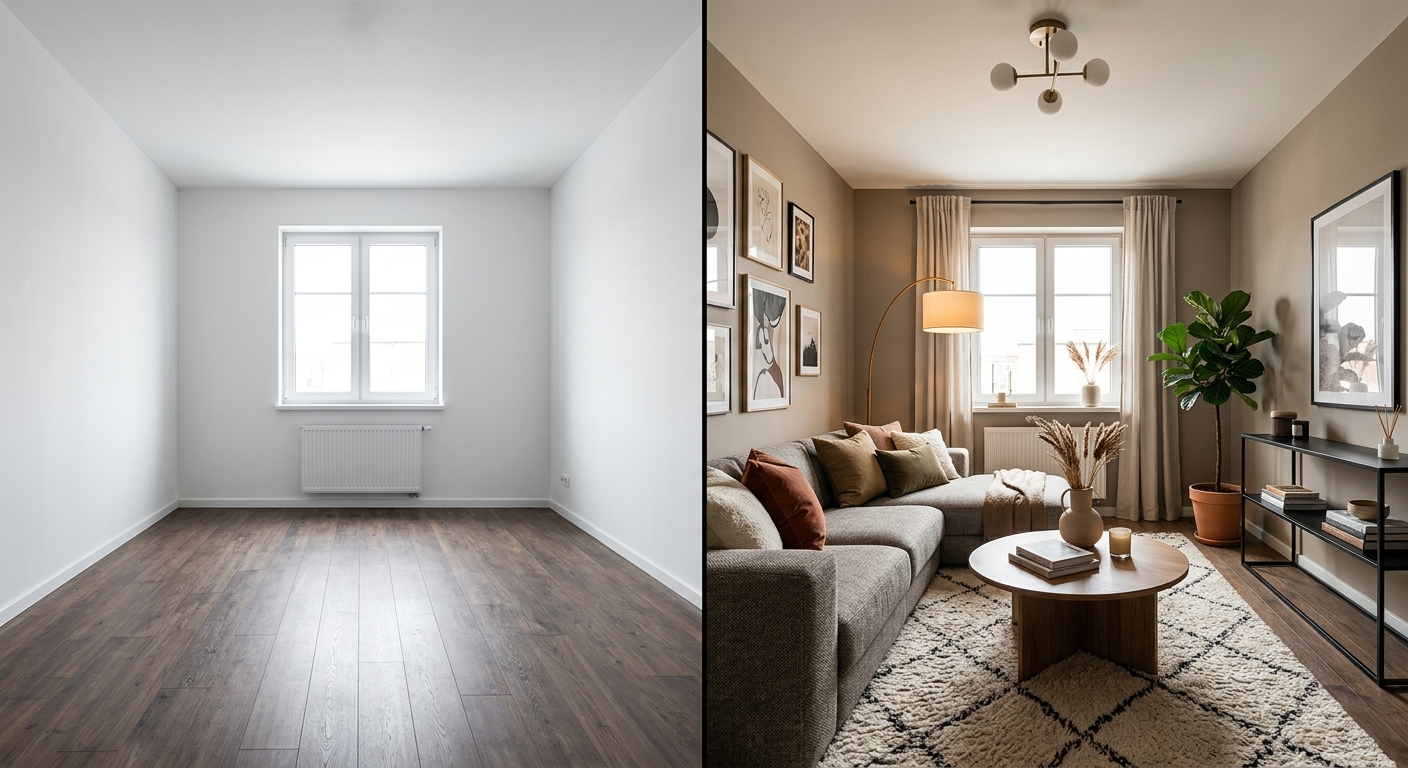
Explore 30 directions
before modeling.
Generate visual options from the existing space and use them to align the team and client before deeper production.
- 30+ stylistic directions for fast exploration
- Compare several concepts in one meeting
- Use real room volumes and light as the base
Discuss materials
visually.
Test palettes, finishes and atmosphere in front of the client before committing to full specifications.
- Preview wall, woodwork and finish directions
- Compare material routes quickly
- Iterate until the direction is clear
From photo to validated concept
No BIM setup and no extra training. Use a space photo and your creative intent.
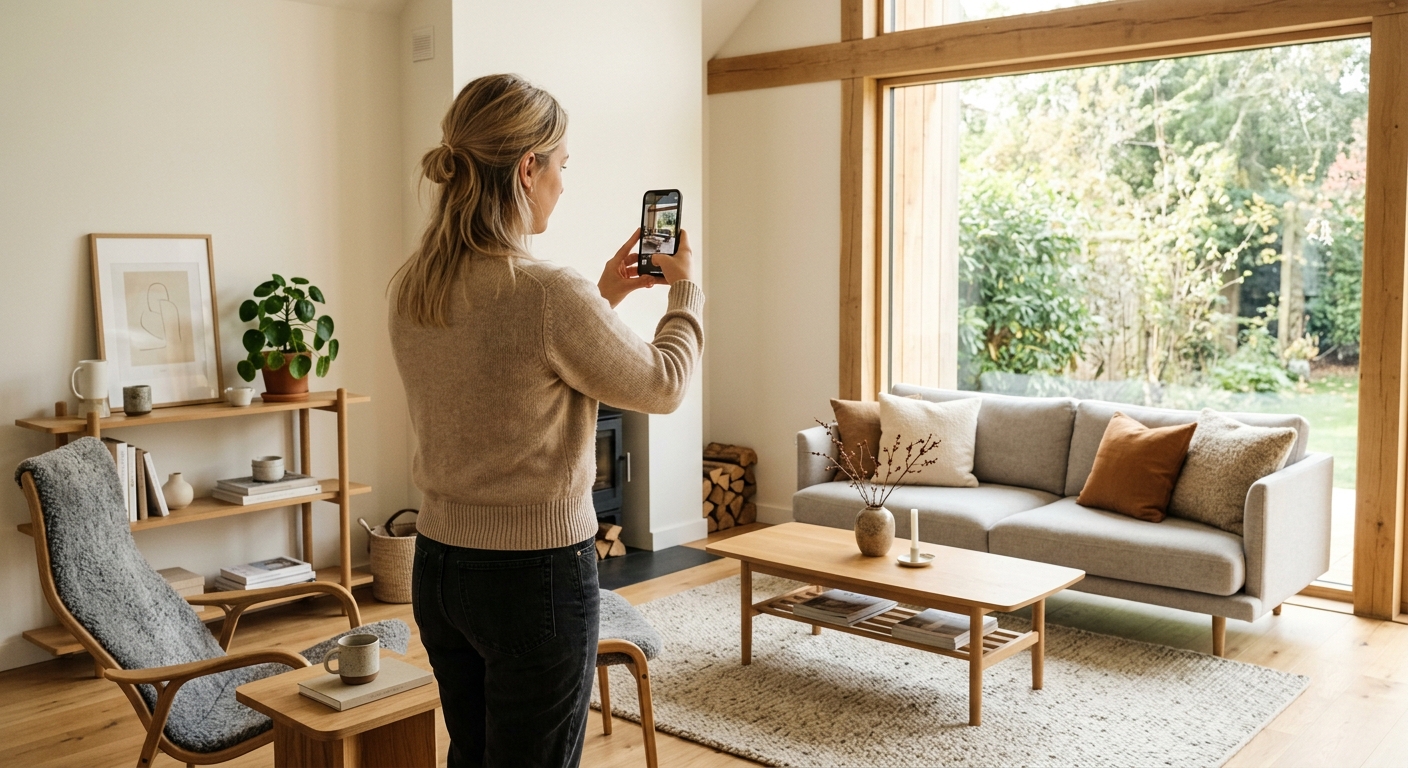
Upload the space
Use an existing room or worksite photo as the visual base.
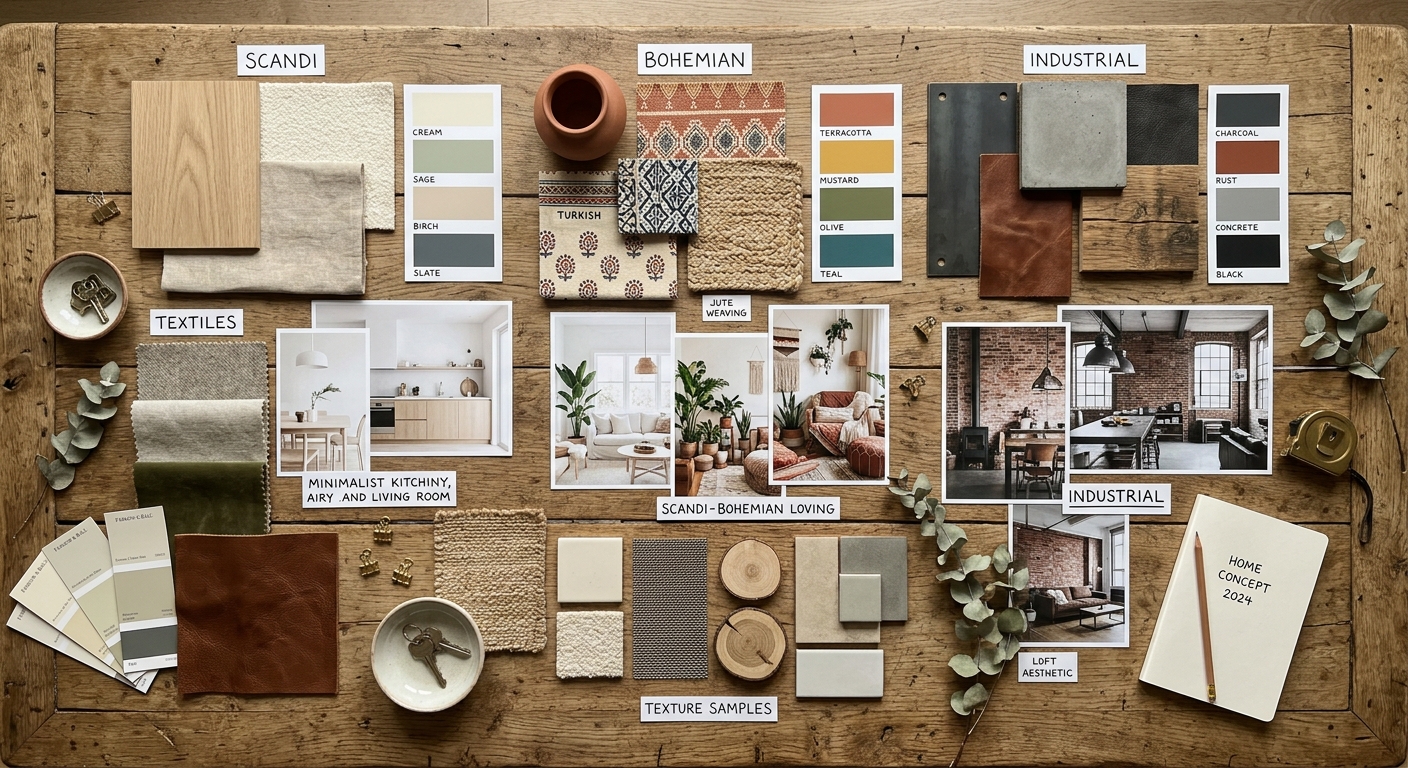
Configure the direction
Set style, palette, furniture direction and atmosphere.
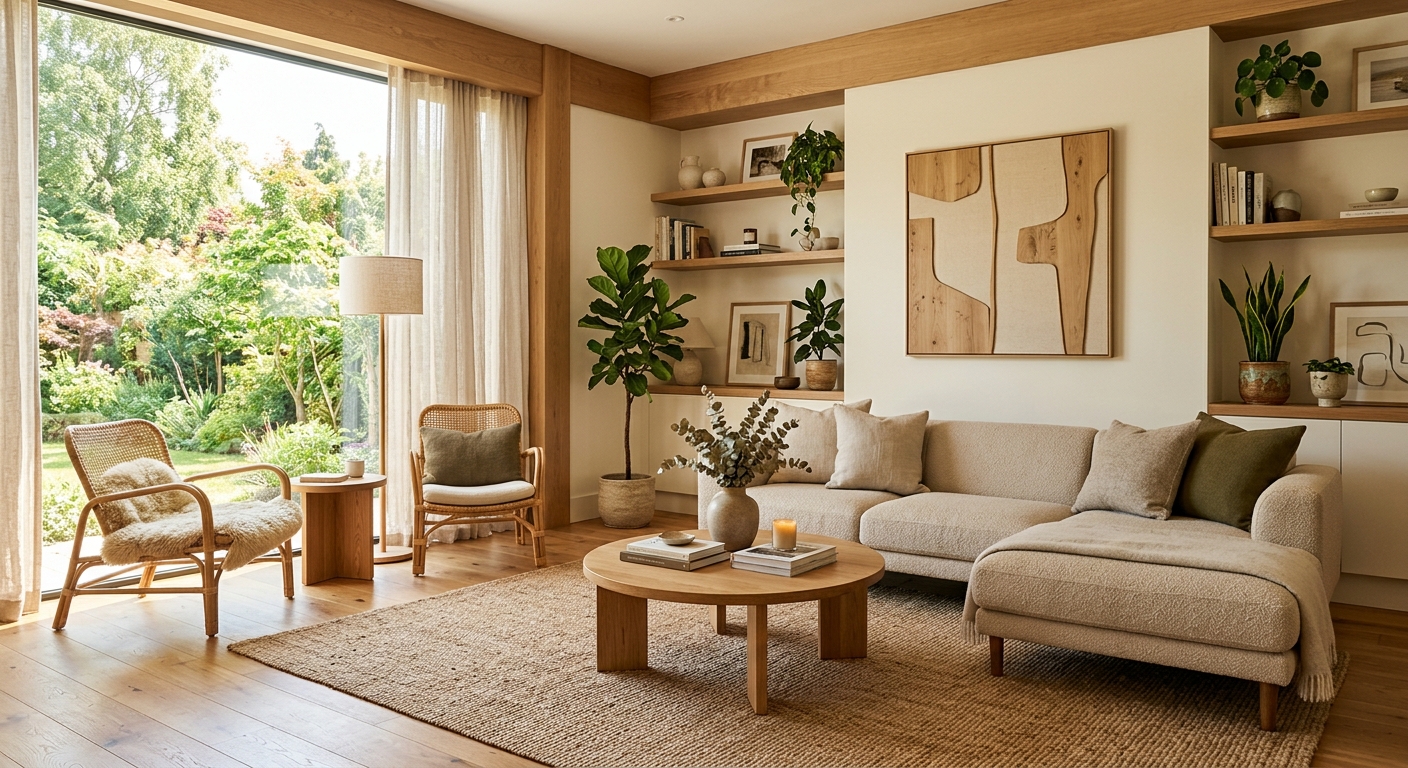
Validate with the client
Compare variants live and move into detailed design with more confidence.
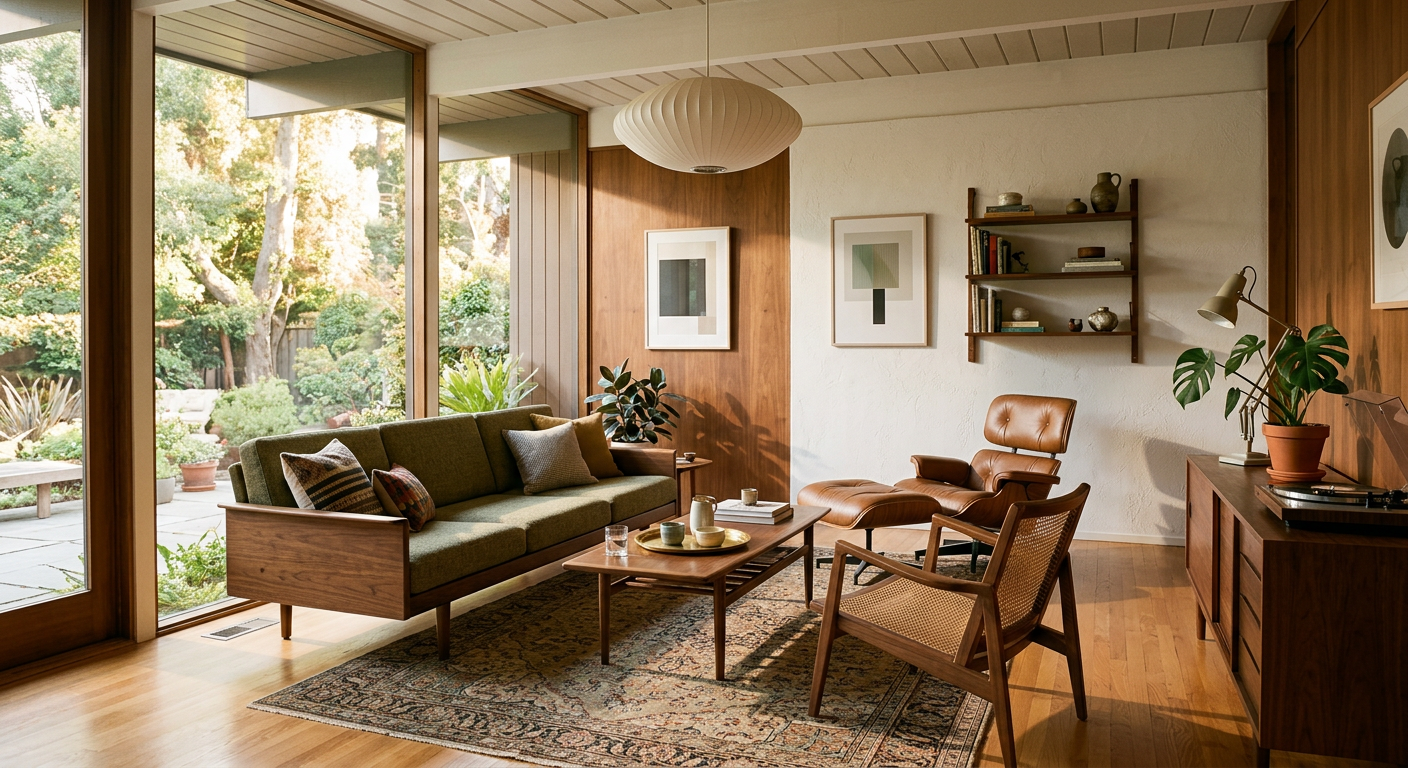
Available on-site
iOS & Android
Generate on-site,
validate in the room.
Interior AI runs on your phone at the worksite or during site visits. Present concepts to your client from the actual space without needing a computer.
- Generate concepts on-site from any smartphone
- Validate creative direction with the client in the space
- No extra hardware needed — your phone is enough


Questions from architecture teams
For integrating Interior AI into early design work.
Is it precise enough for professional presentation?
It is suitable for creative direction and early-stage visualization, not technical construction documentation.
Can I include visuals in client decks?
Yes. The visuals can support moodboards, concept decks and design discussions.
Does the team need training?
No. The interface is designed to be understood quickly without specialist 3D skills.
Are client project photos private?
Uploaded images stay private and secure. They are used to generate your requested visuals.
Validate faster.
Create more often.
Start with a photo of any space and create your first concept visual in seconds.