
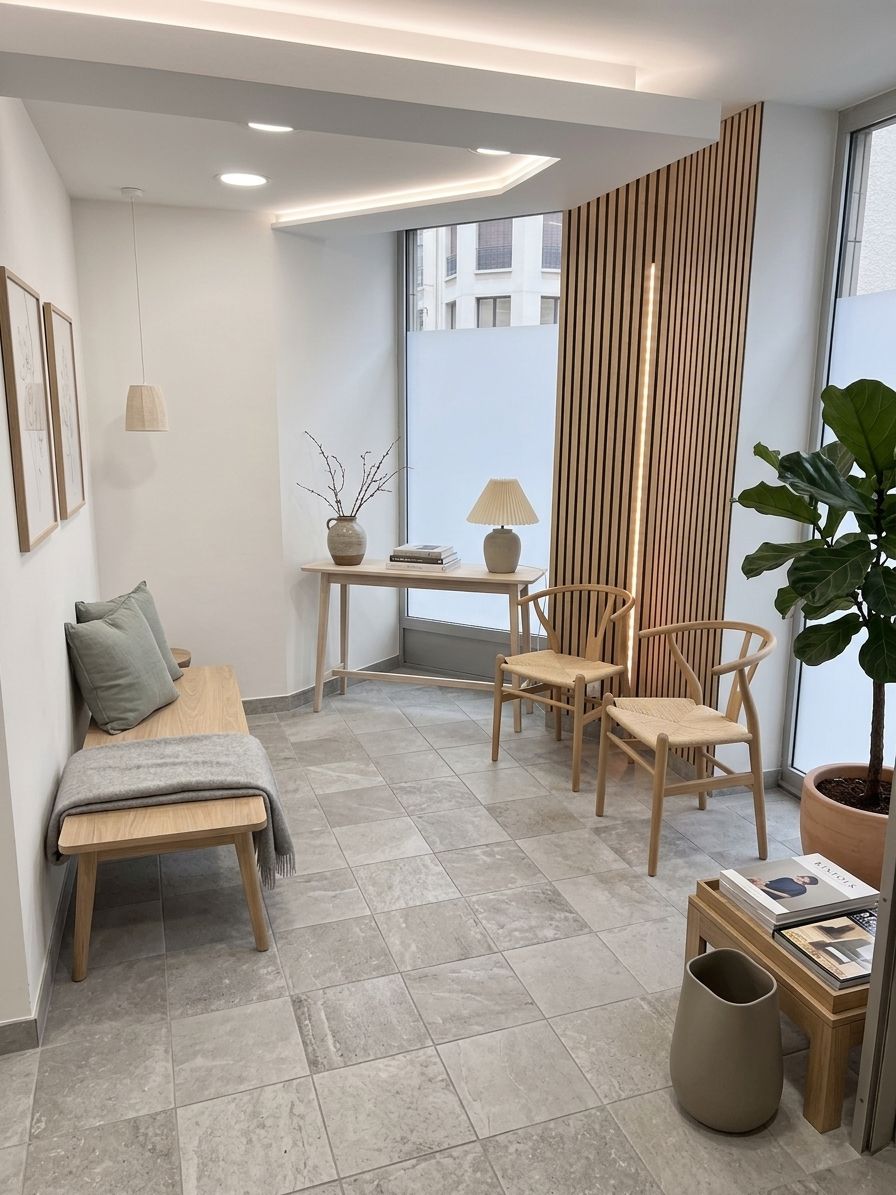
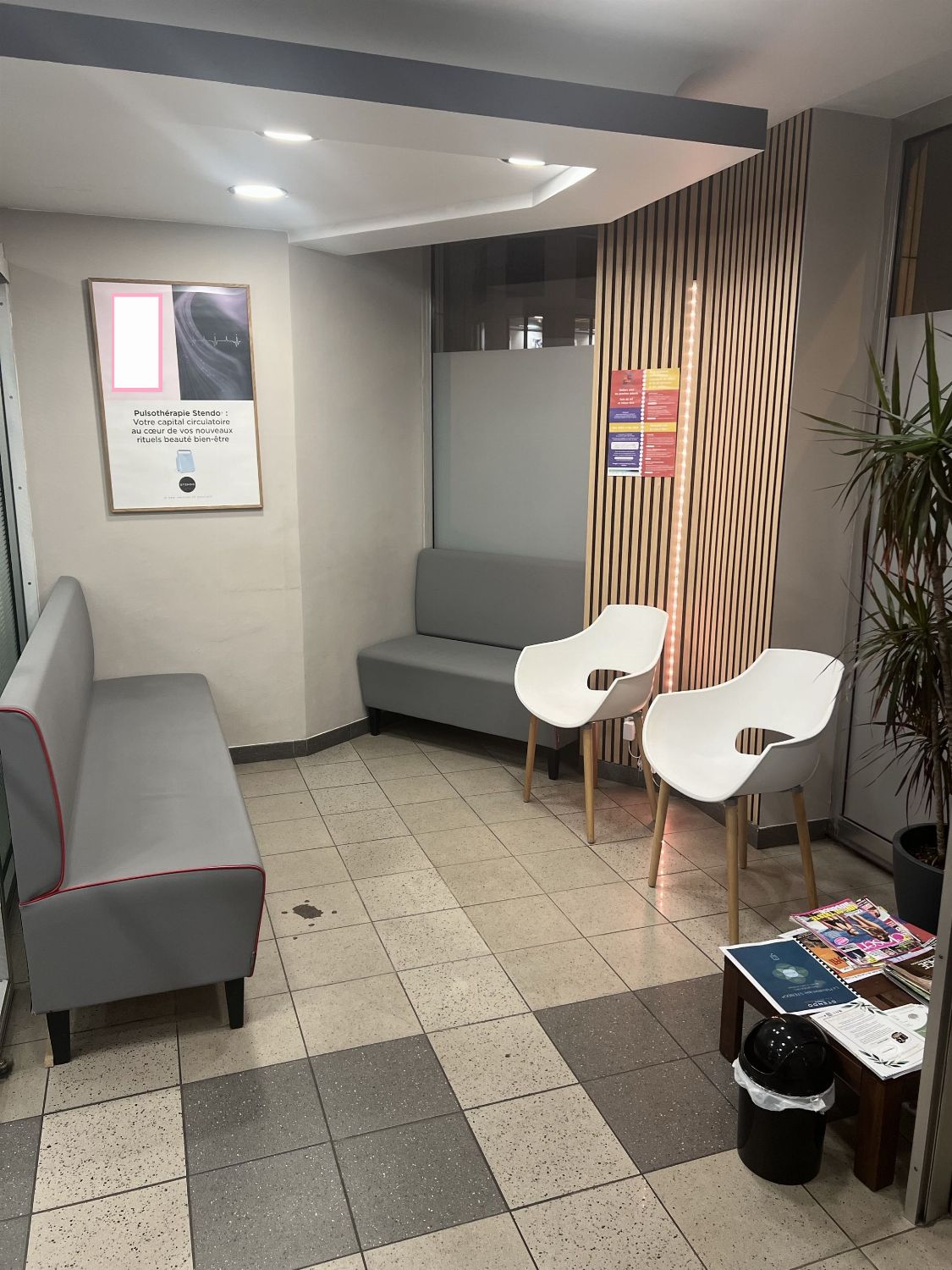
Drag to compare
Drag to compare
See your home in a whole new light
Drag across the photo to see what the AI changes. A few questions, and we'll pick the right tool for you.
Or jump straight in:
Which sounds most like you?
So we can tailor the suggestions to your project.
What are we working on?
What you're about to photograph or upload.
You can change your mind at any point.
Setting up your space
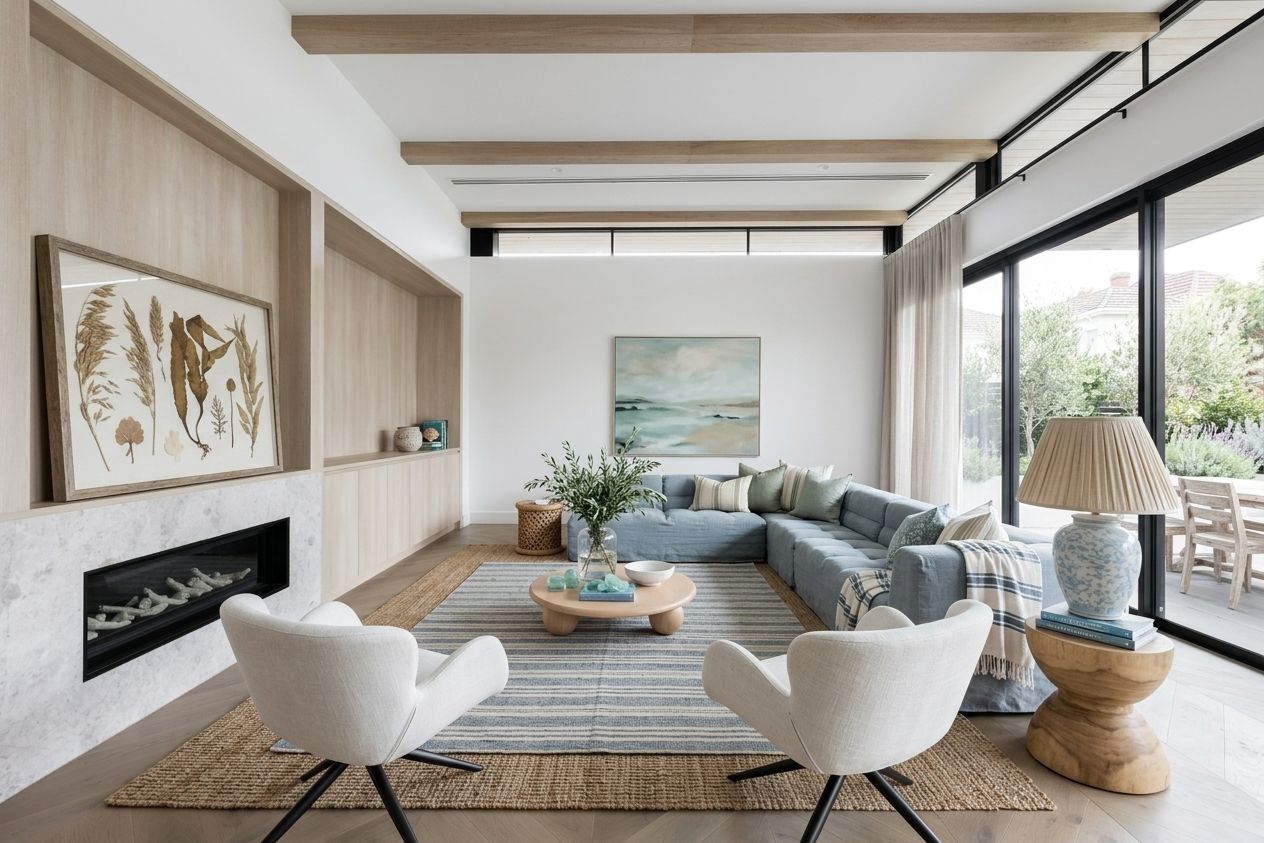
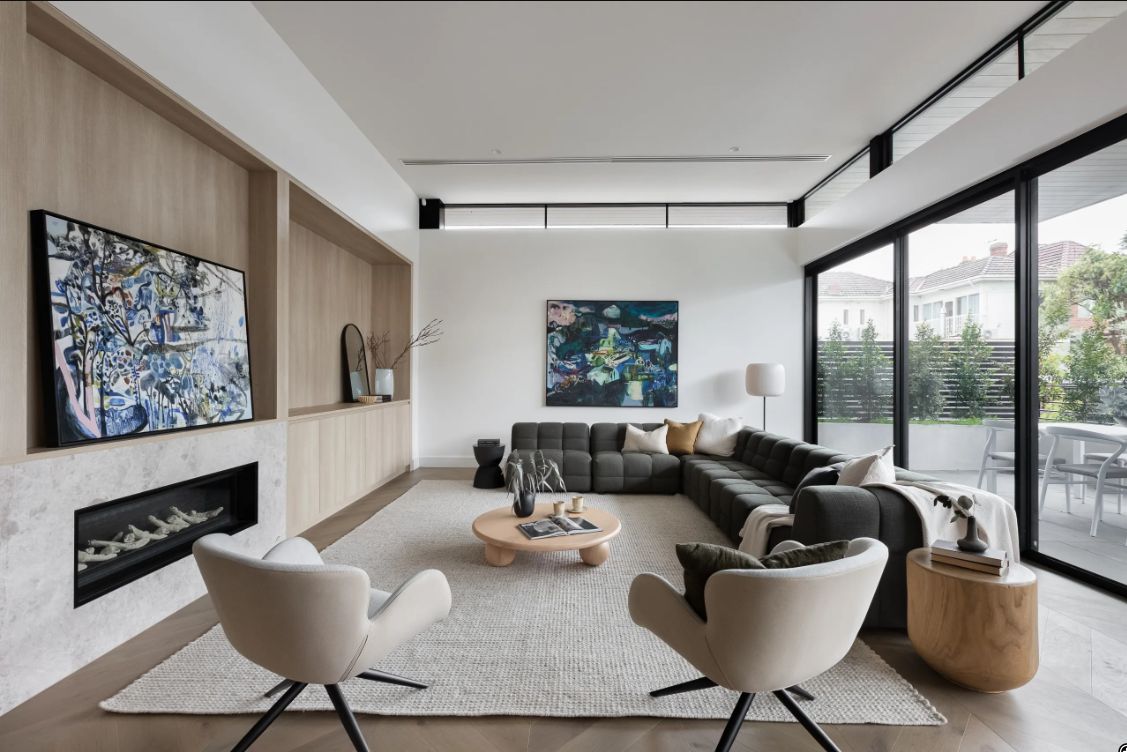
Redesign
Pick a style and let AI fully redesign your room.
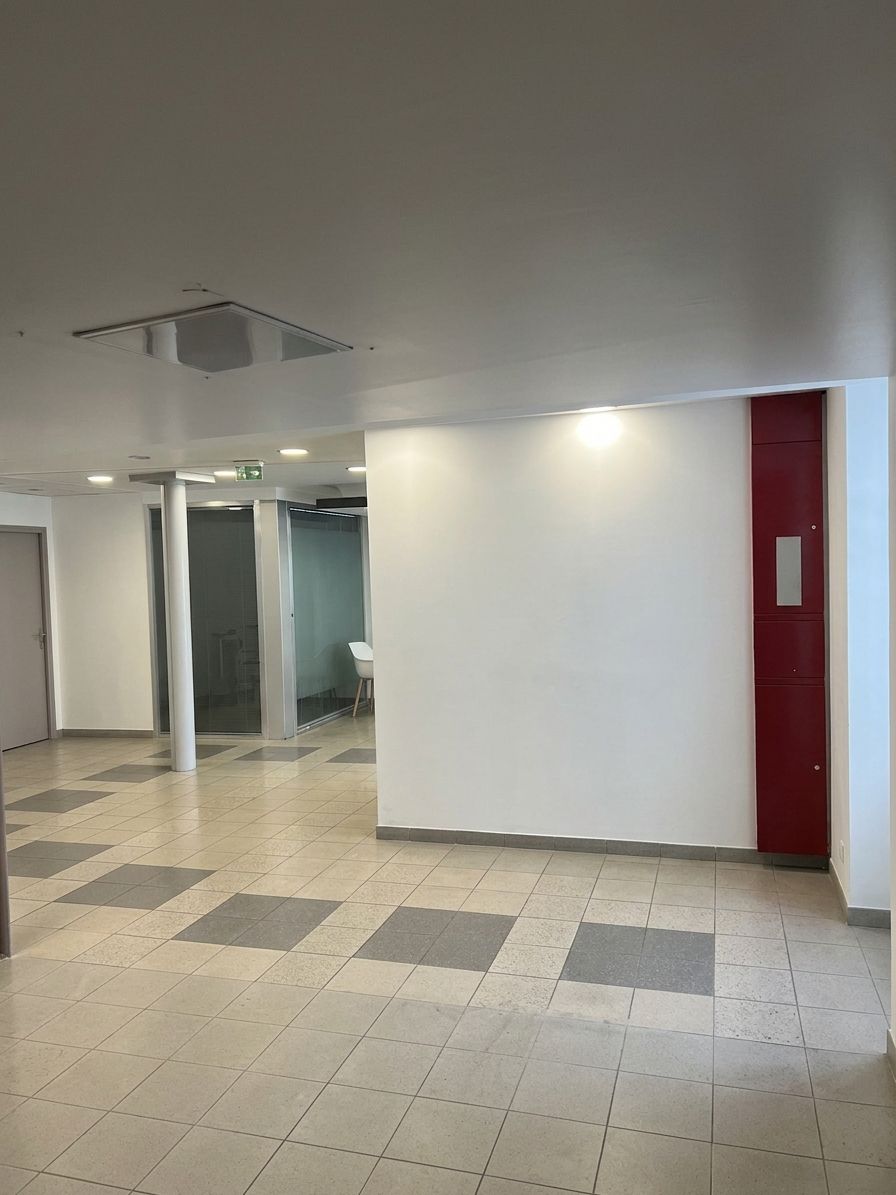
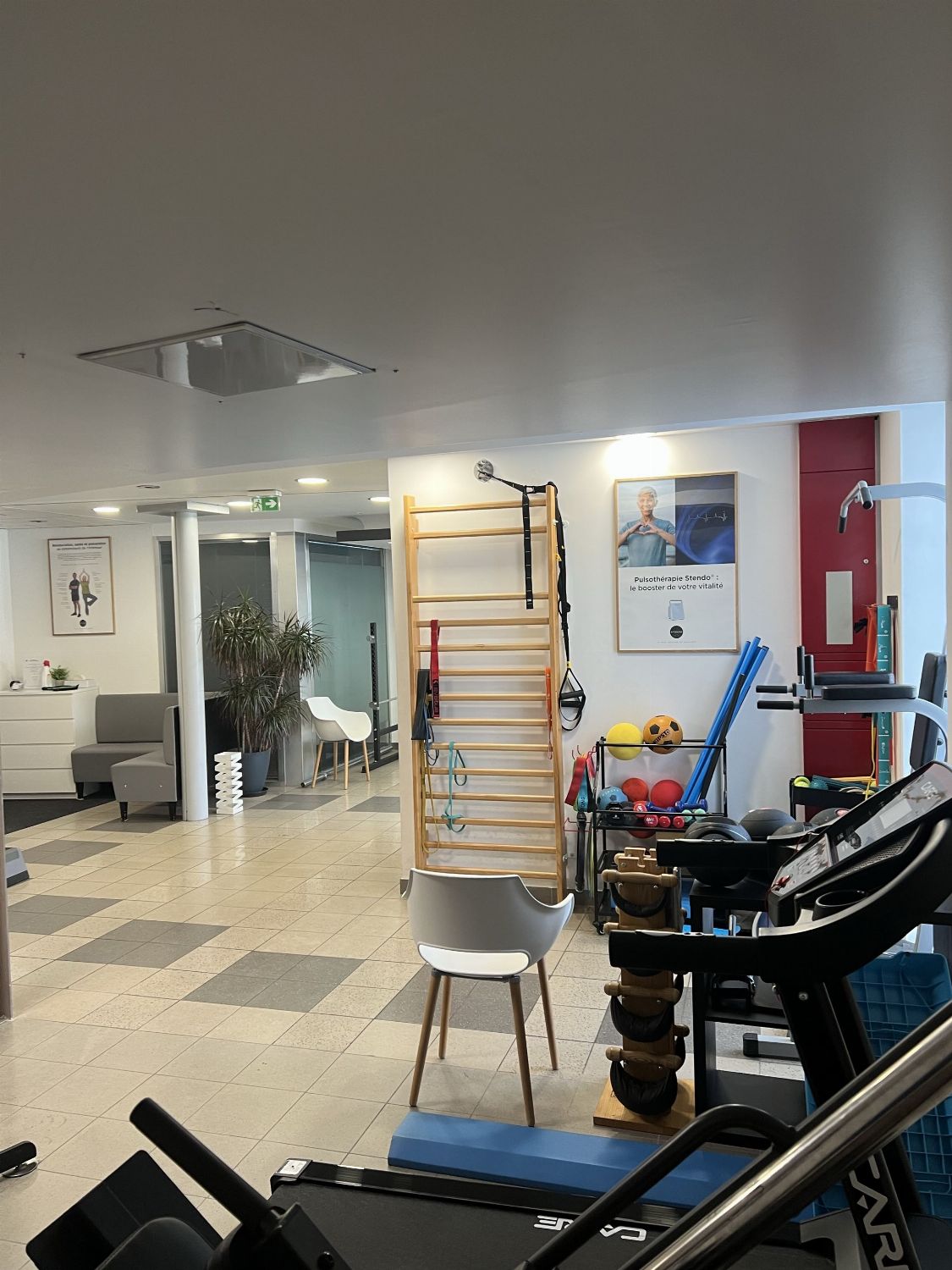
Empty the room
Remove all the furniture to get a clean, empty room while keeping its style.
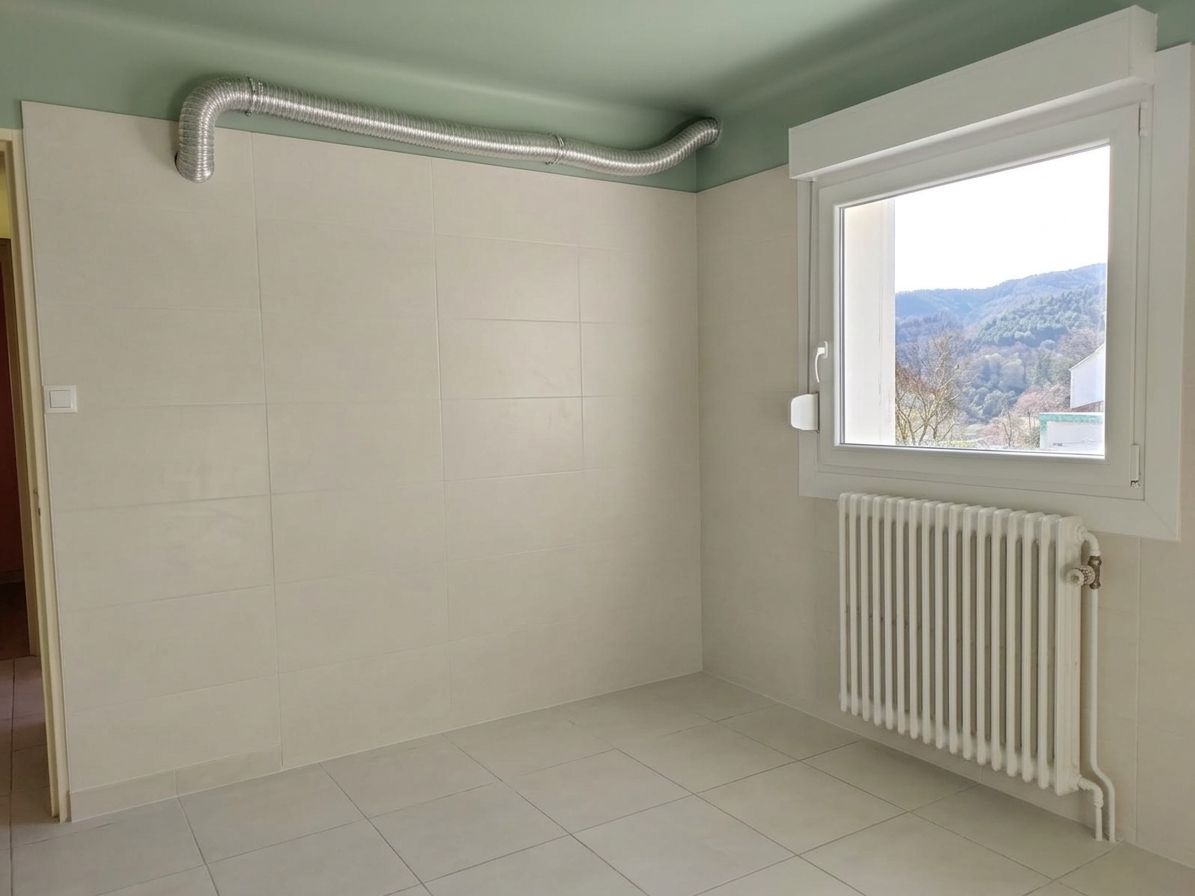
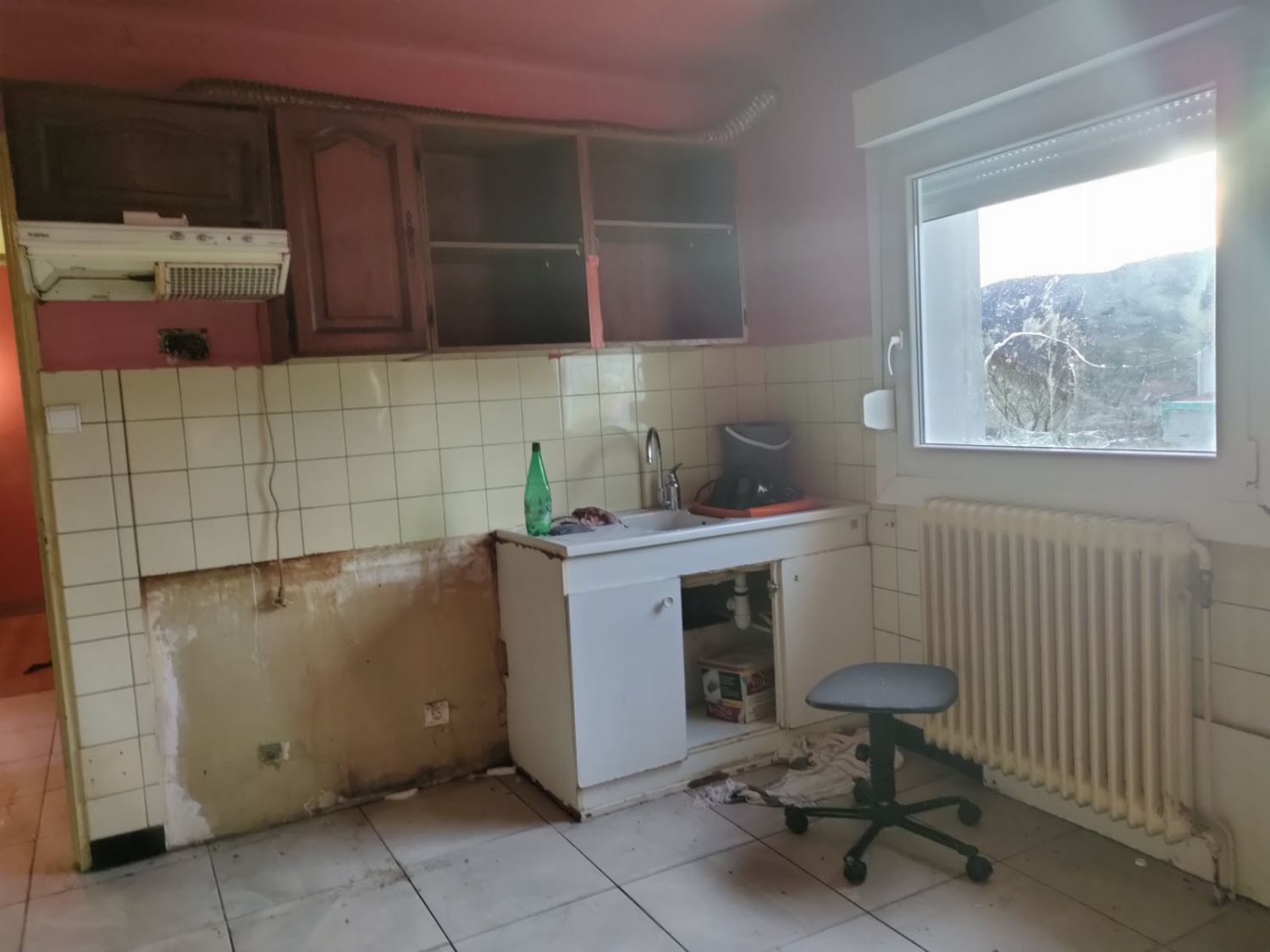
Repair
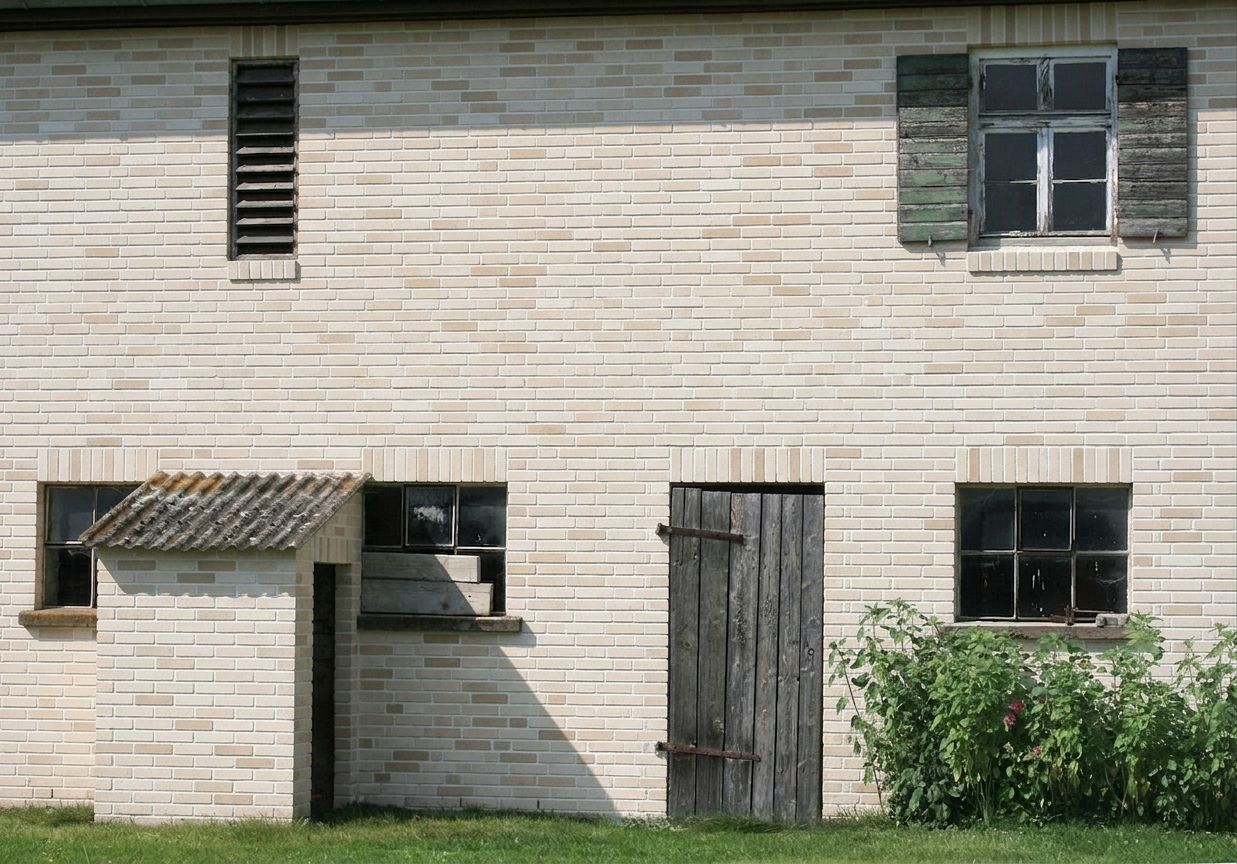
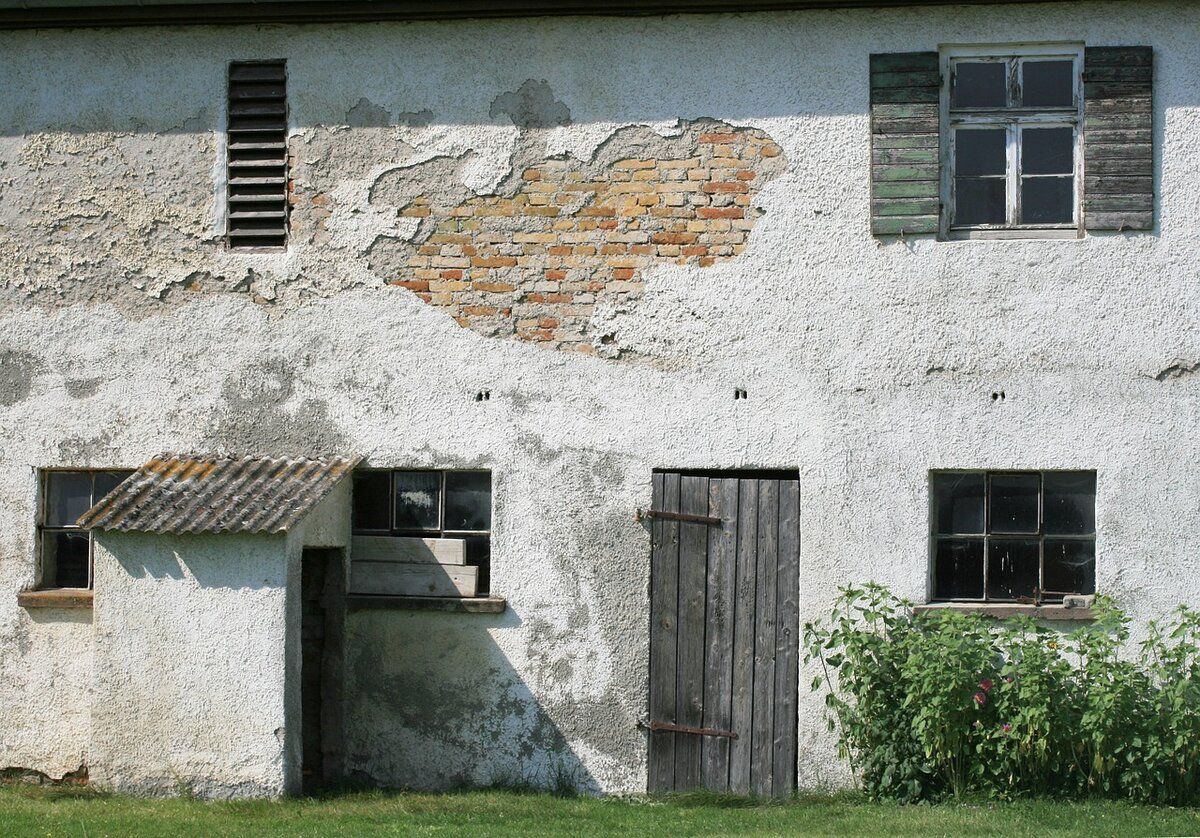
Turn an old, damaged room into a clean, freshly repaired space.
Repaint
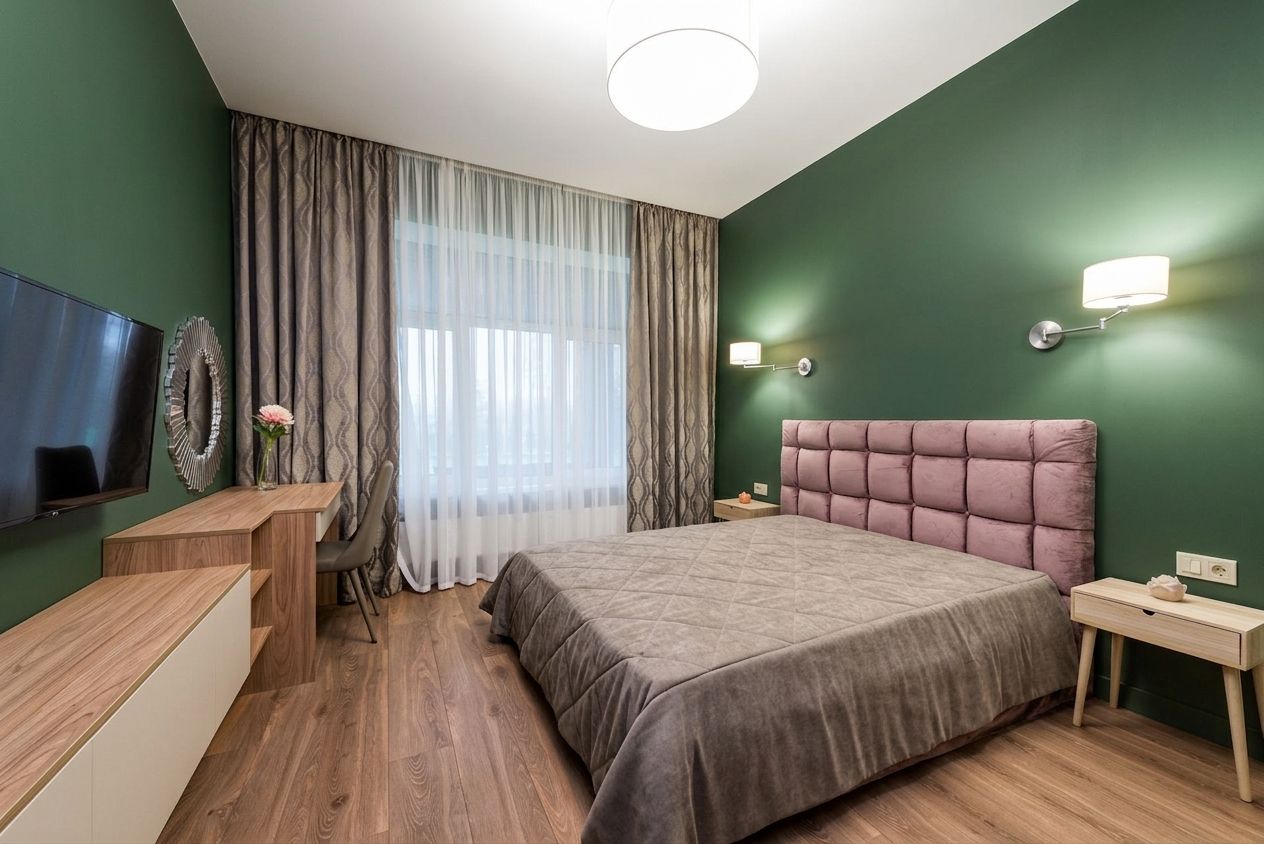
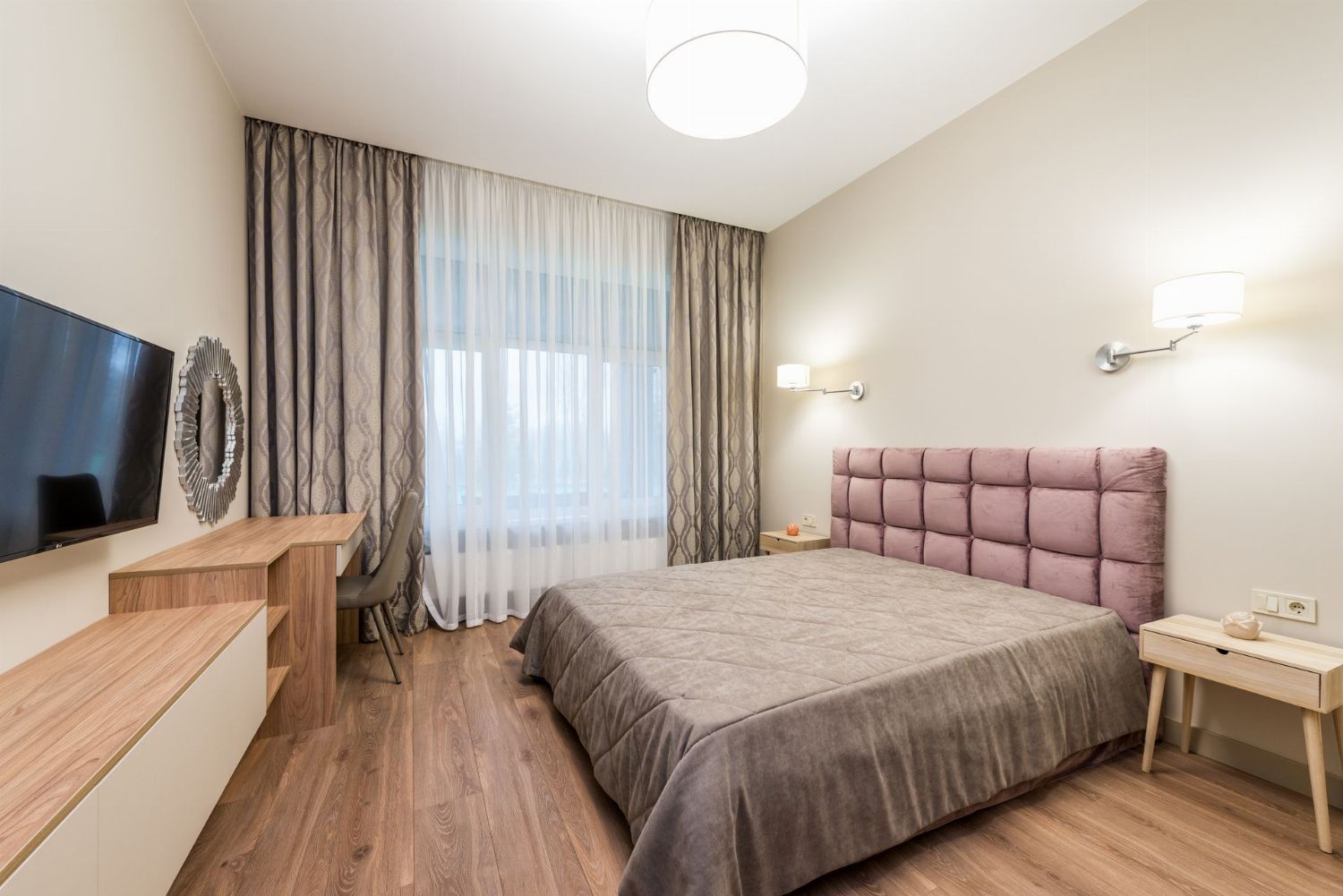
Change your wall color with a photorealistic render.
2D Plan → 3D
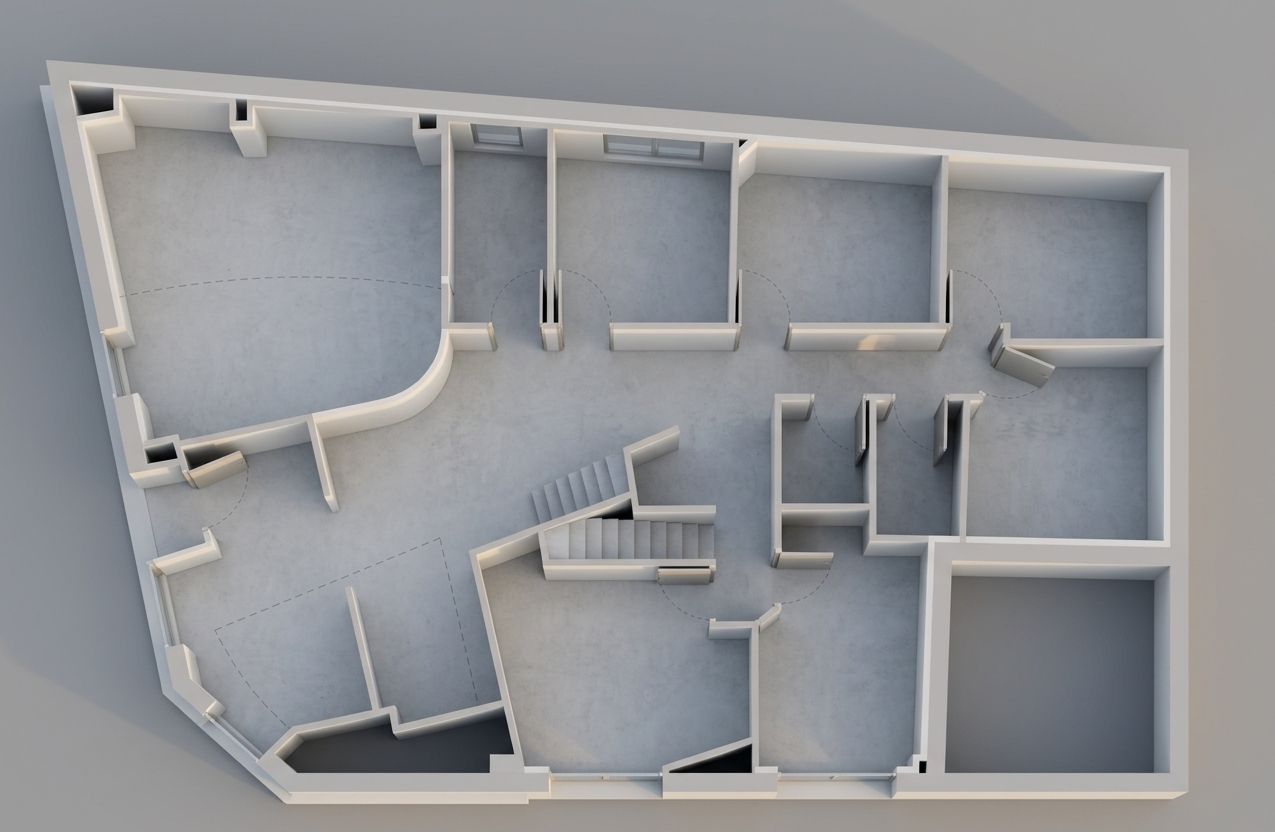
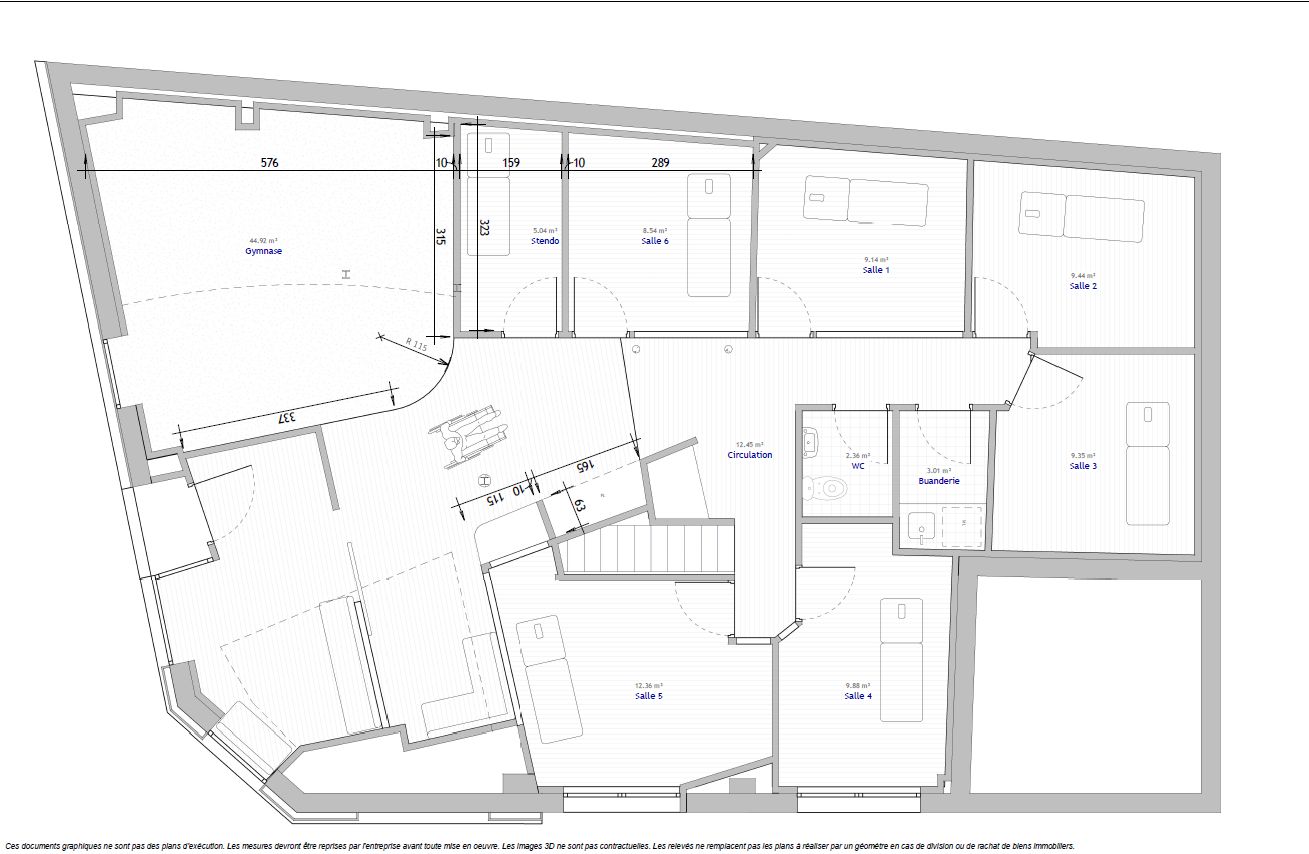
Upload your home's 2D floor plan (top-down view): the AI detects the rooms and generates a furnished, photorealistic 3D render.
3D render → Photo
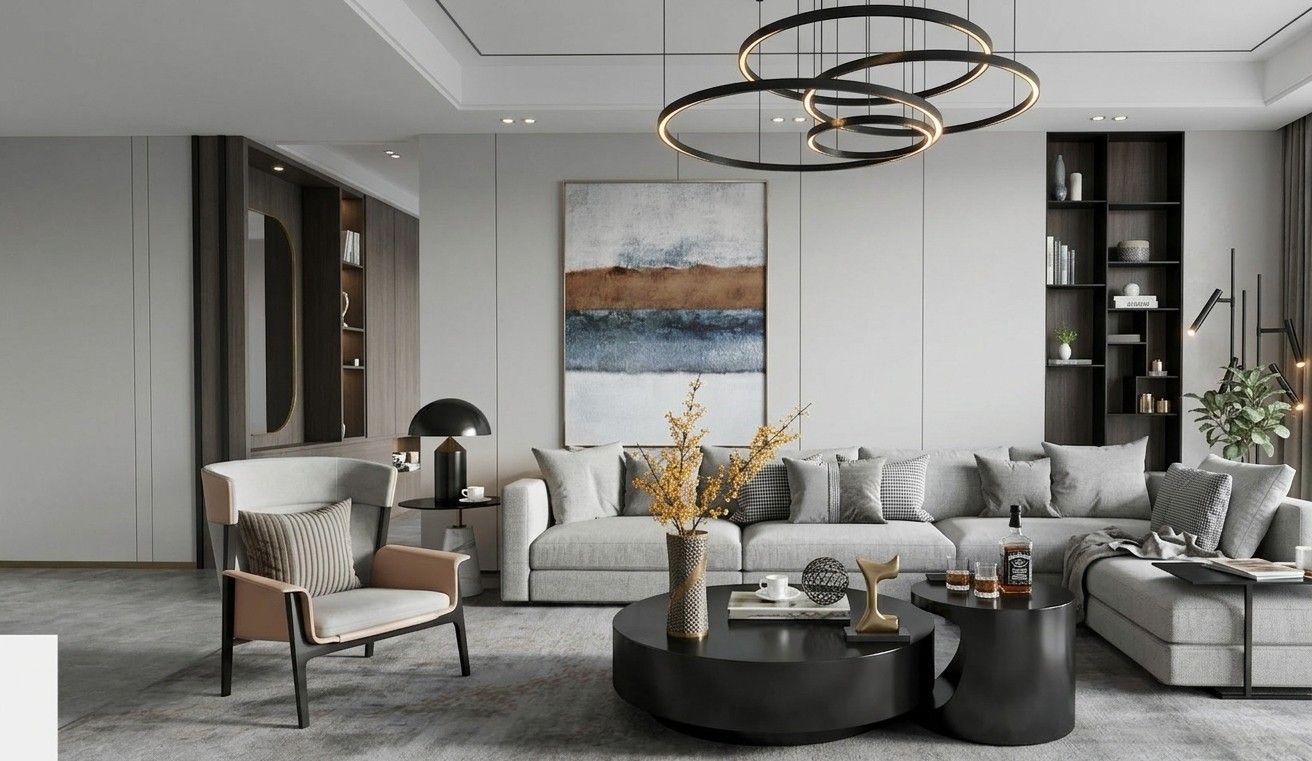
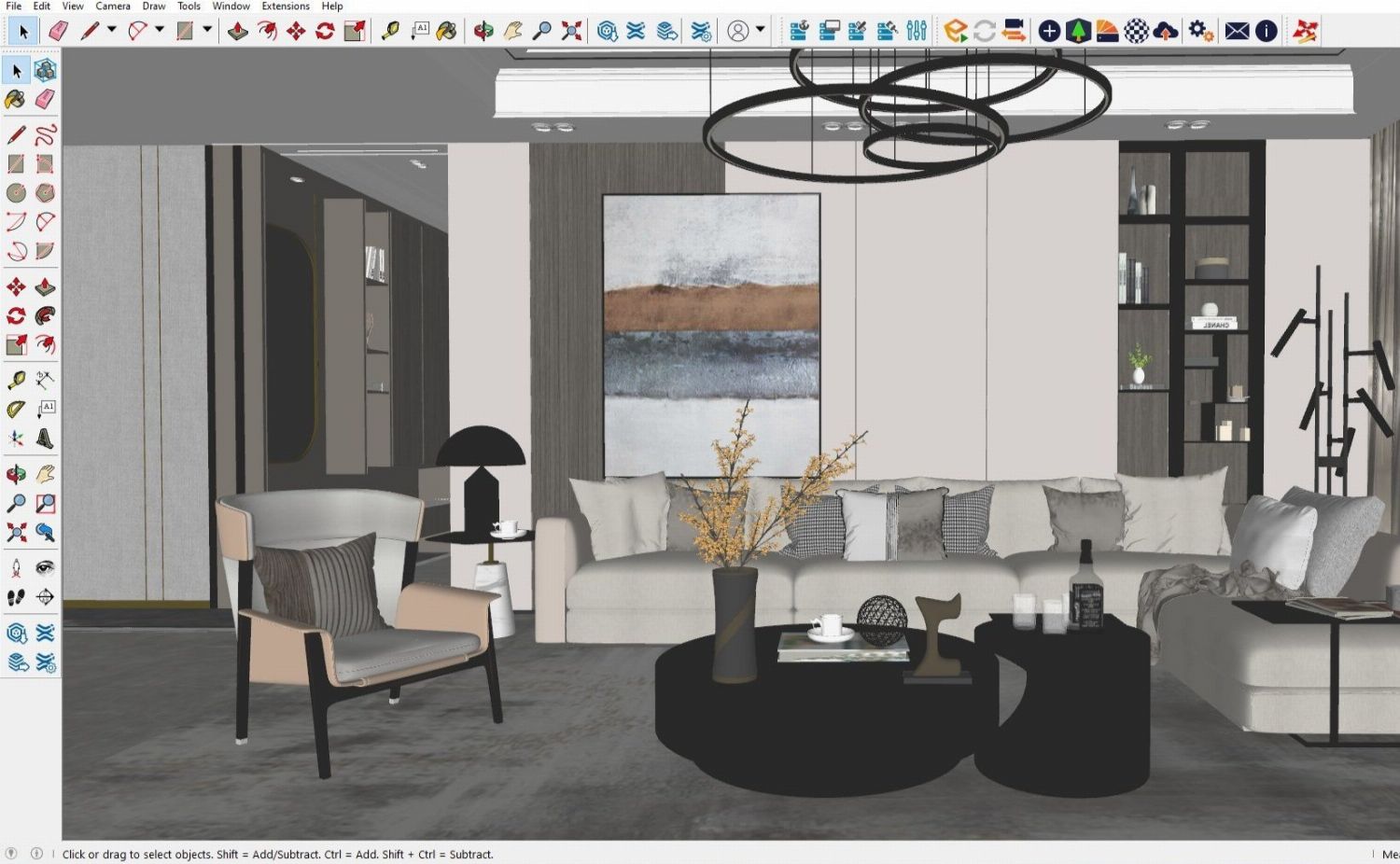
Turn your SketchUp, Blender or 3ds Max renders into photorealistic images that help clients project themselves.
Facade
Refresh a facade from a photo, change its materials or turn a 3D render into a photorealistic image of the building.
Sketch
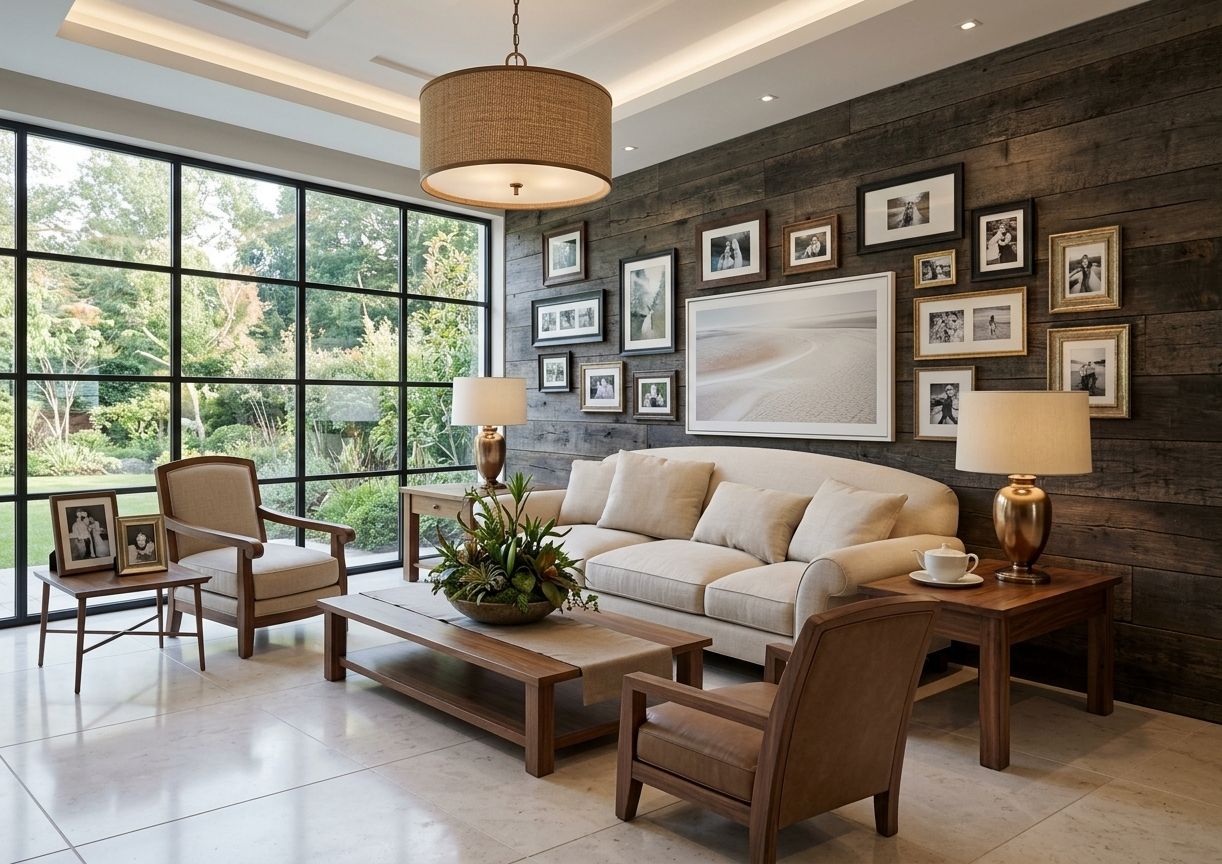
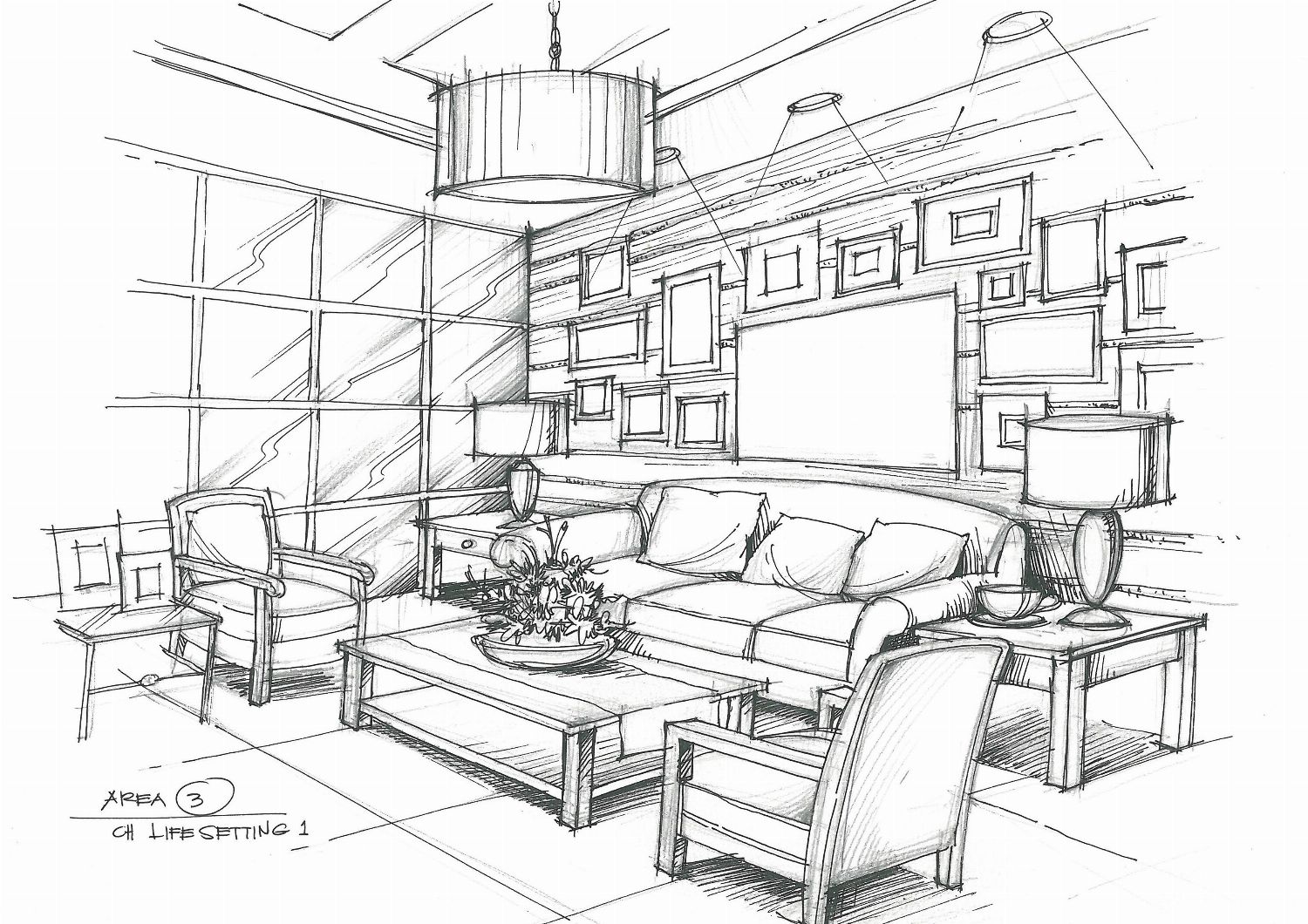
Turn a hand-drawn room sketch into a photorealistic photo in the style of your choice. A floor plan is redirected to the 2D → 3D plan render.
Does this work for you?
All generation types
Pick the one that fits your project best.