Redesign
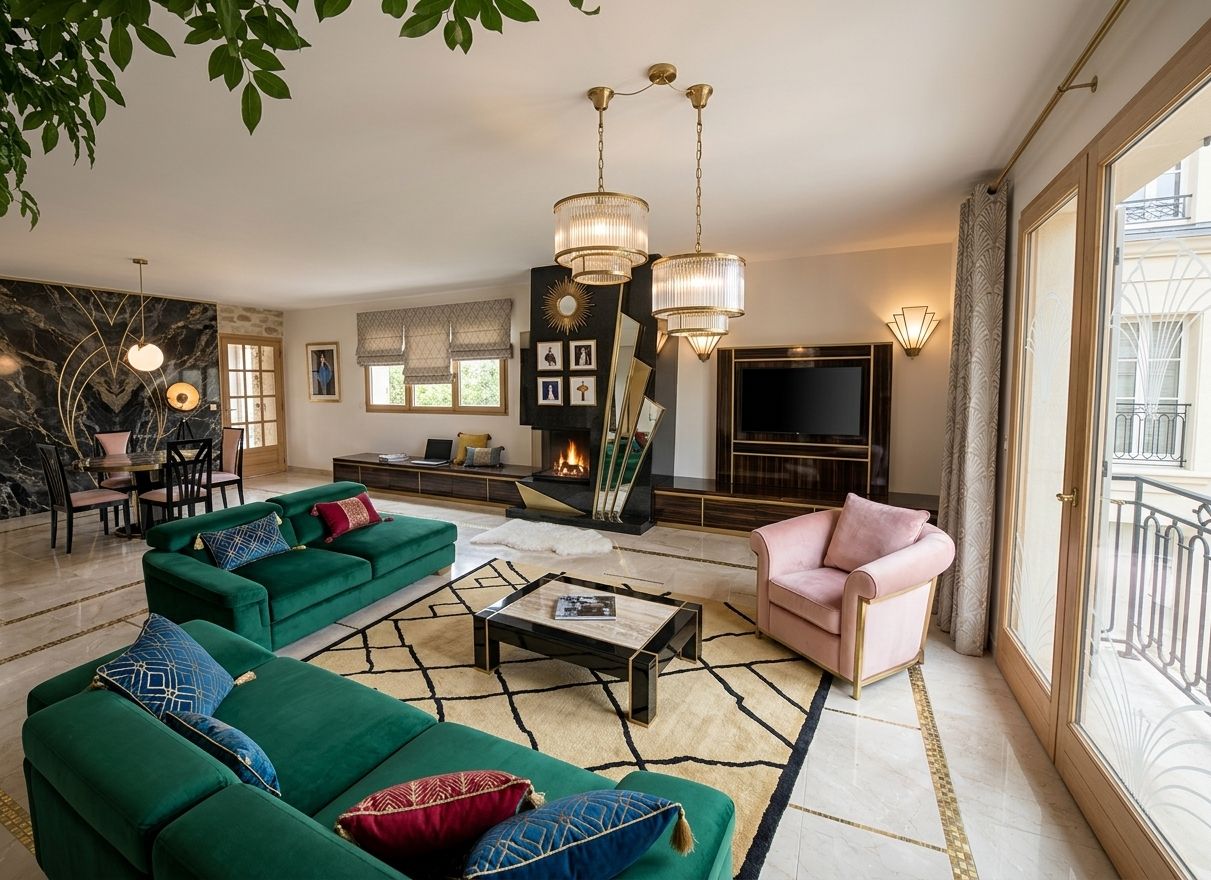
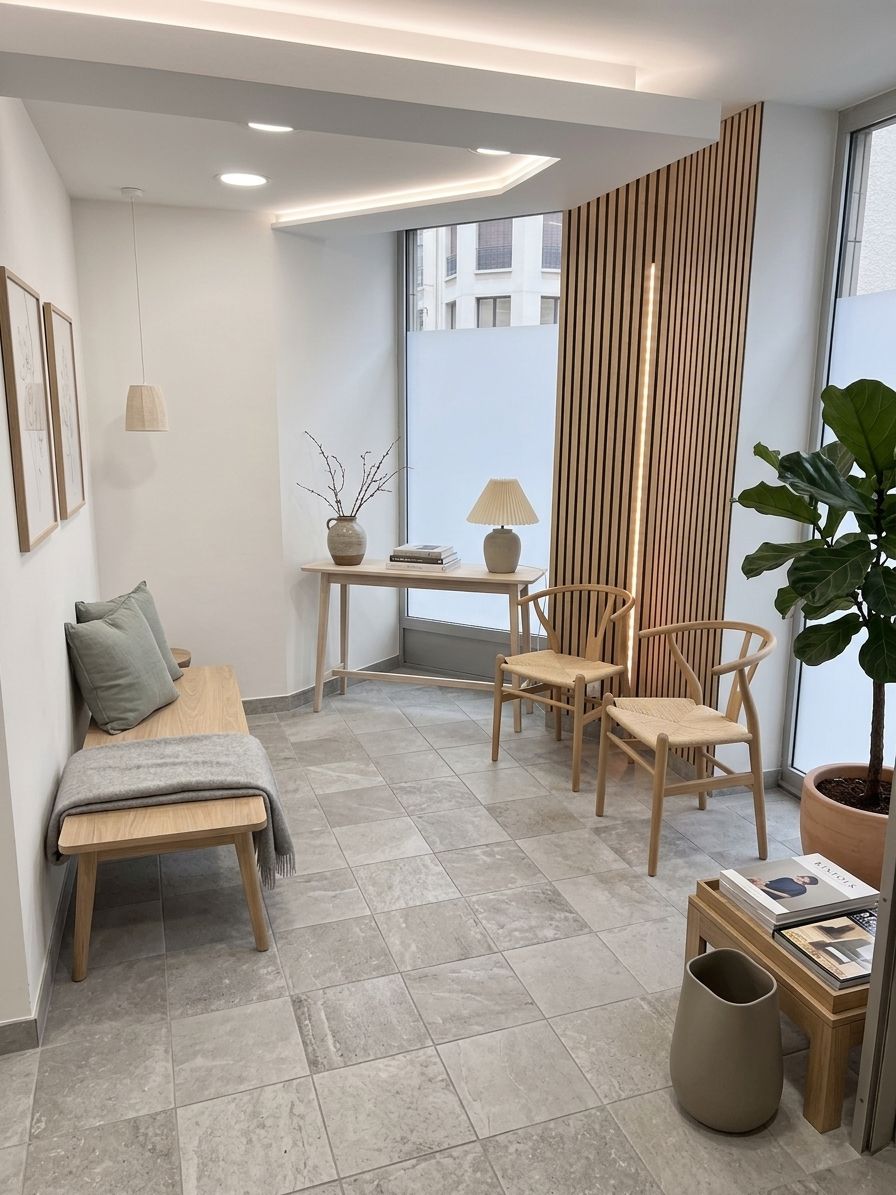
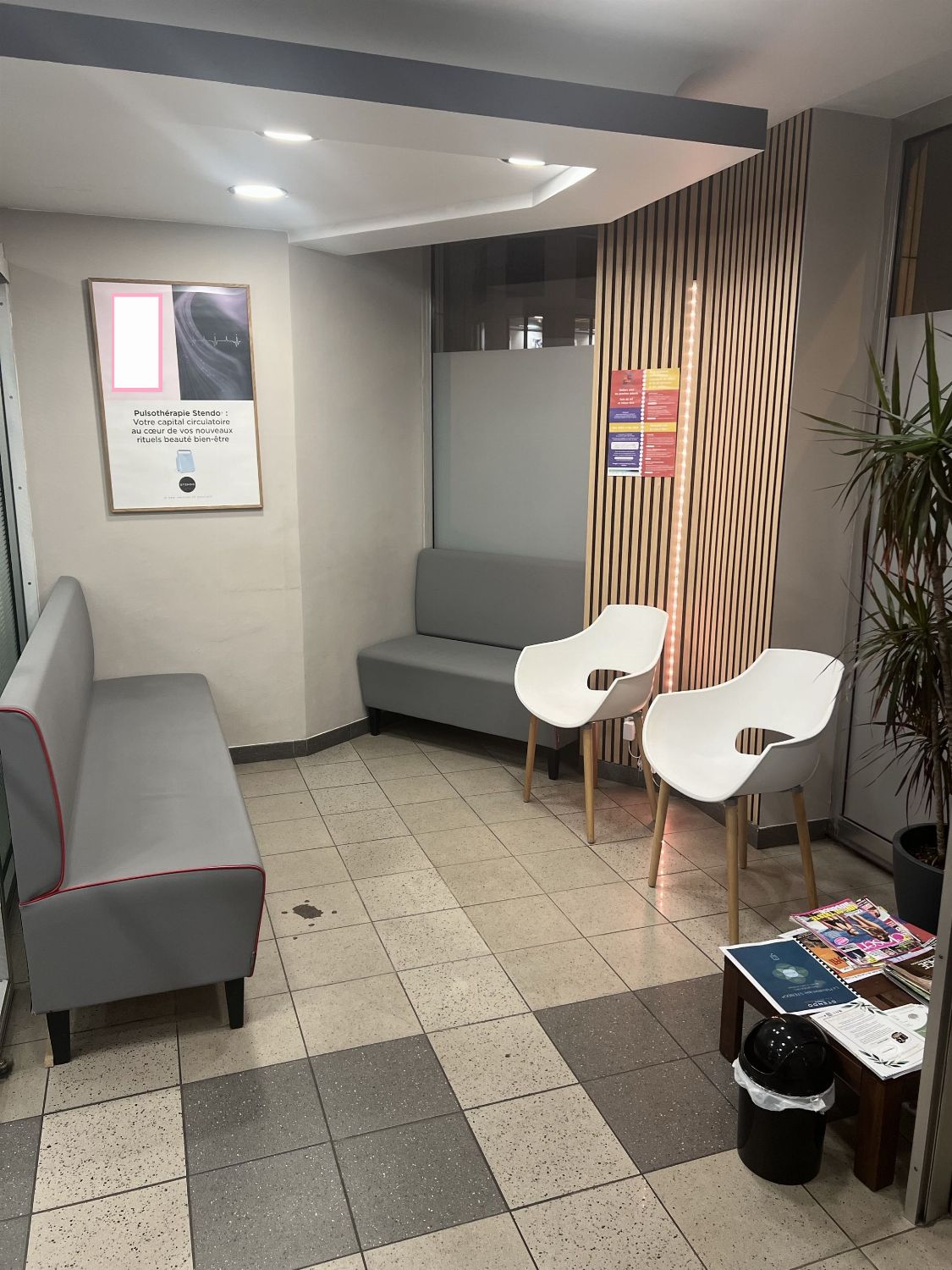
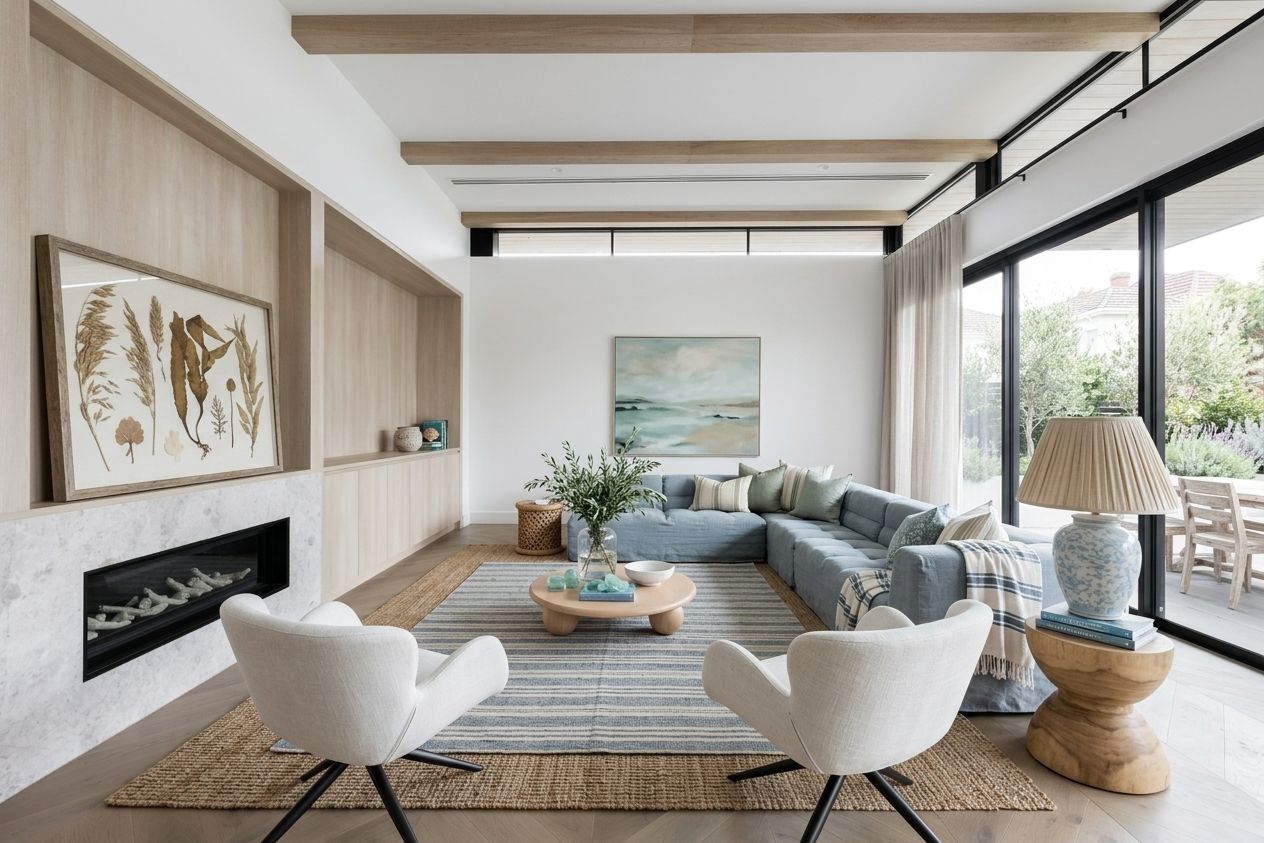
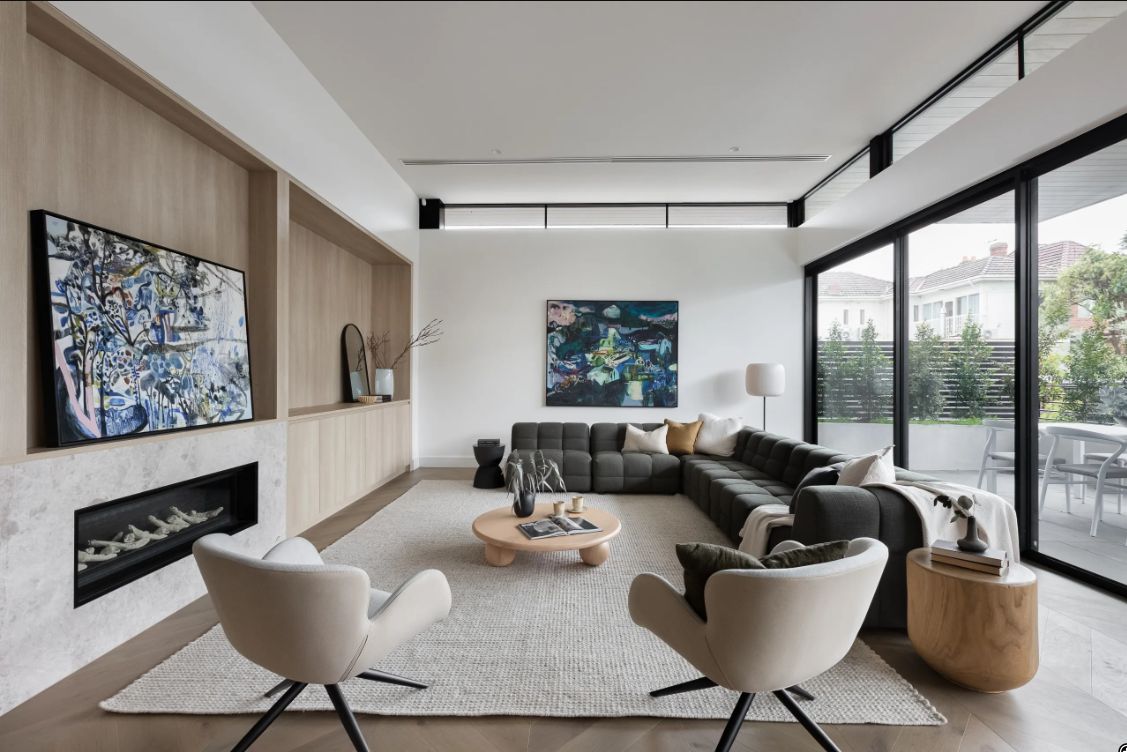
Pick a style and let AI fully redesign your room.
See what each flow can do, then jump straight in. A few examples per transformation — pick one and try it.
Pick a style and let AI fully redesign your room.
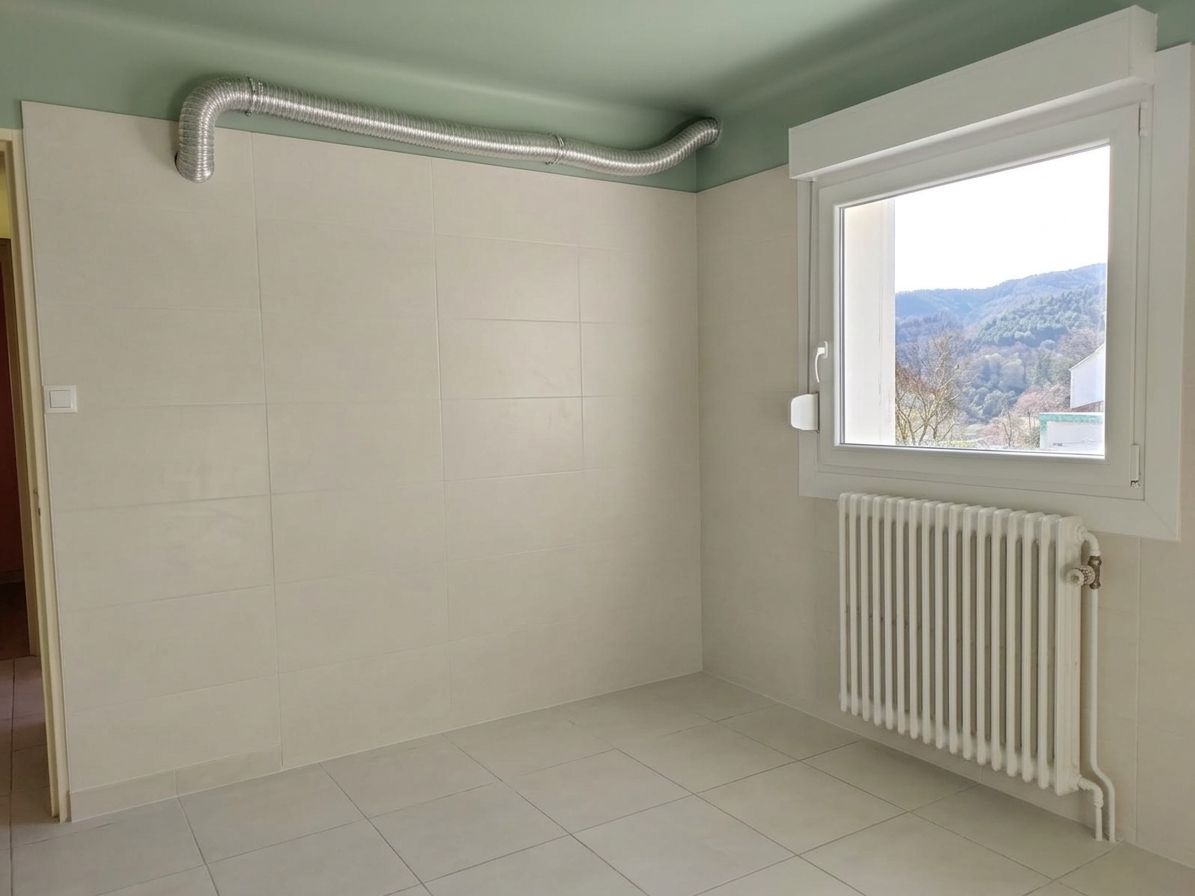
Remove all the furniture to get a clean, empty room while keeping its style.
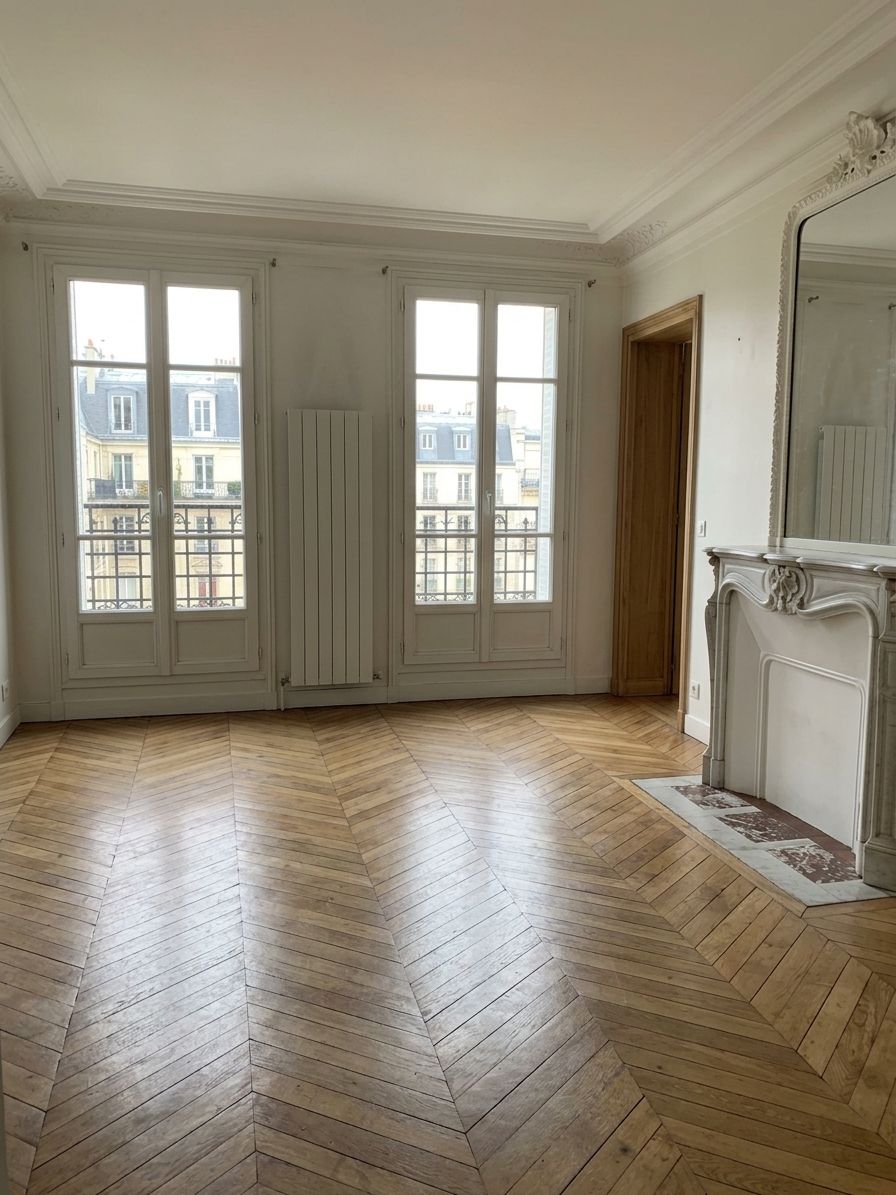
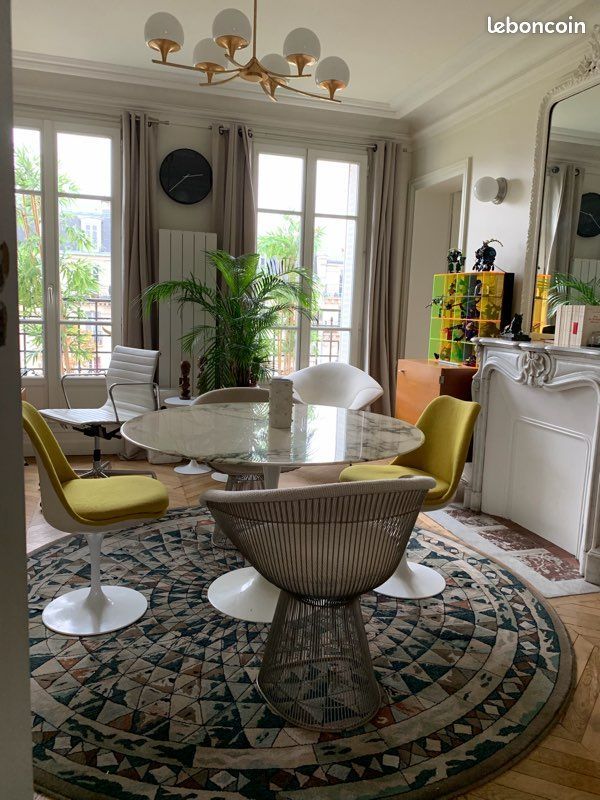
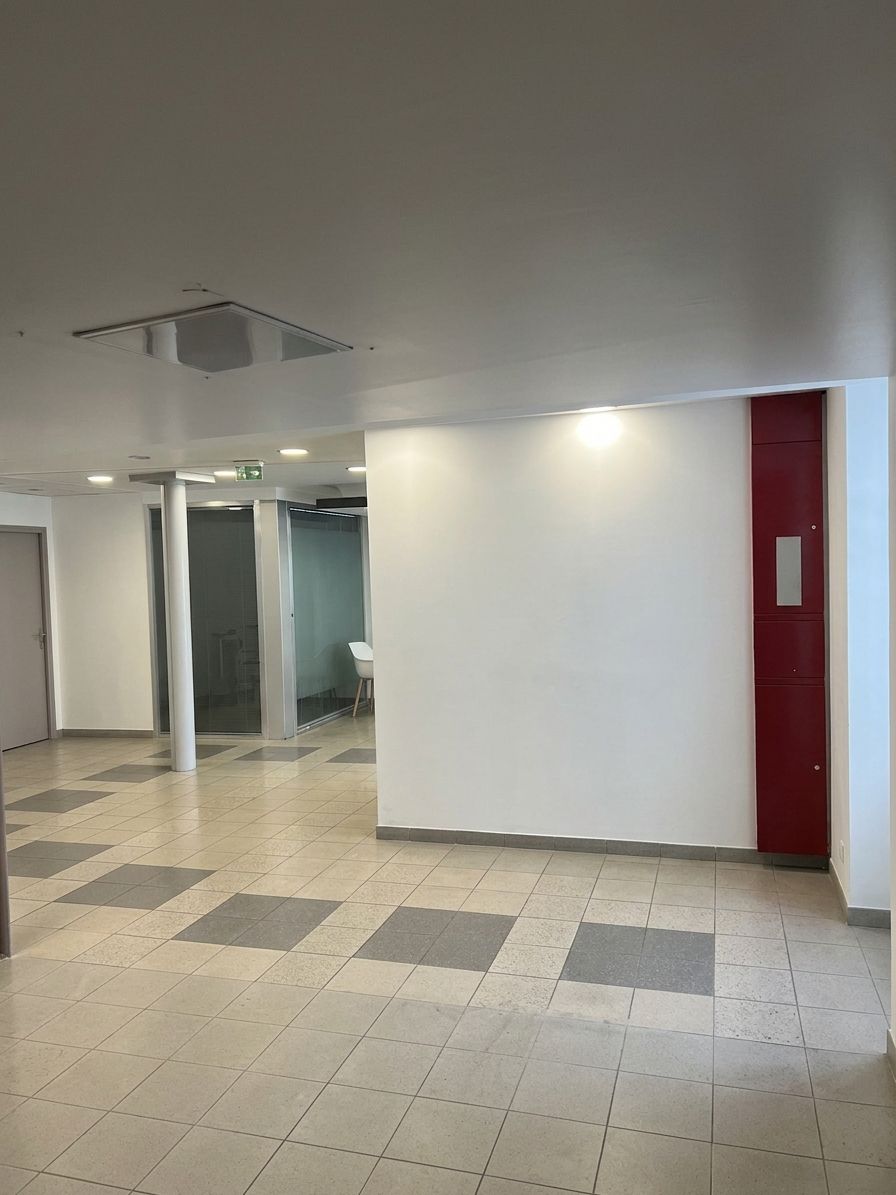
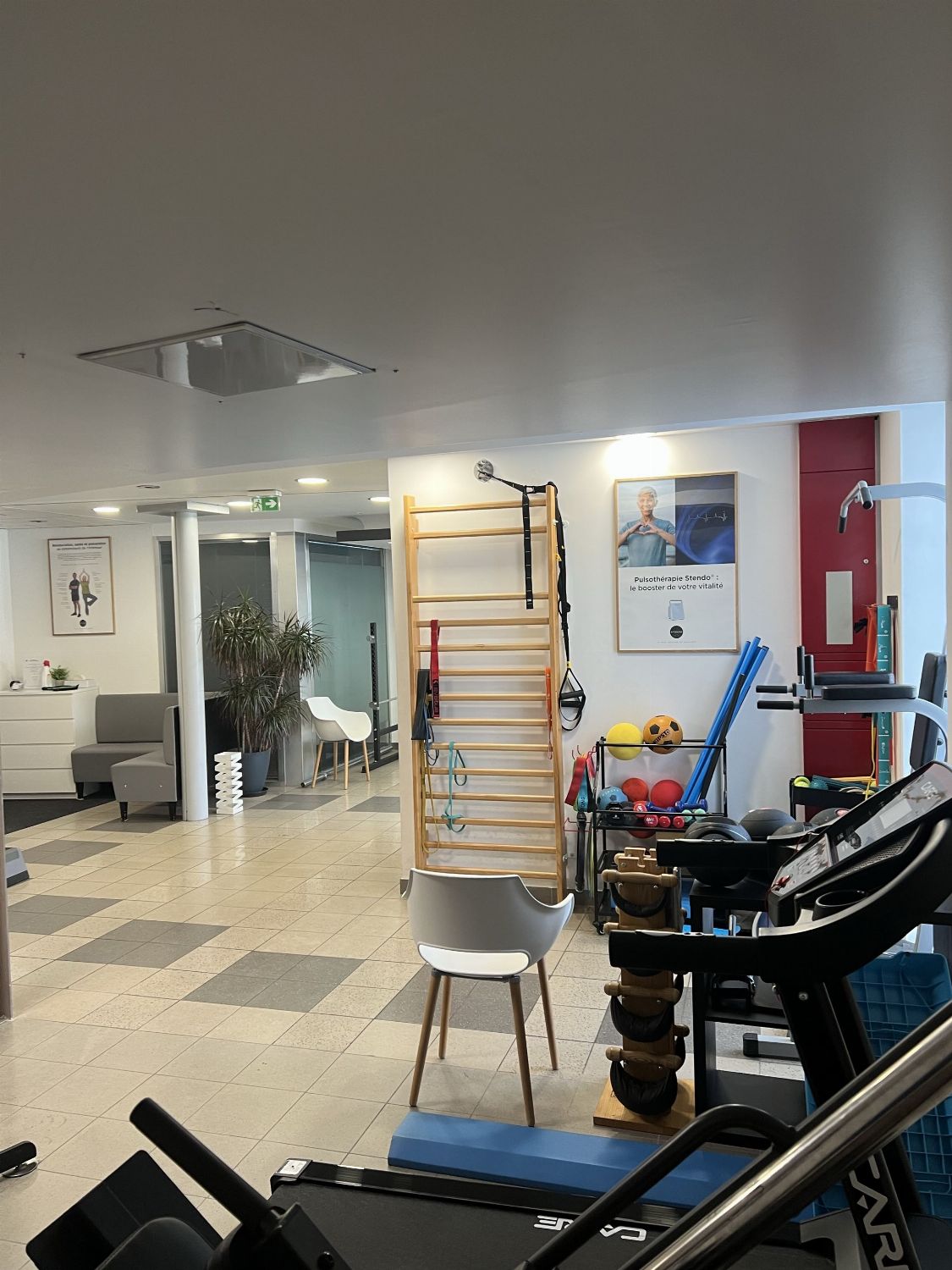
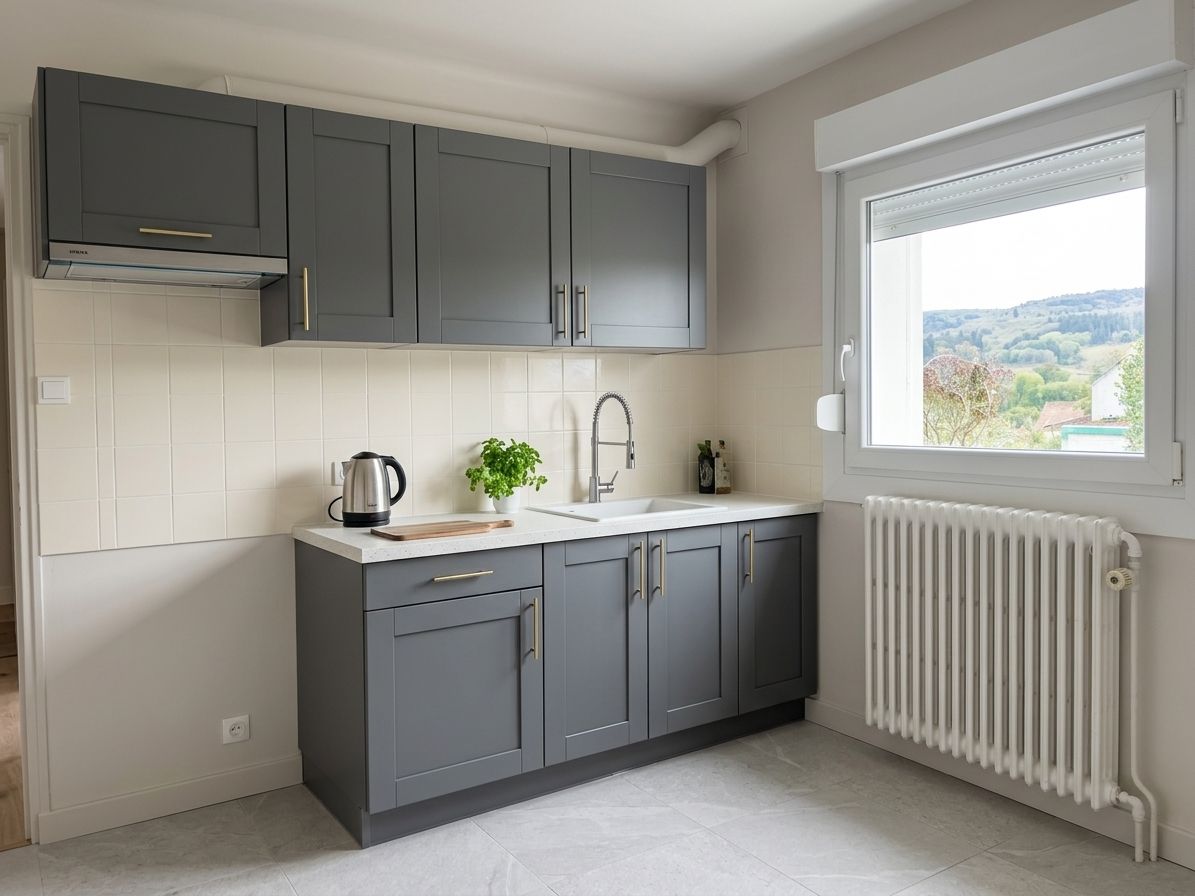
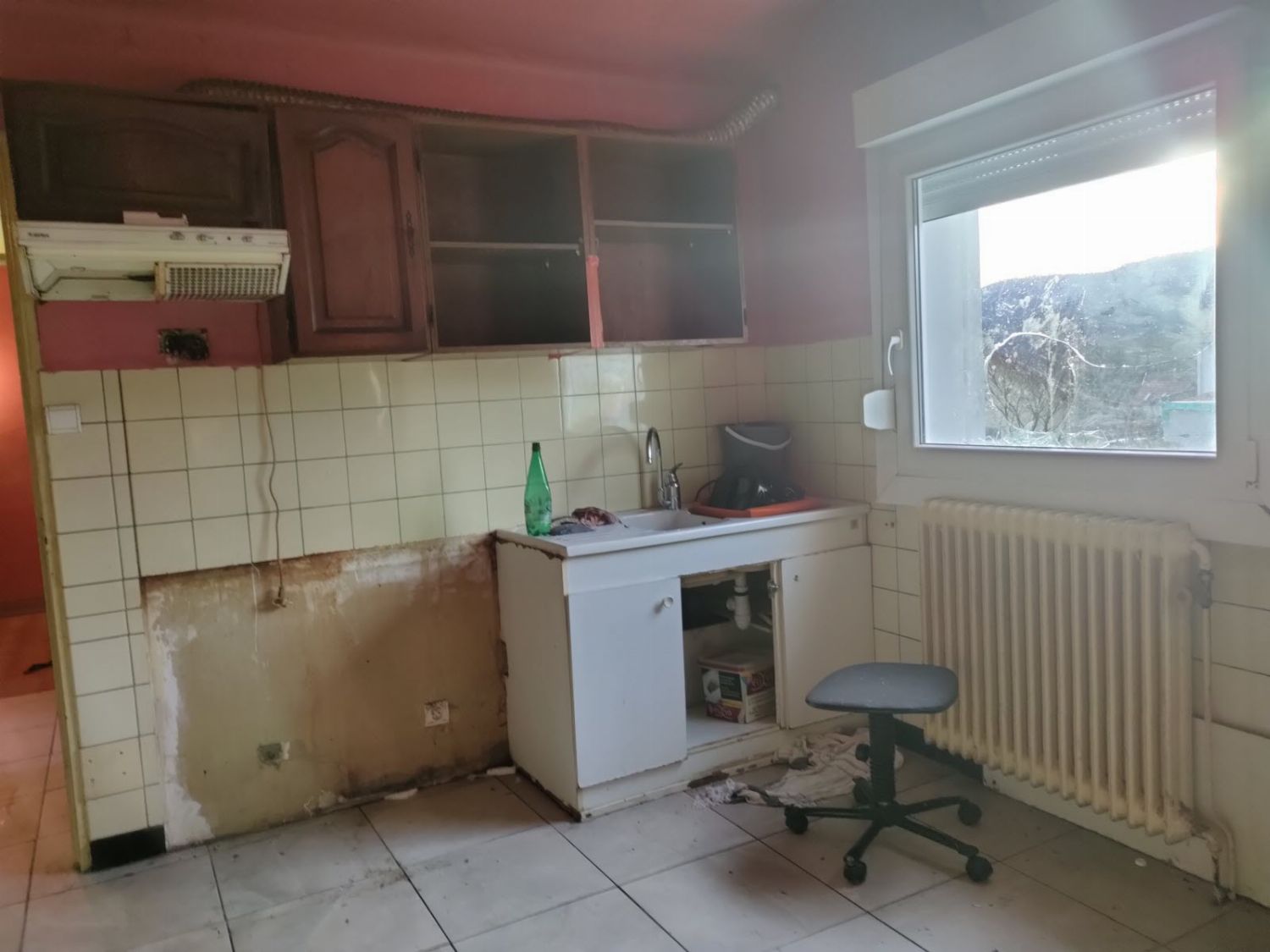
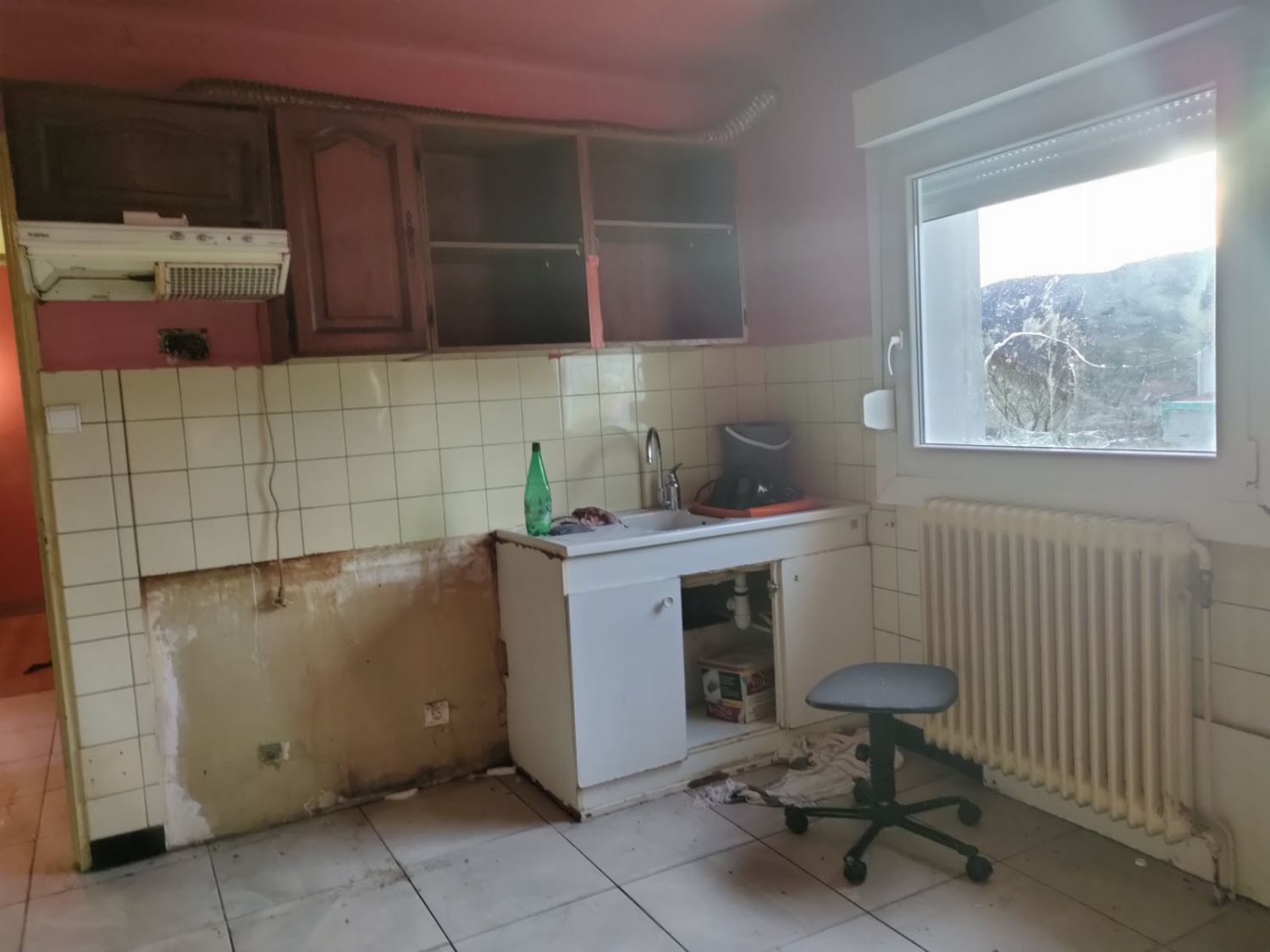
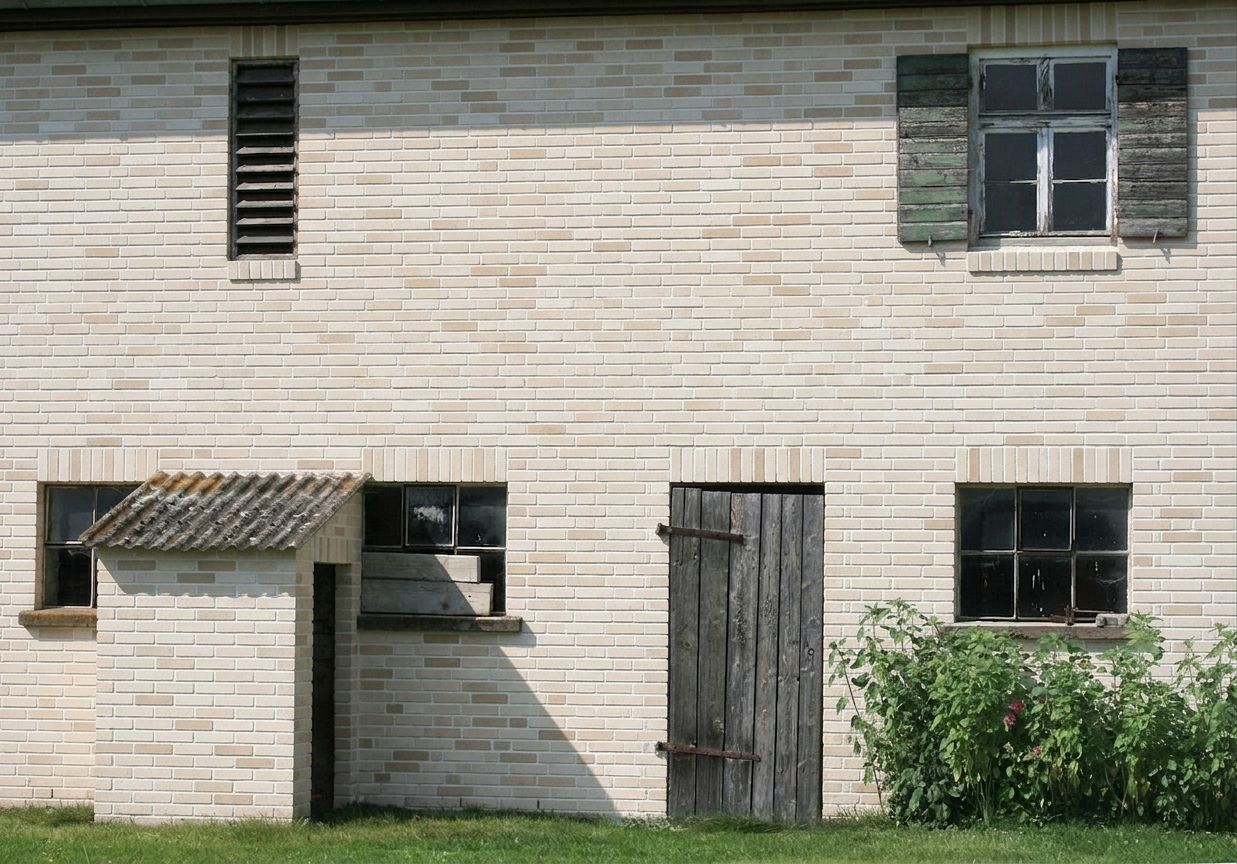
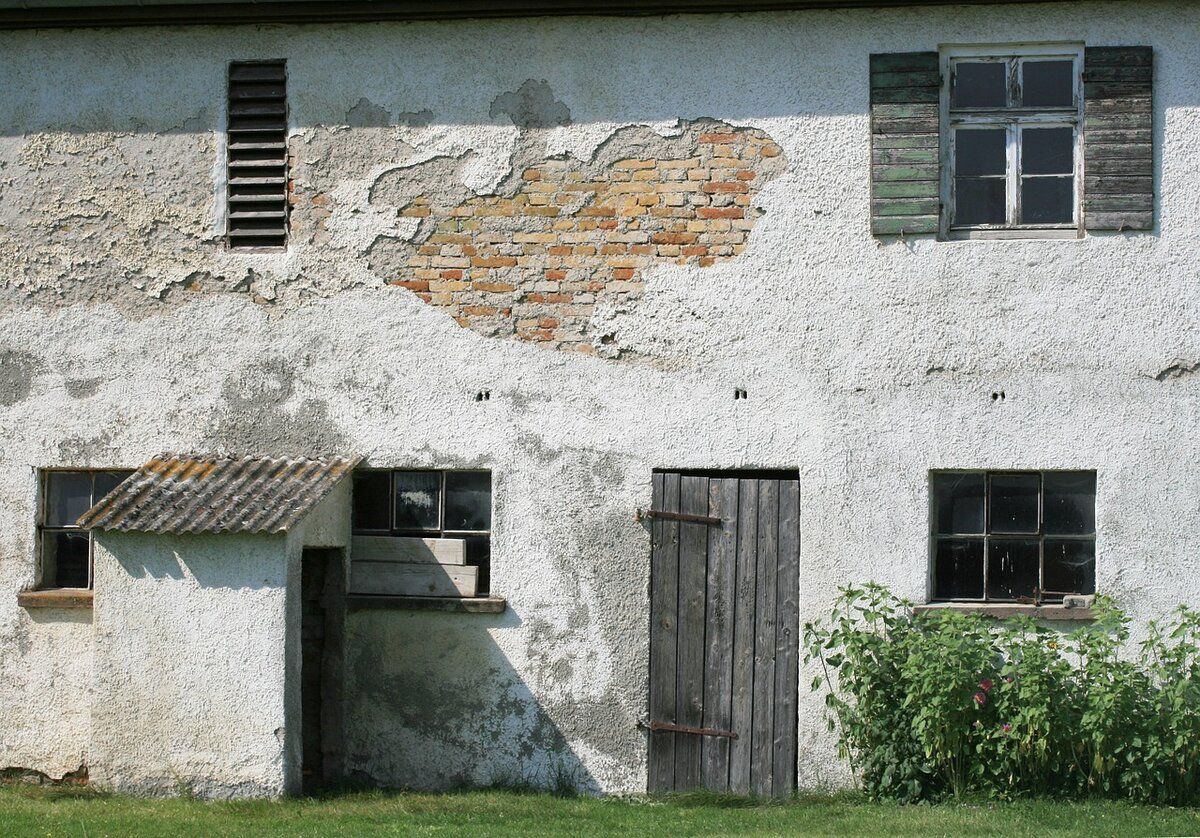
Turn an old, damaged room into a clean, freshly repaired space.
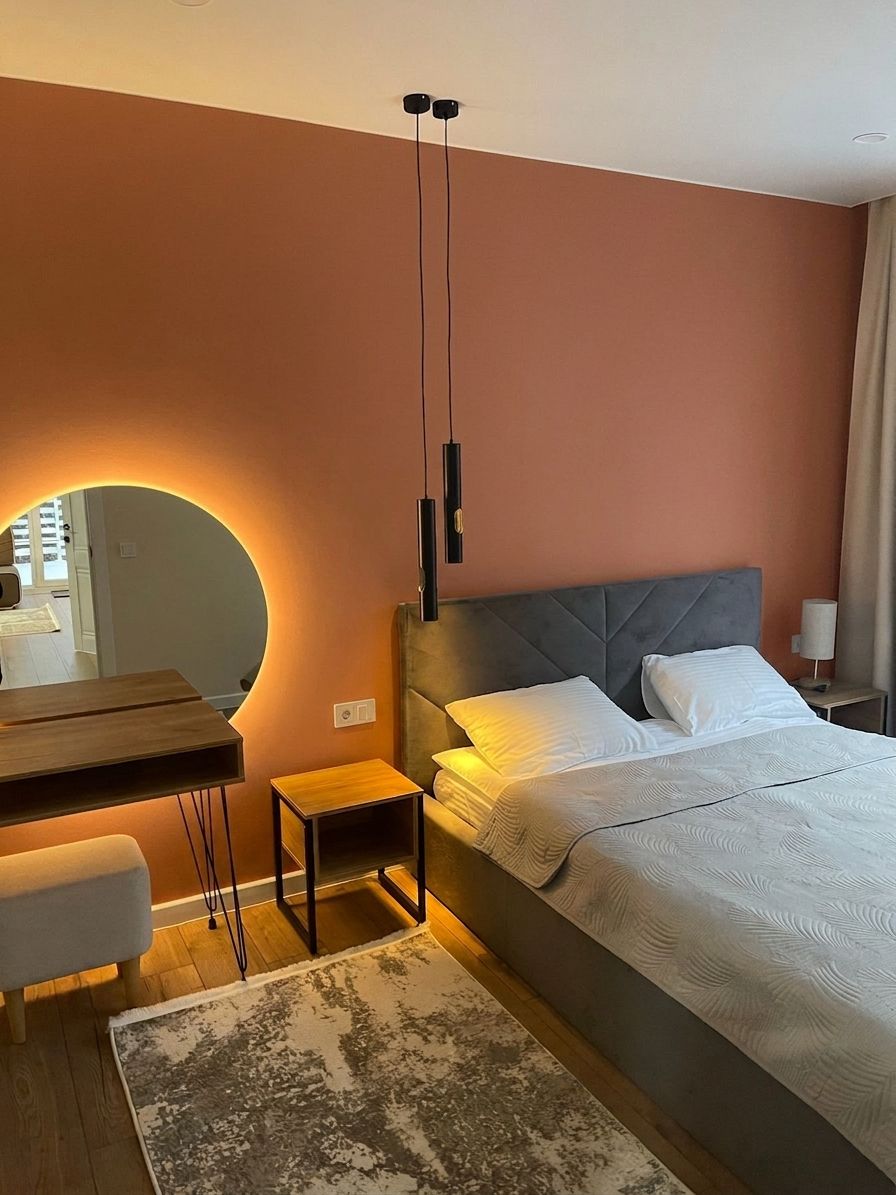
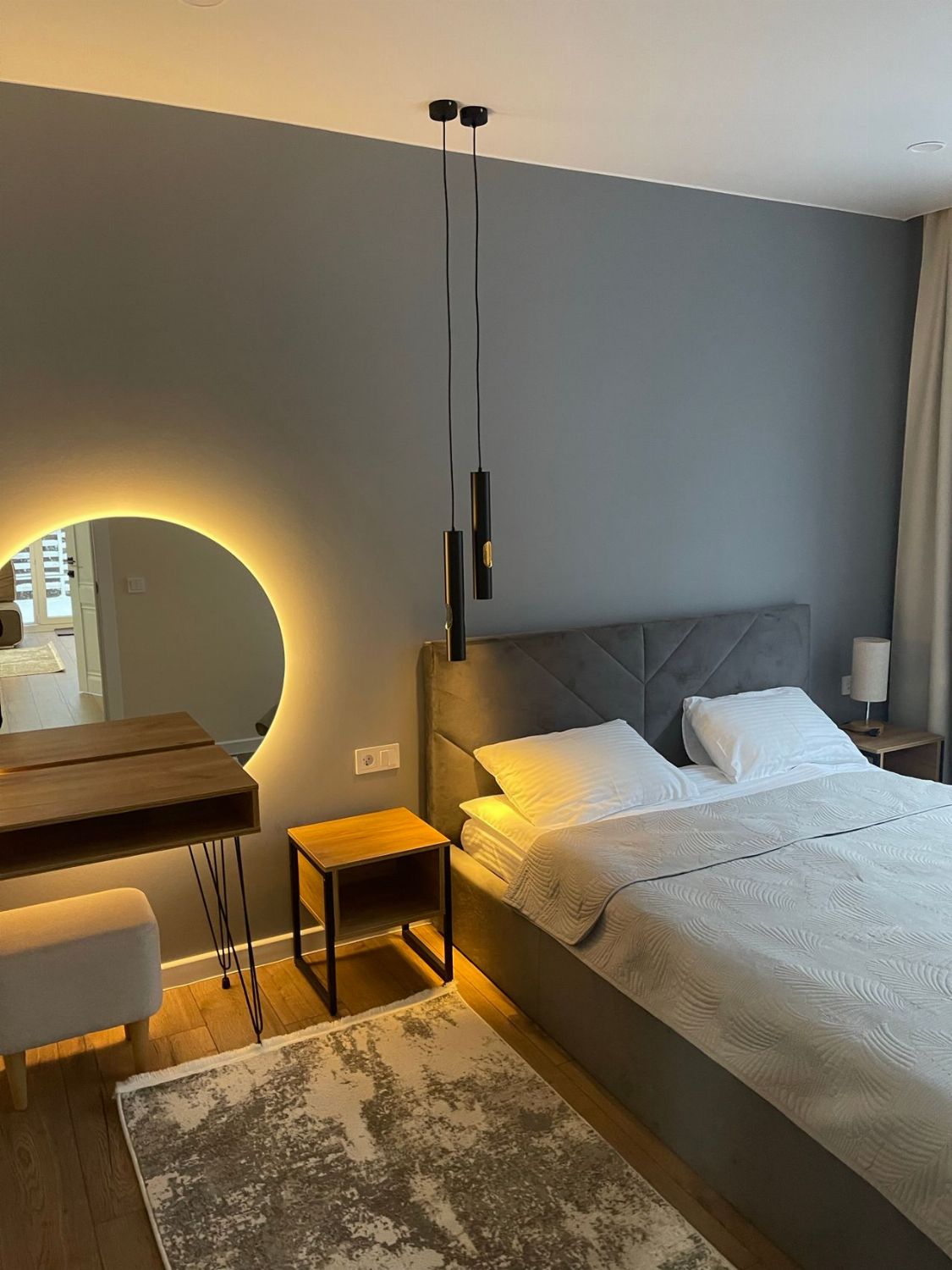
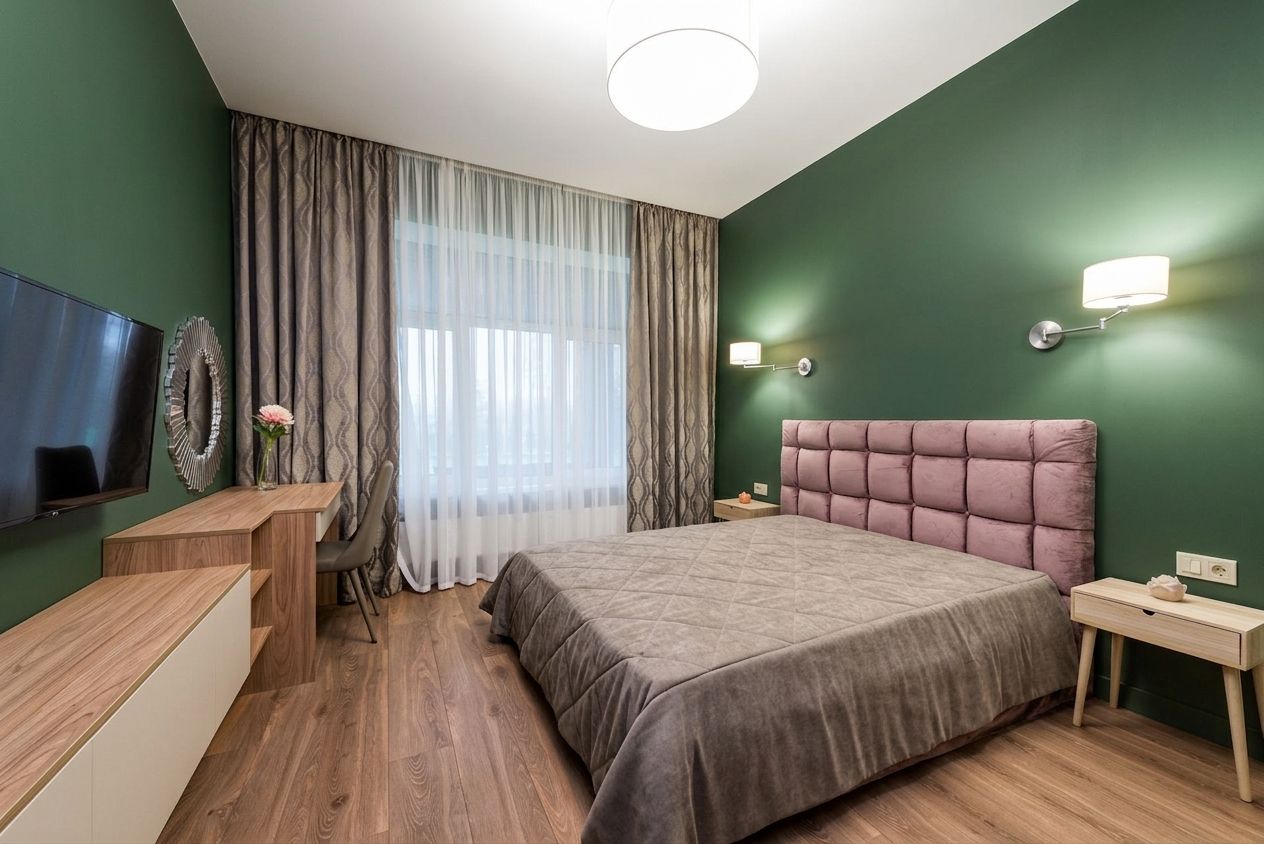
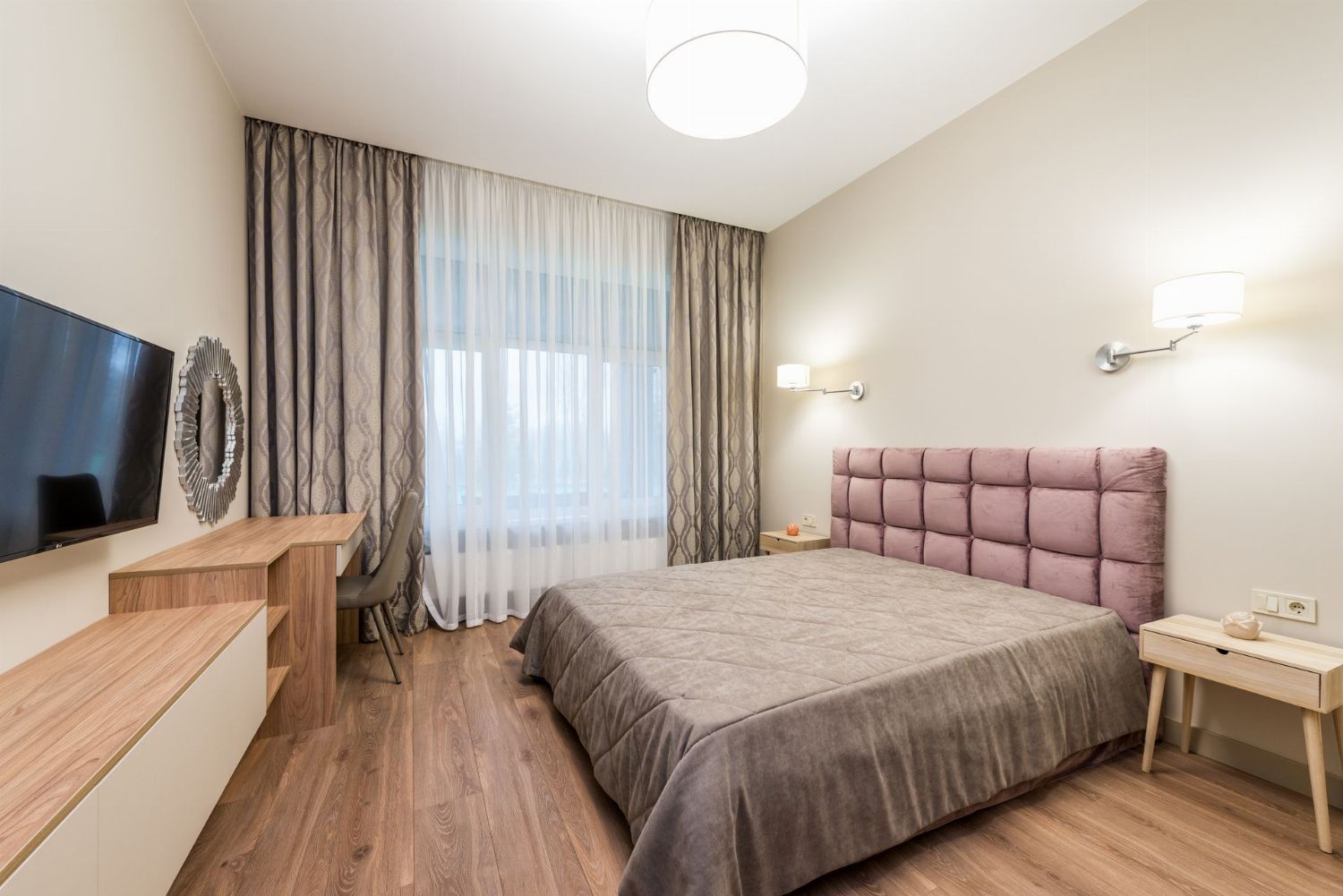
Change your wall color with a photorealistic render.
Upload your home's 2D floor plan (top-down view): the AI detects the rooms and generates a furnished, photorealistic 3D render.
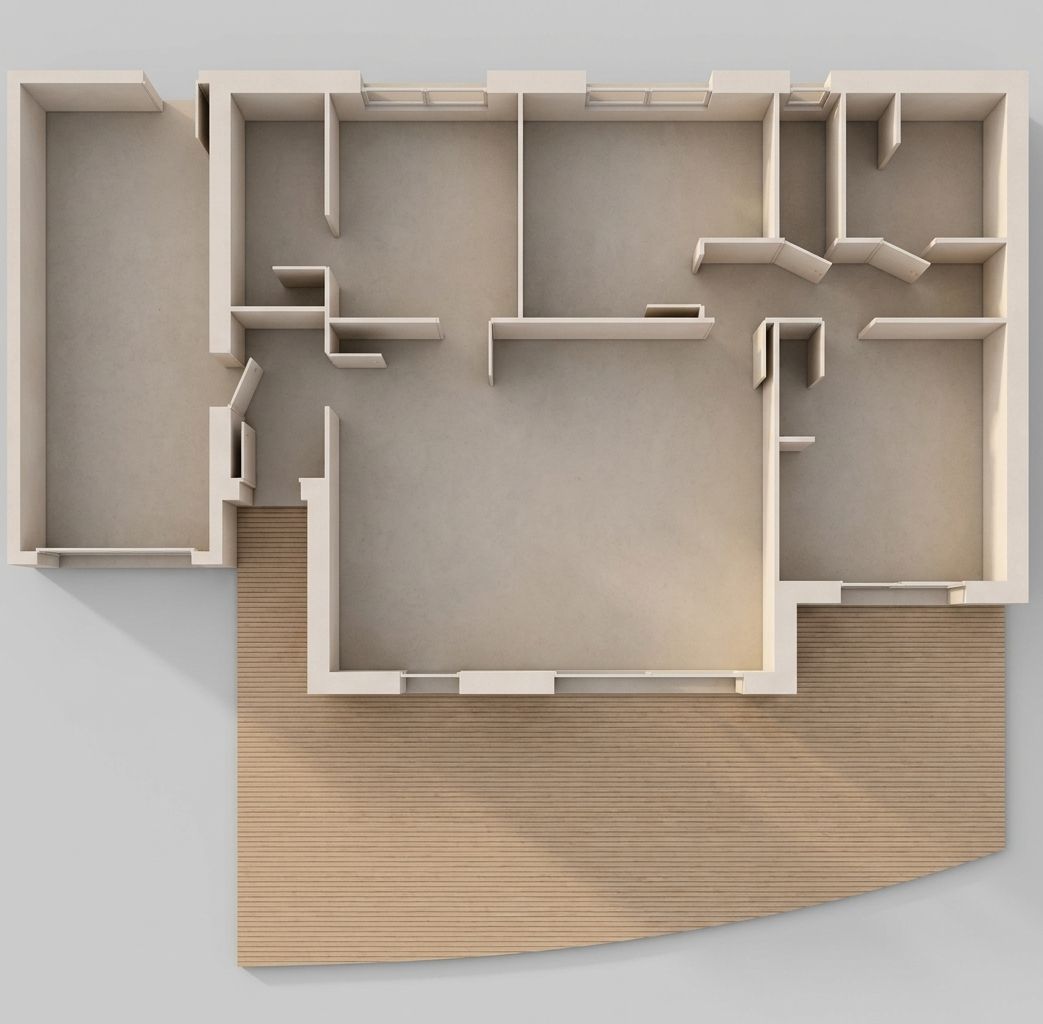
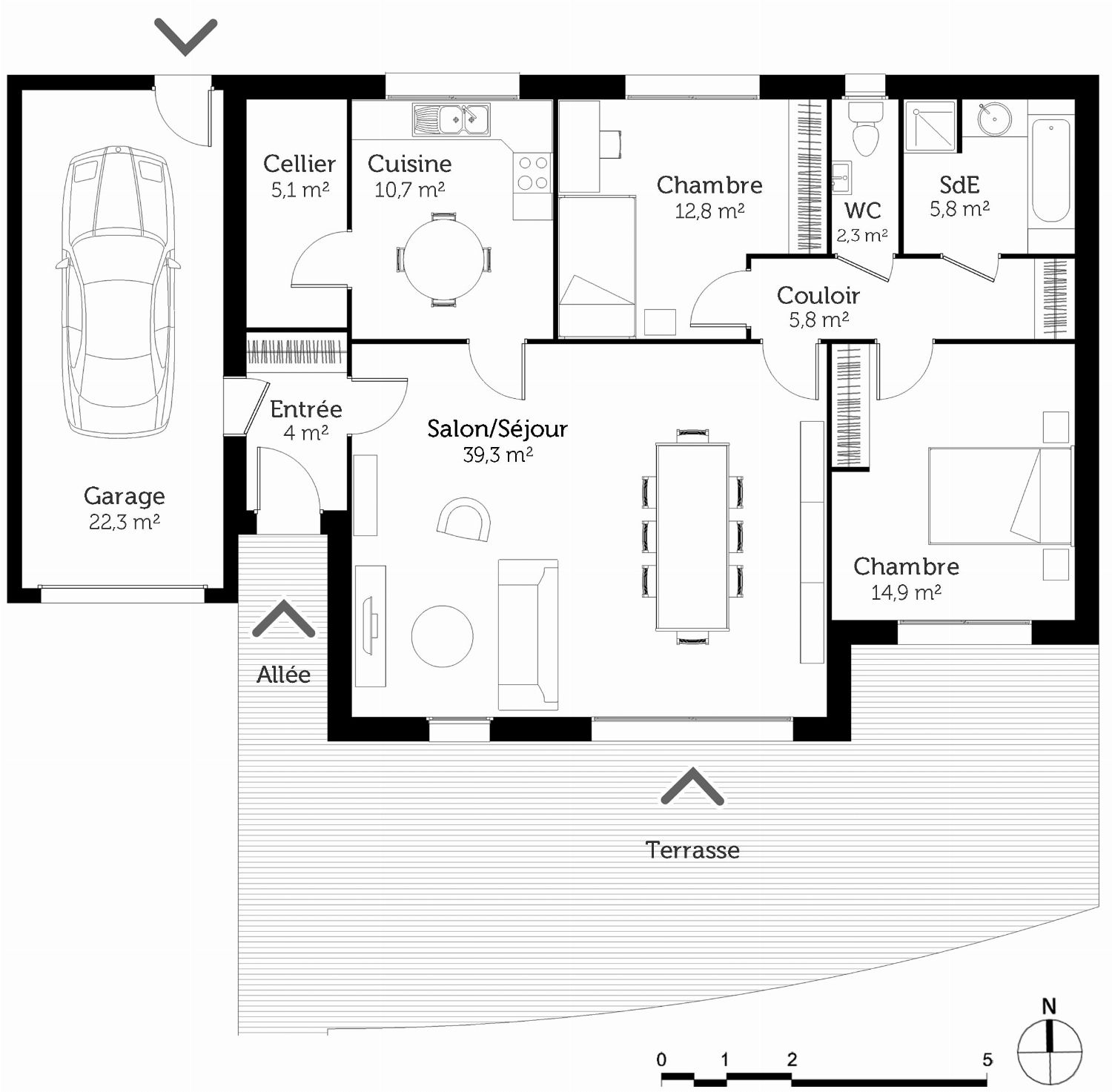
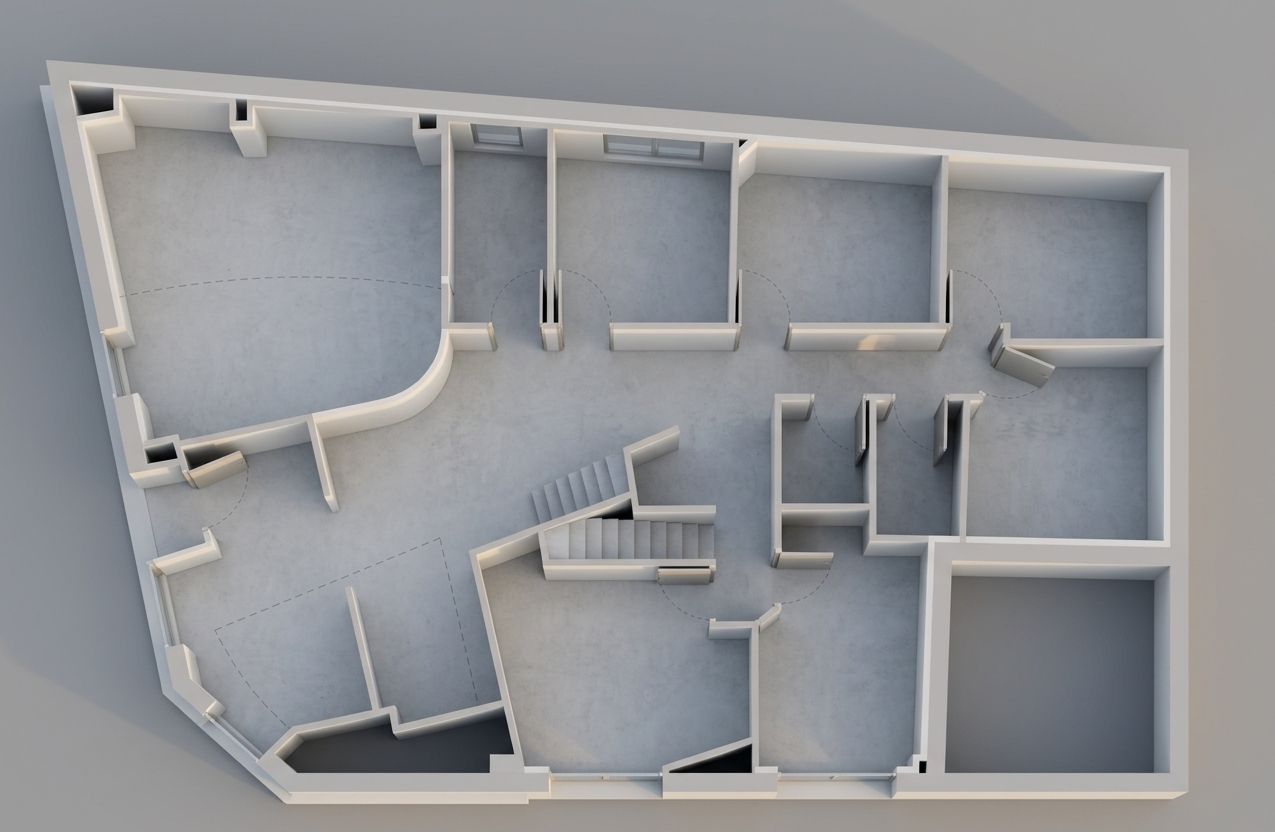
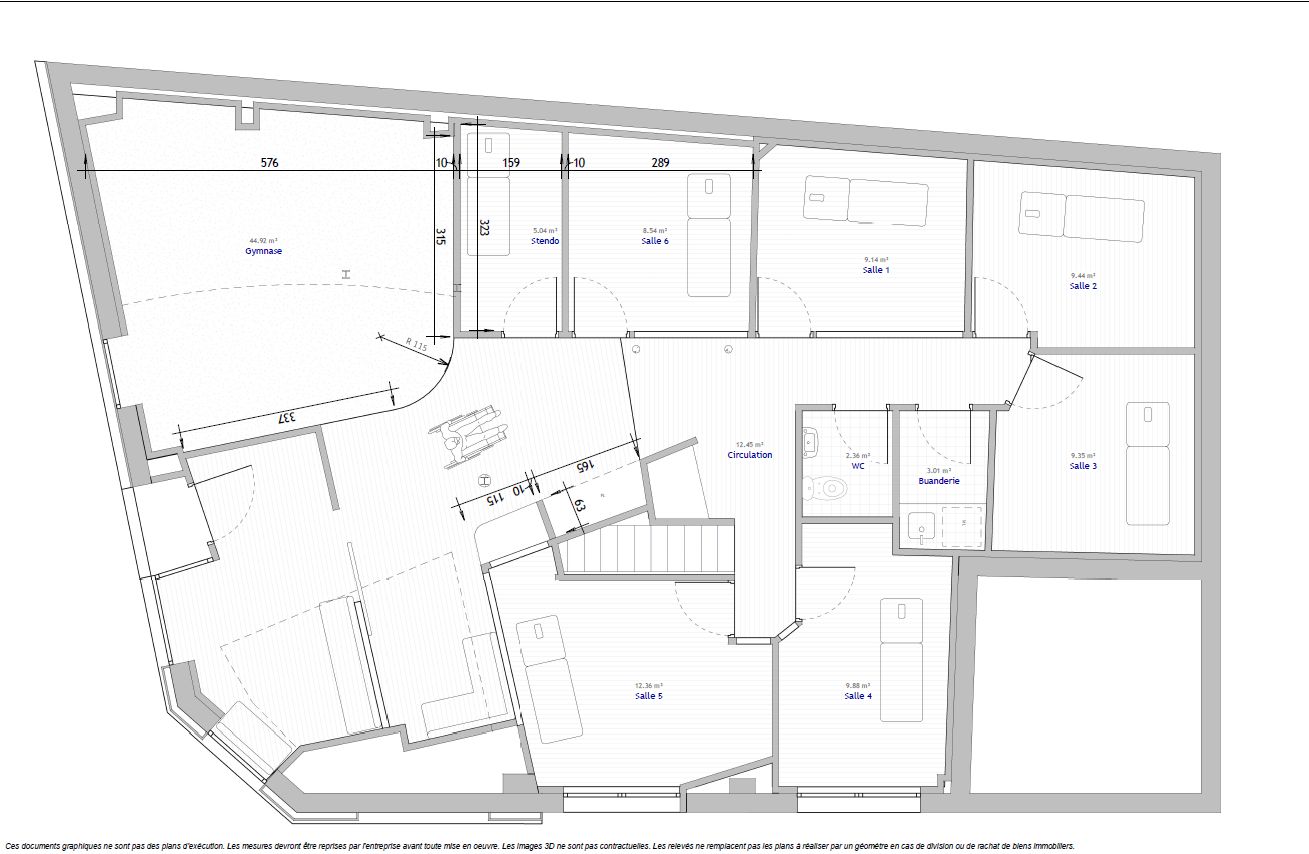
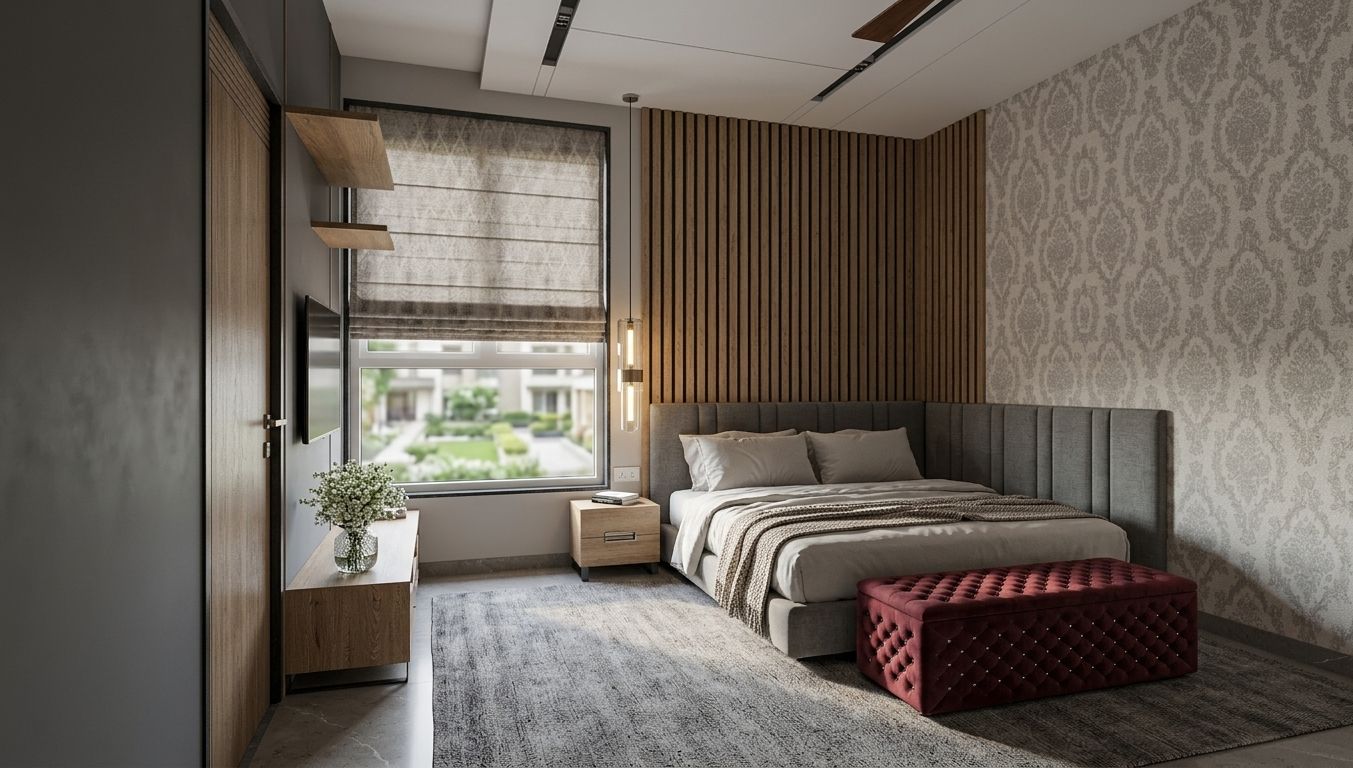
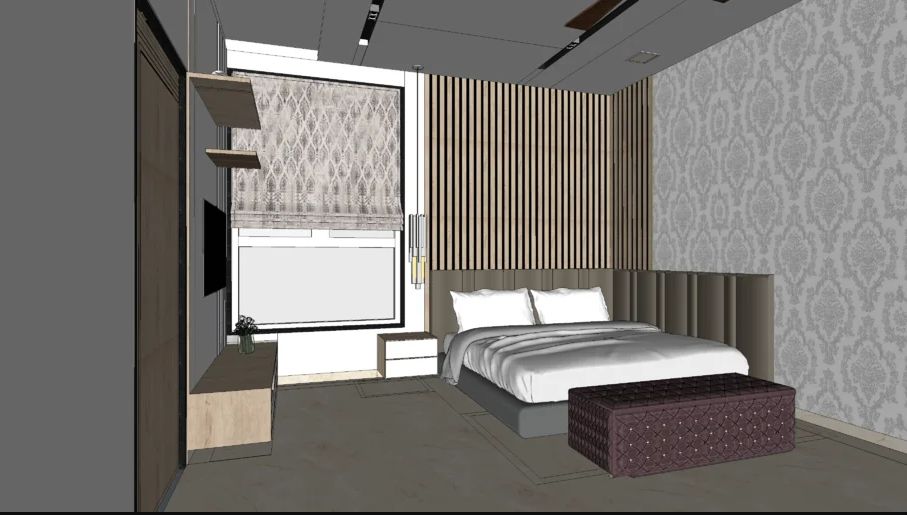
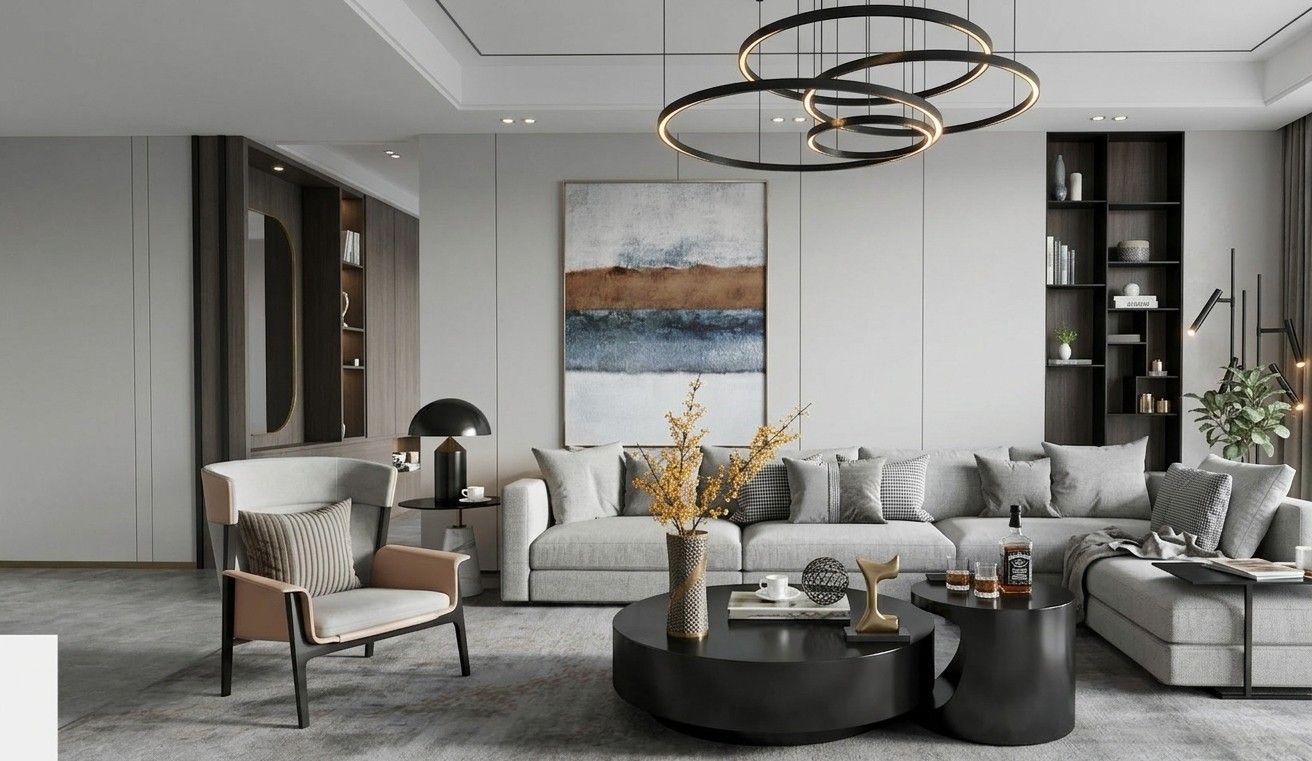
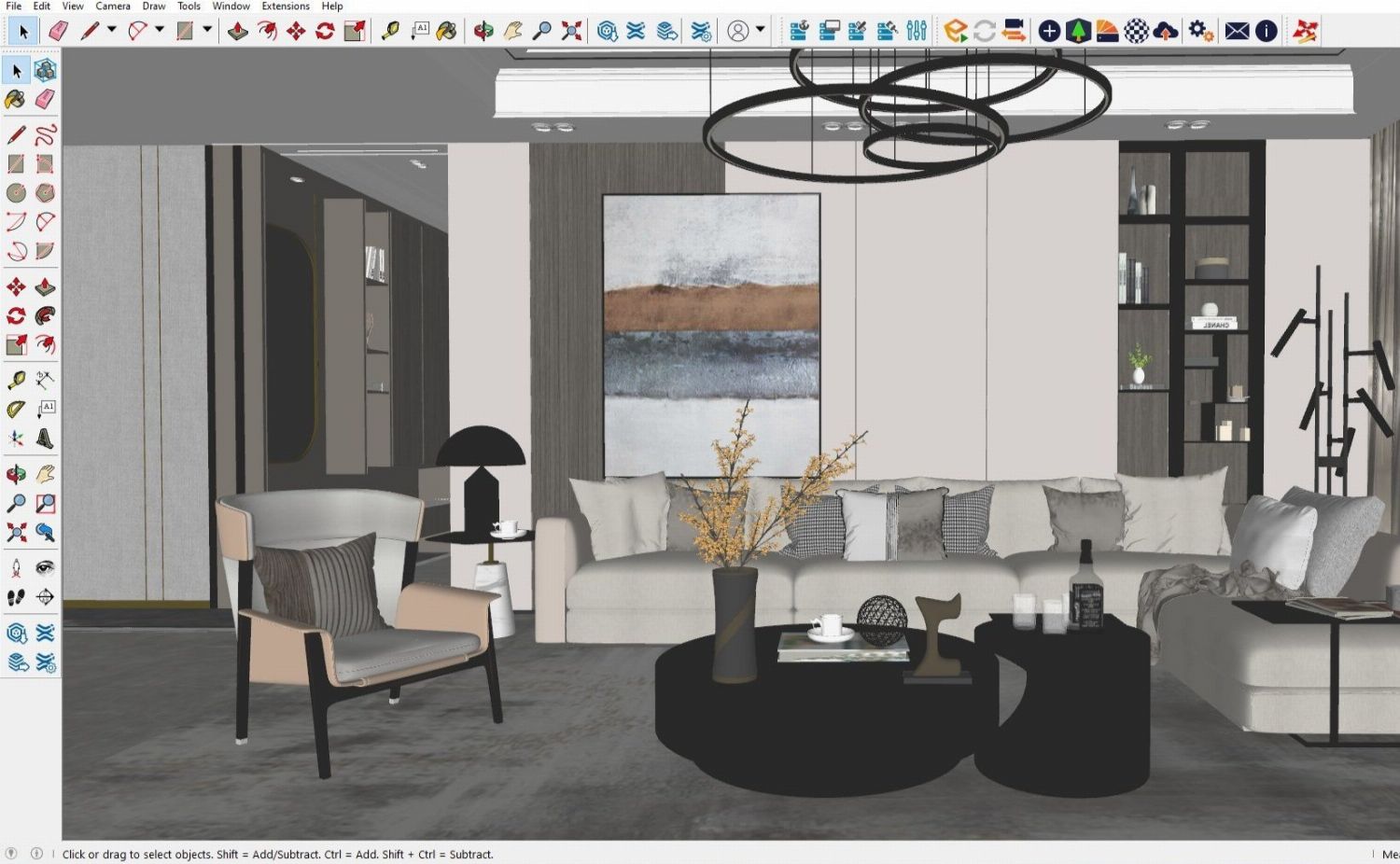
Turn your SketchUp, Blender or 3ds Max renders into photorealistic images that help clients project themselves.
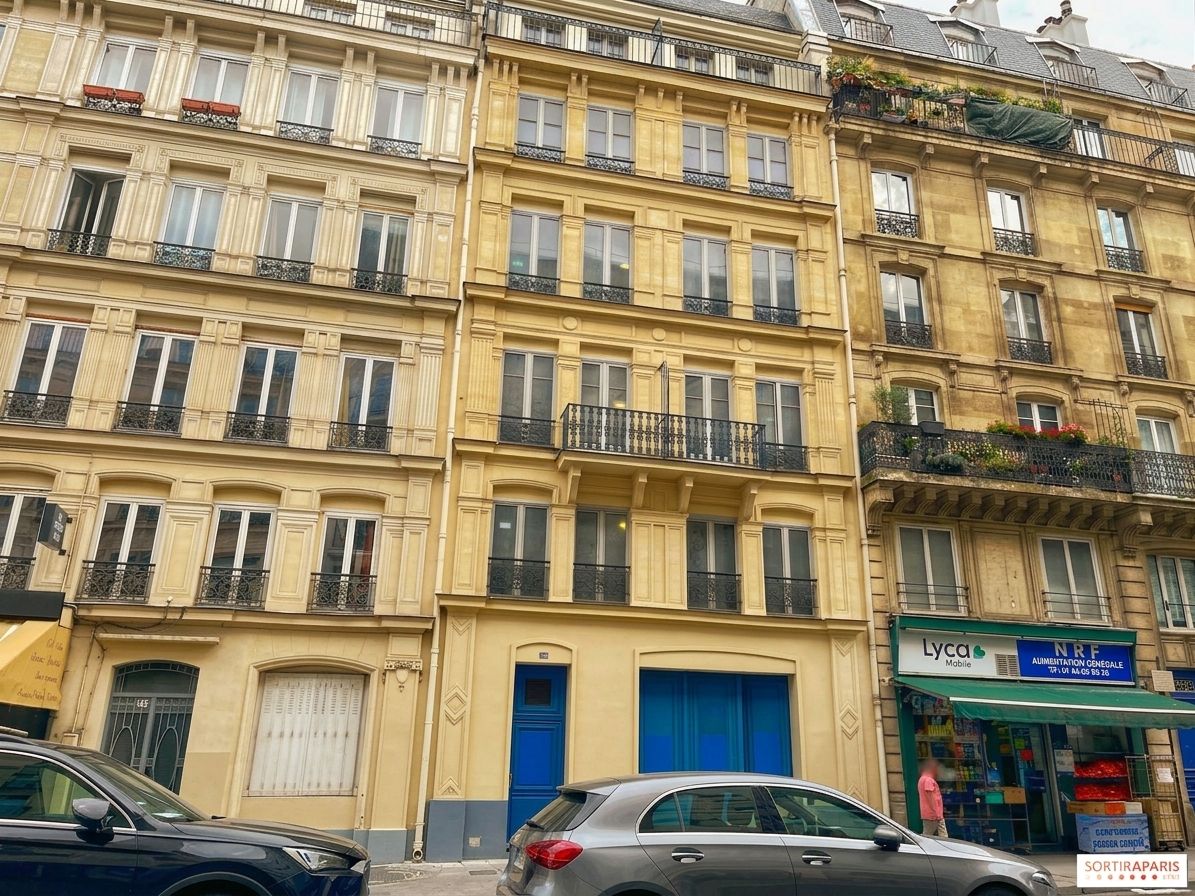
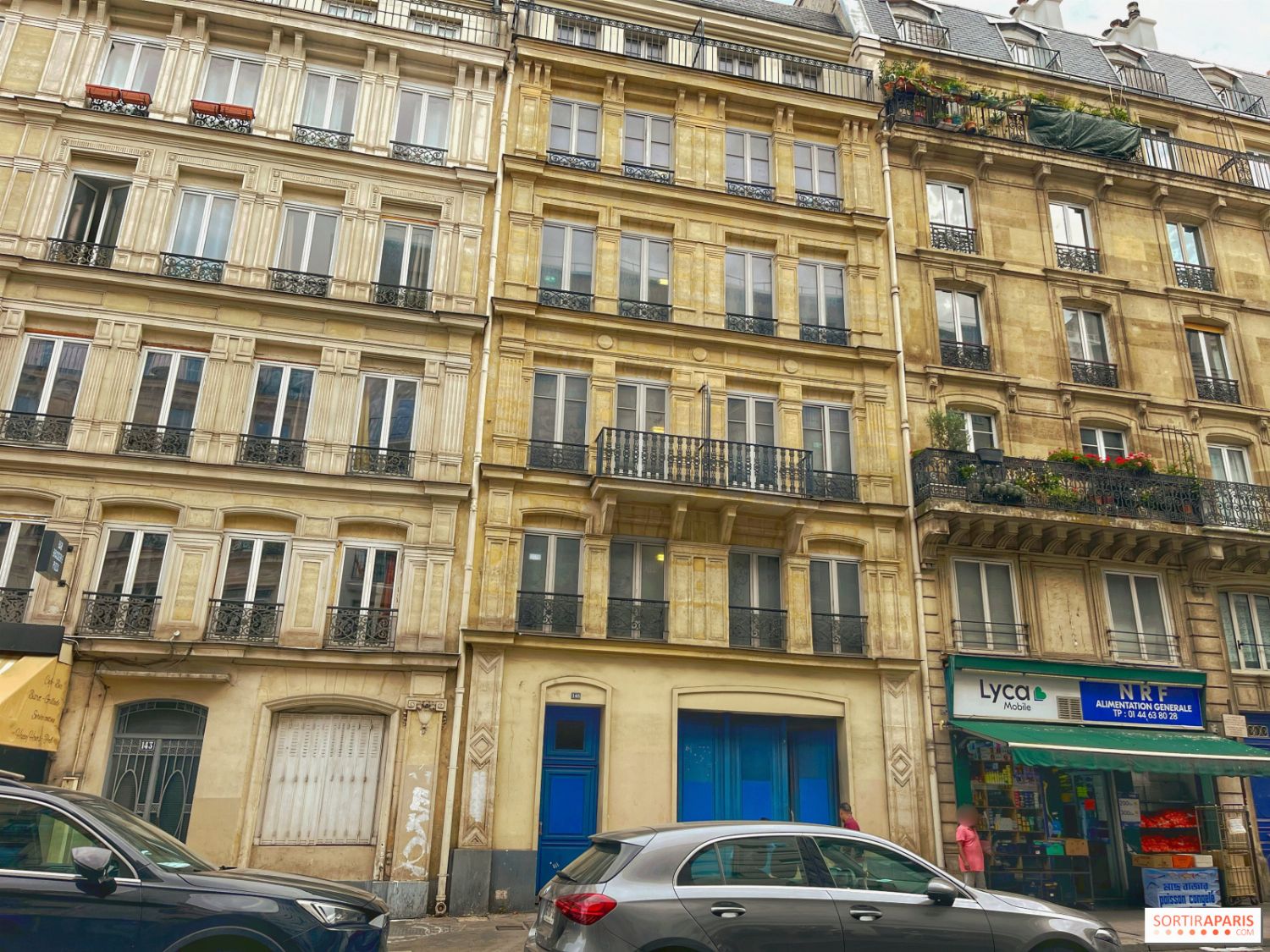
Refresh a facade from a photo, change its materials or turn a 3D render into a photorealistic image of the building.
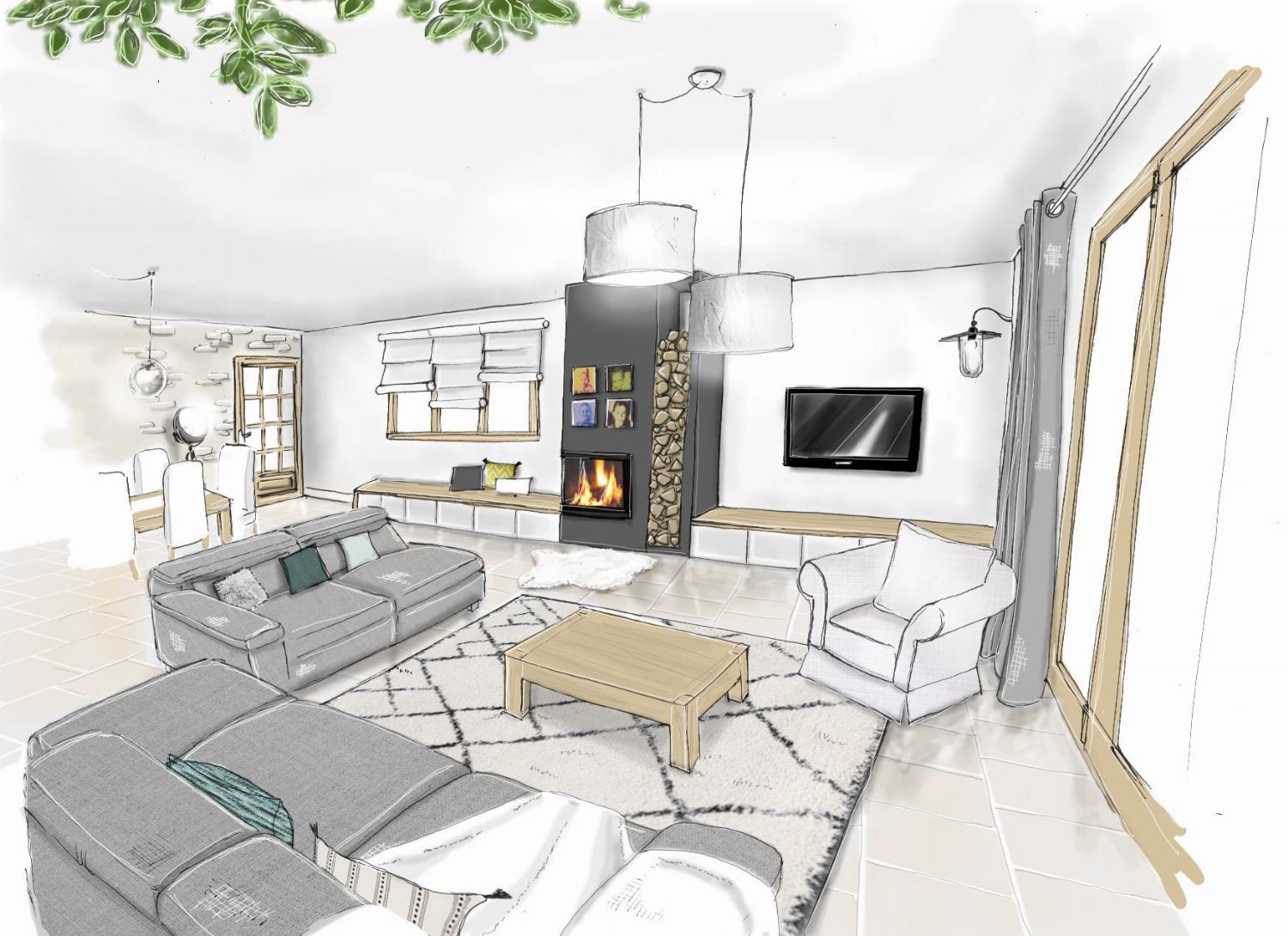
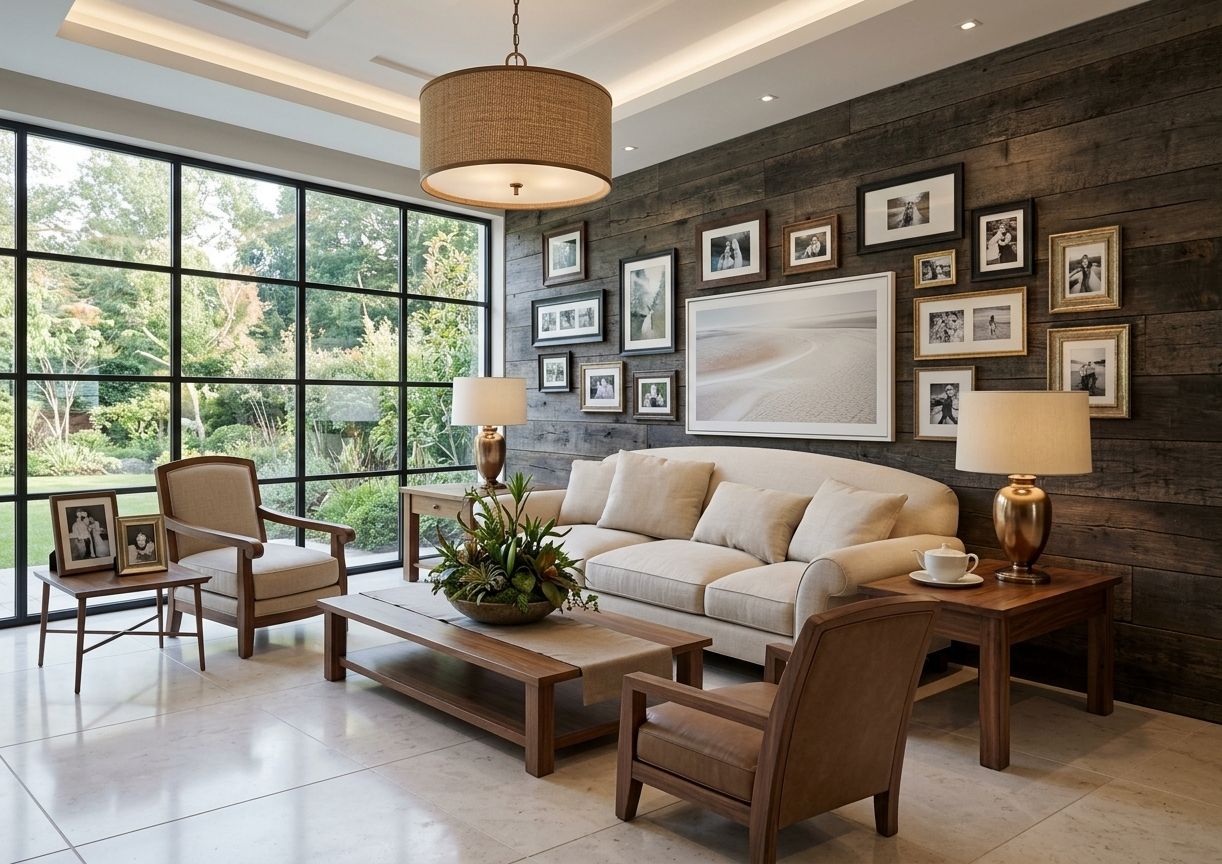
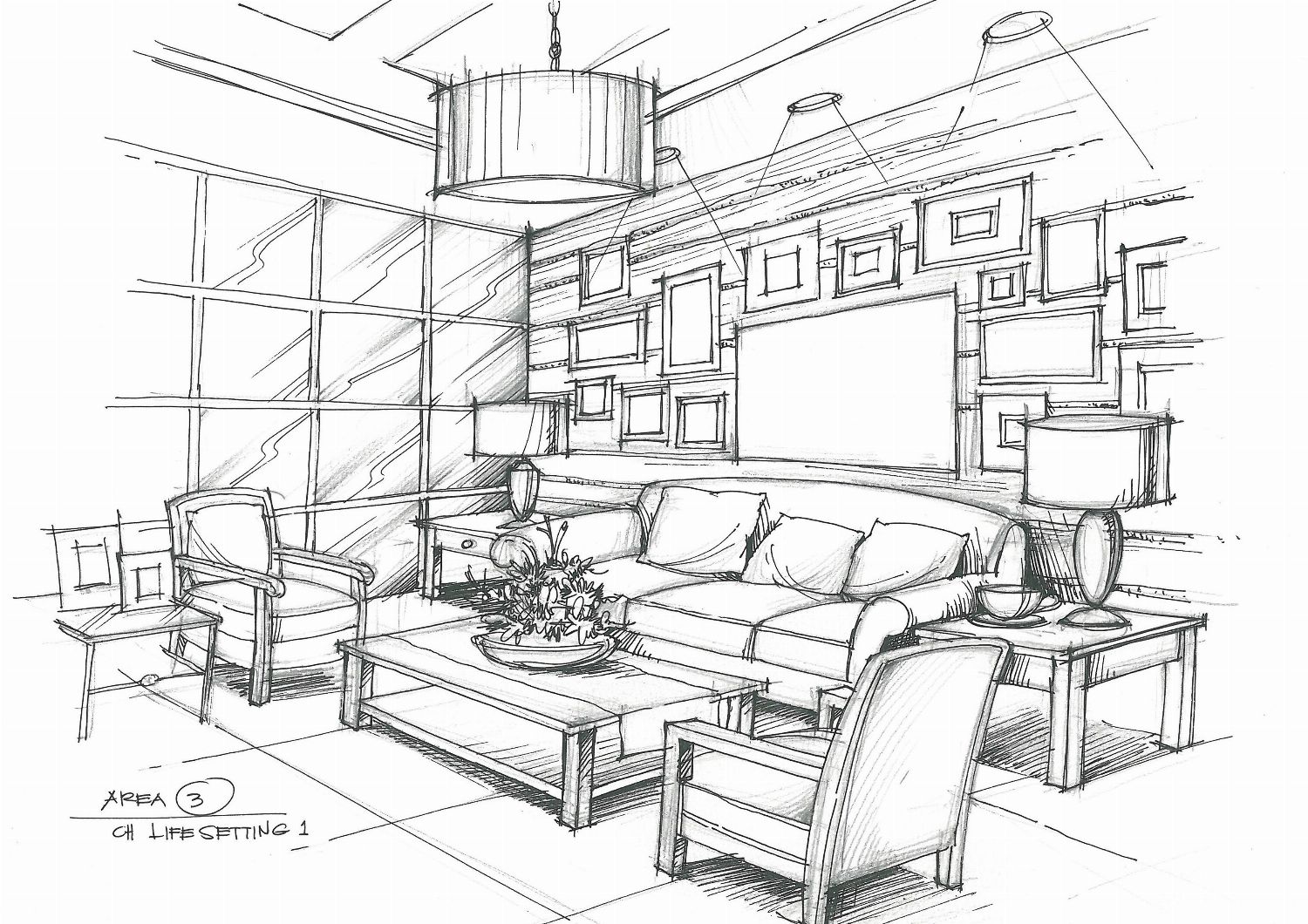
Turn a hand-drawn room sketch into a photorealistic photo in the style of your choice. A floor plan is redirected to the 2D → 3D plan render.