
Your 3D renders
as photorealistic photos.
Export or capture your render from SketchUp, Blender, 3ds Max, Revit or Lumion. Our AI detects the room and turns your model into a realistic photo — client projection becomes obvious.
30s
per photo
8+
supported software
30+
photorealistic styles
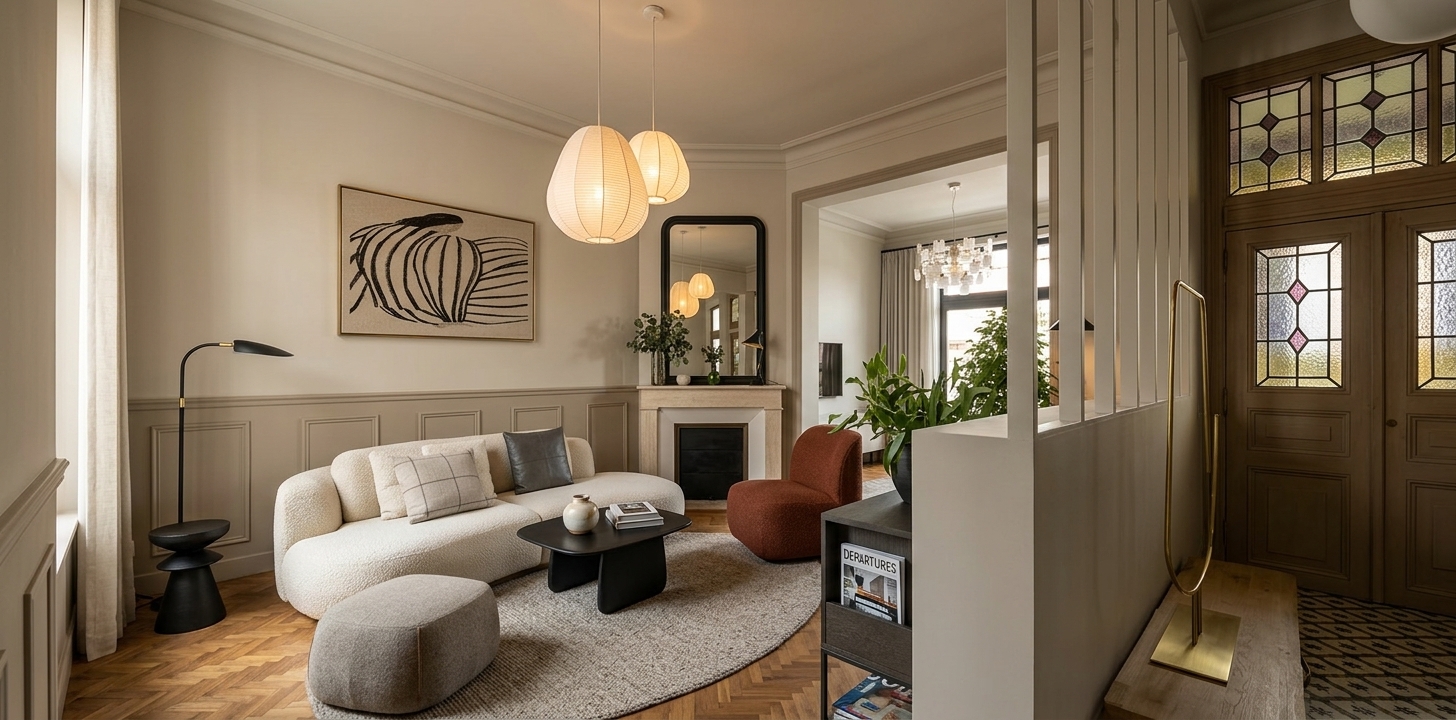
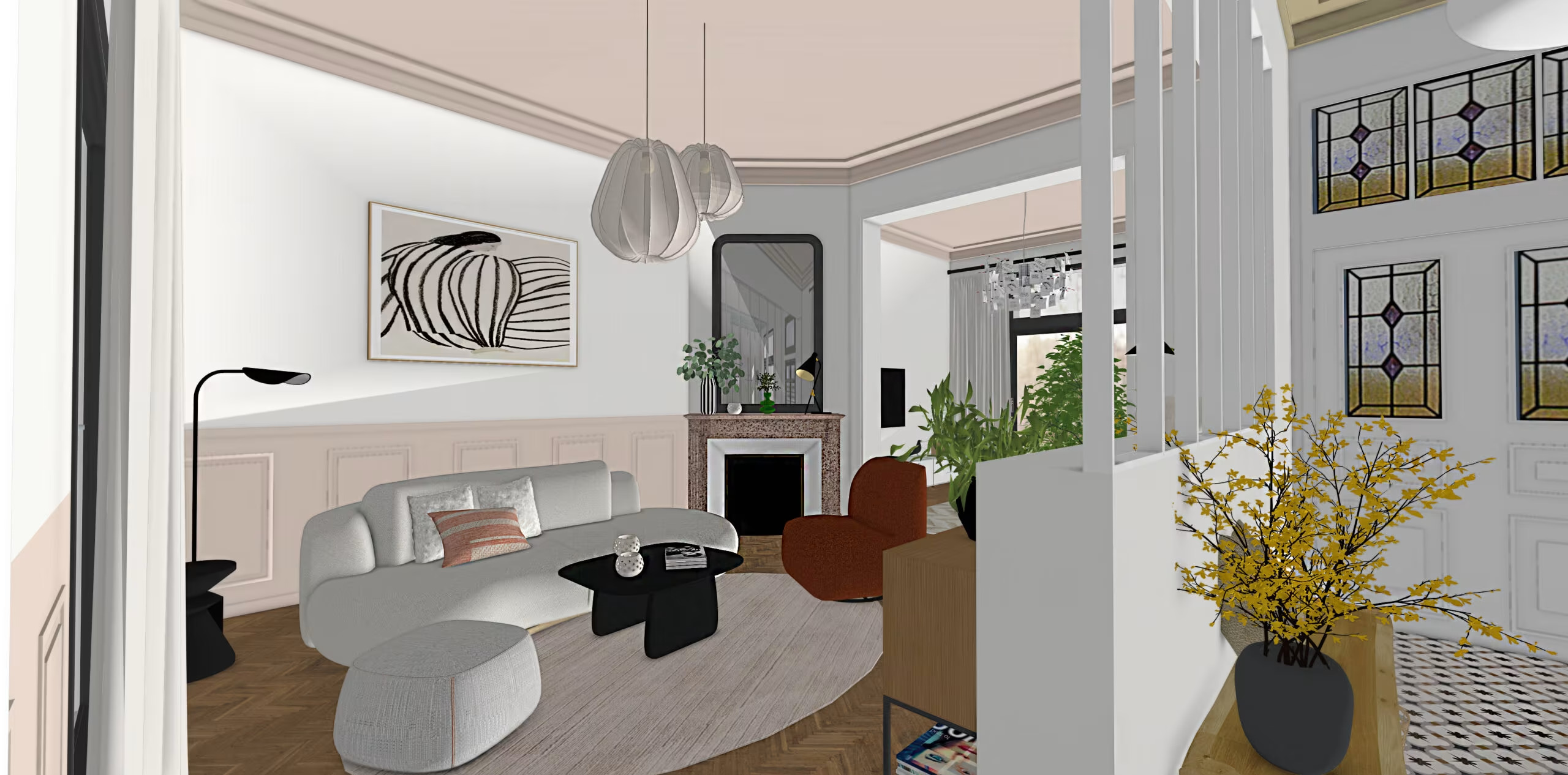
From 3D to photo in 30 seconds
Drag the slider to compare the original render with the photorealistic result.
Your clients struggle to project themselves
"The 3D render feels too synthetic for my clients."
"Producing a photoreal render takes hours of post-production."
"I need several moods for the presentation."
"Clients still hesitate after walking the 3D model."
With 3D → photo, turn any render into a realistic photo in 30 seconds. Your clients project themselves and sign faster.
Works with all your 3D tools
Whether you work in SketchUp, Blender, 3ds Max or another tool, our AI accepts your renders — including screenshots with the UI visible.




Using another software? As long as you can export or capture a render, it works.
Room detected in your render
The AI recognises
the room instantly.
Upload your render — our OpenAI Vision analysis identifies the room type (bedroom, kitchen, office…) and pre-selects it. Adjust if needed.
- 21 room types recognised automatically
- Smart preselection — one click to validate
- Manual override always available
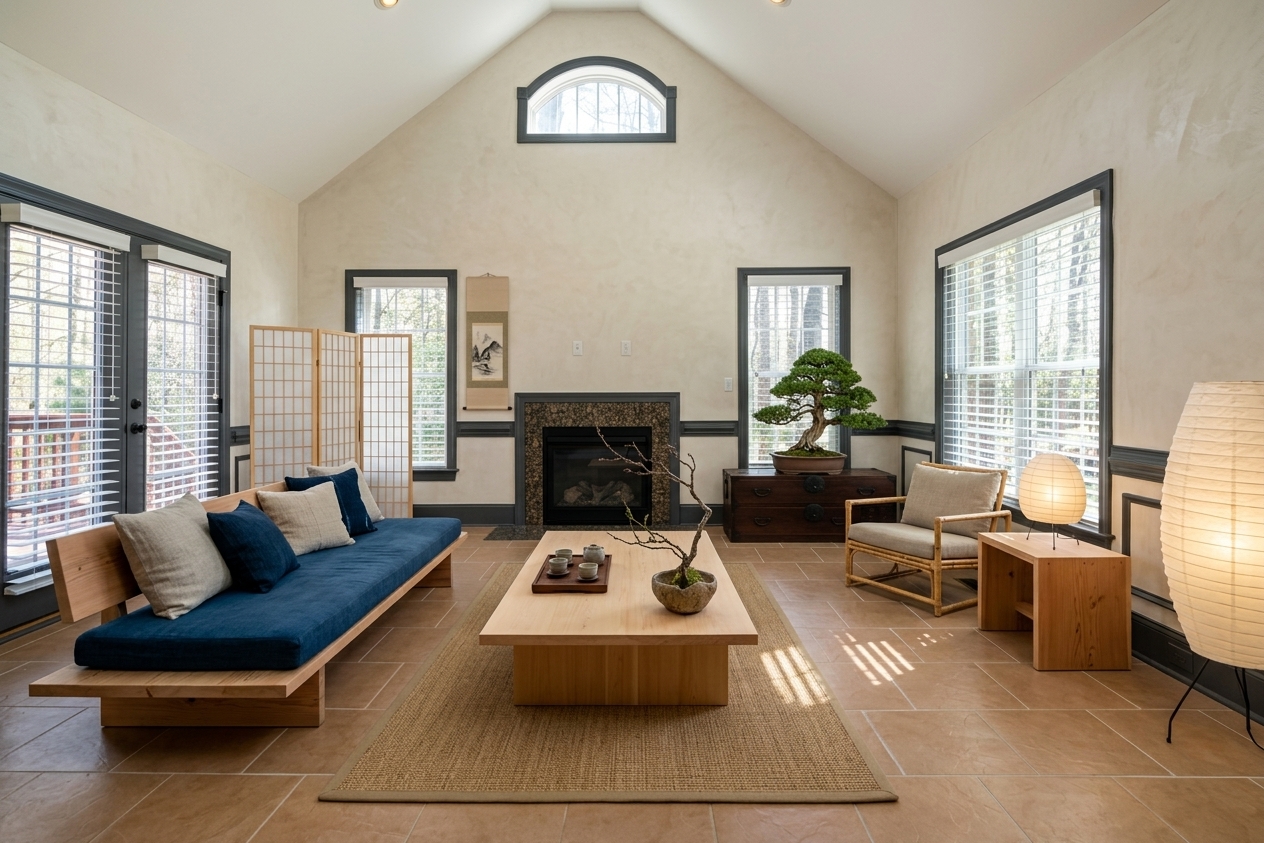 Japandi
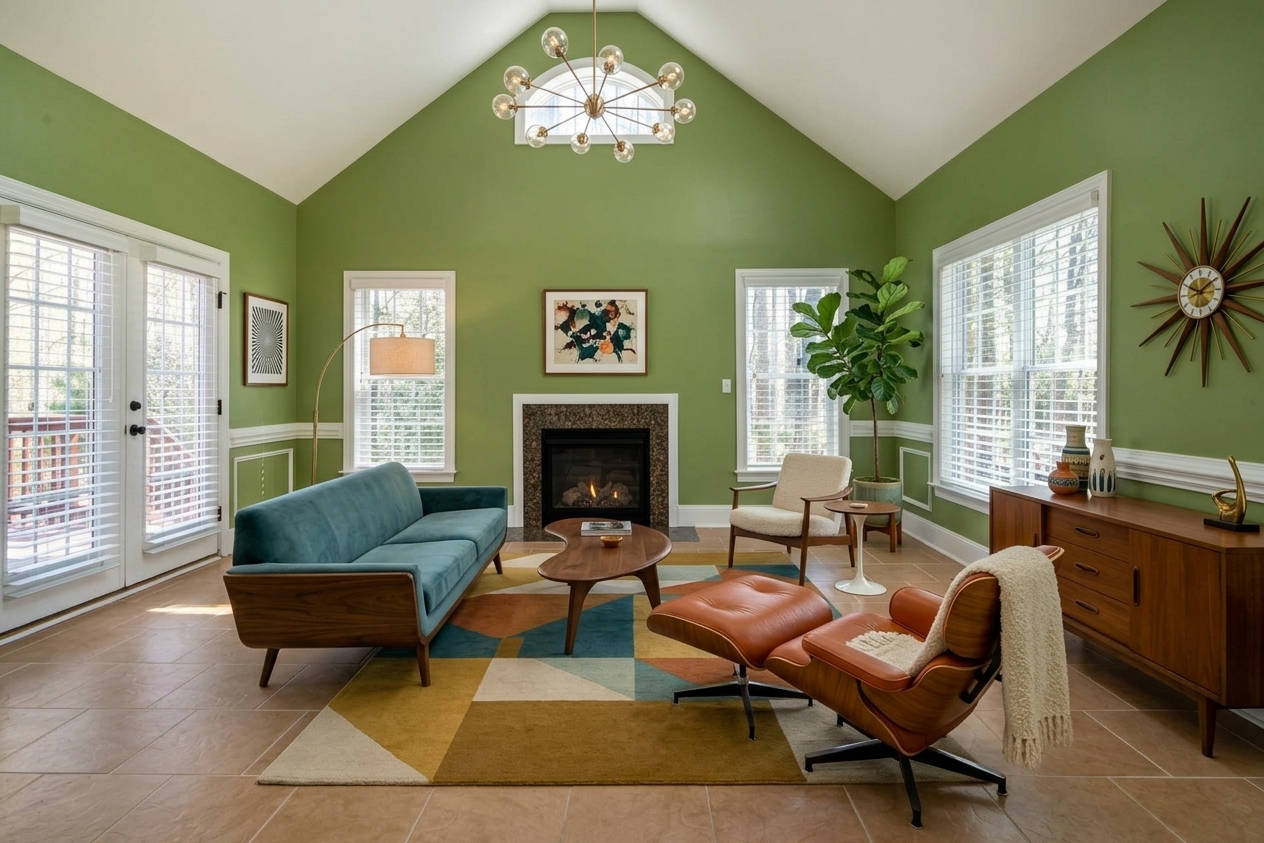 Mid-Century
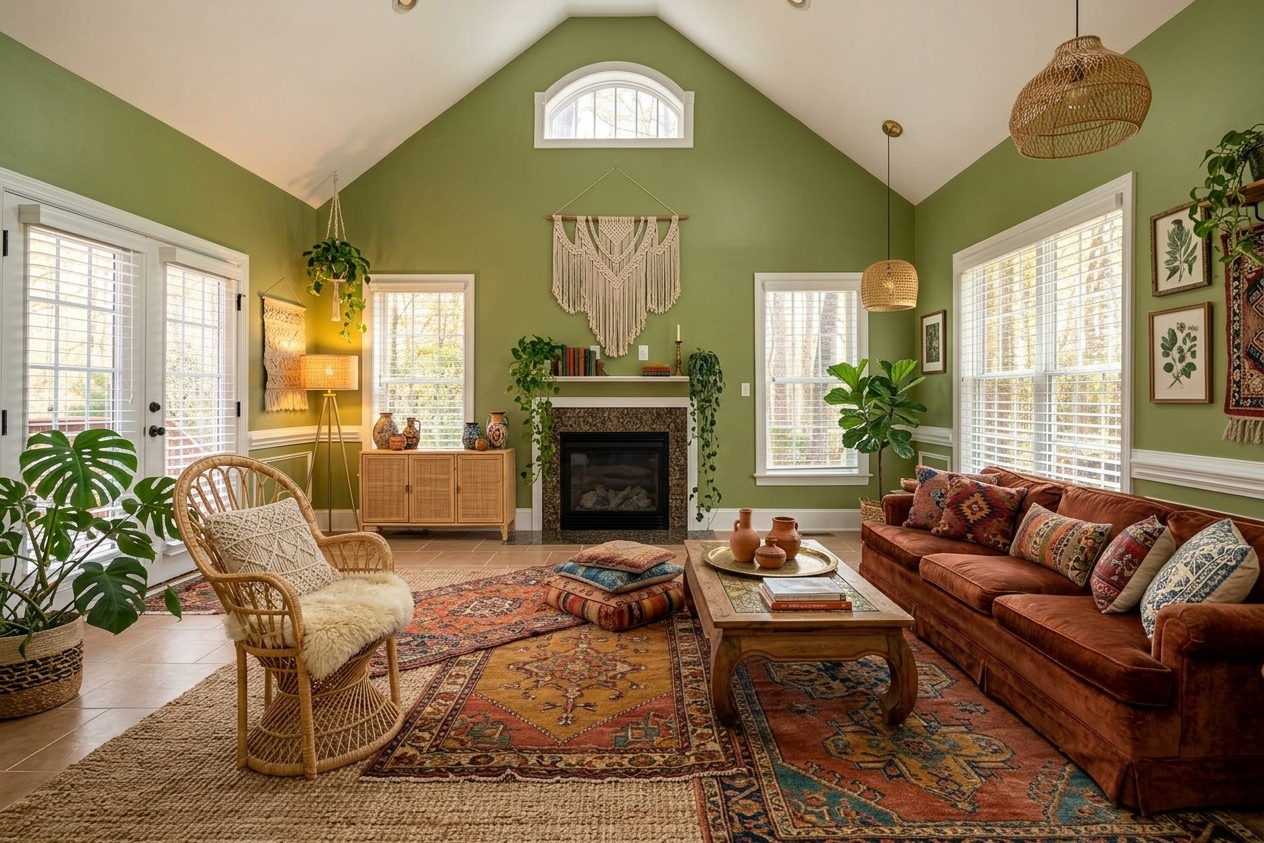 Boho
Boho
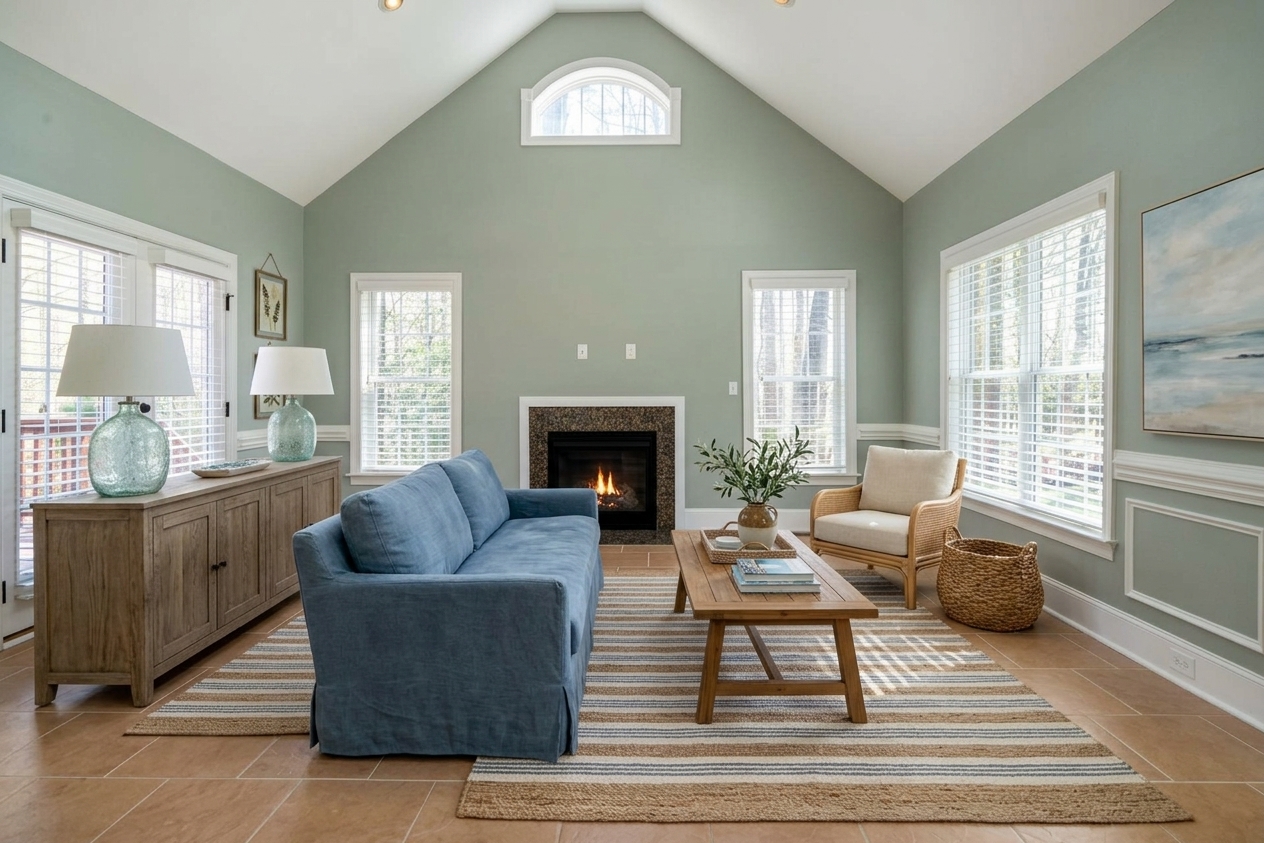 Coastal
Pick the mood,
the AI handles the rest.
Select a style — japandi, mid-century, boho, contemporary — and the AI turns your render into a photo consistent with that mood. 30+ creative directions to match every client.
- More than 30 photorealistic styles available
- Materials, light and finishes feel photoreal
- Ideal for presentation boards and client sign-offs
From 3D render to photo in 3 steps
No post-production, no retouching skills required. Our AI does all the work.
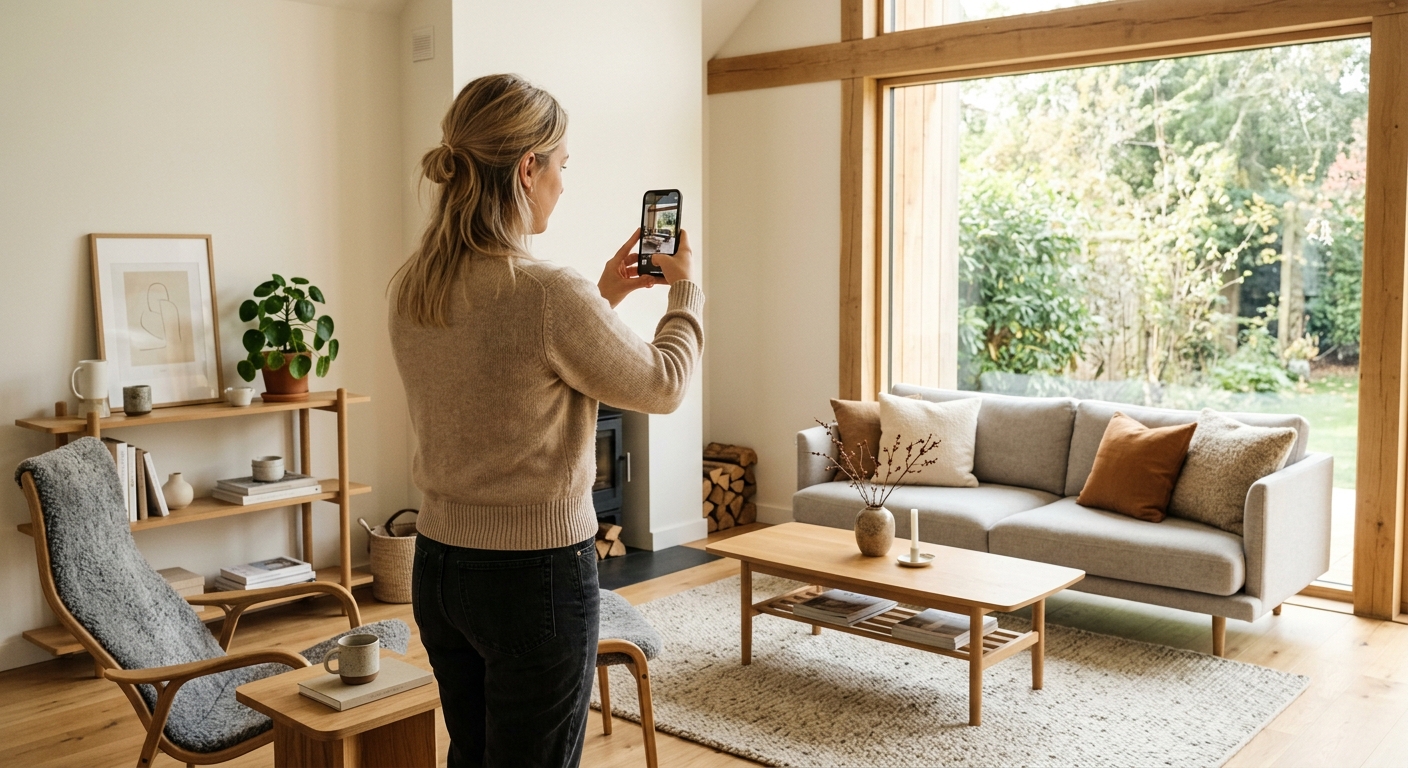
Upload your render
Clean export or screenshot with the software UI — both work. All formats accepted.
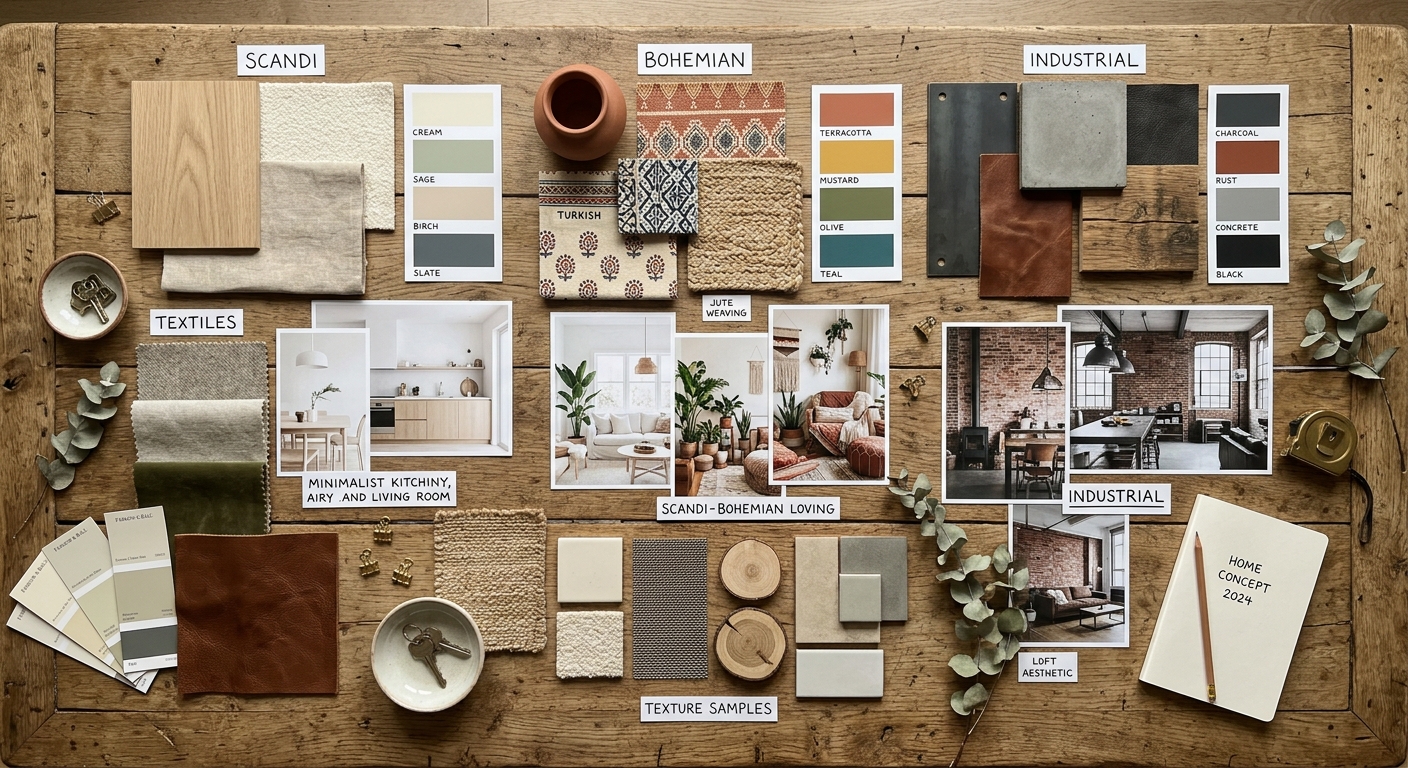
Validate room and style
The AI detects the room automatically. You pick a photoreal style and adjust if needed.
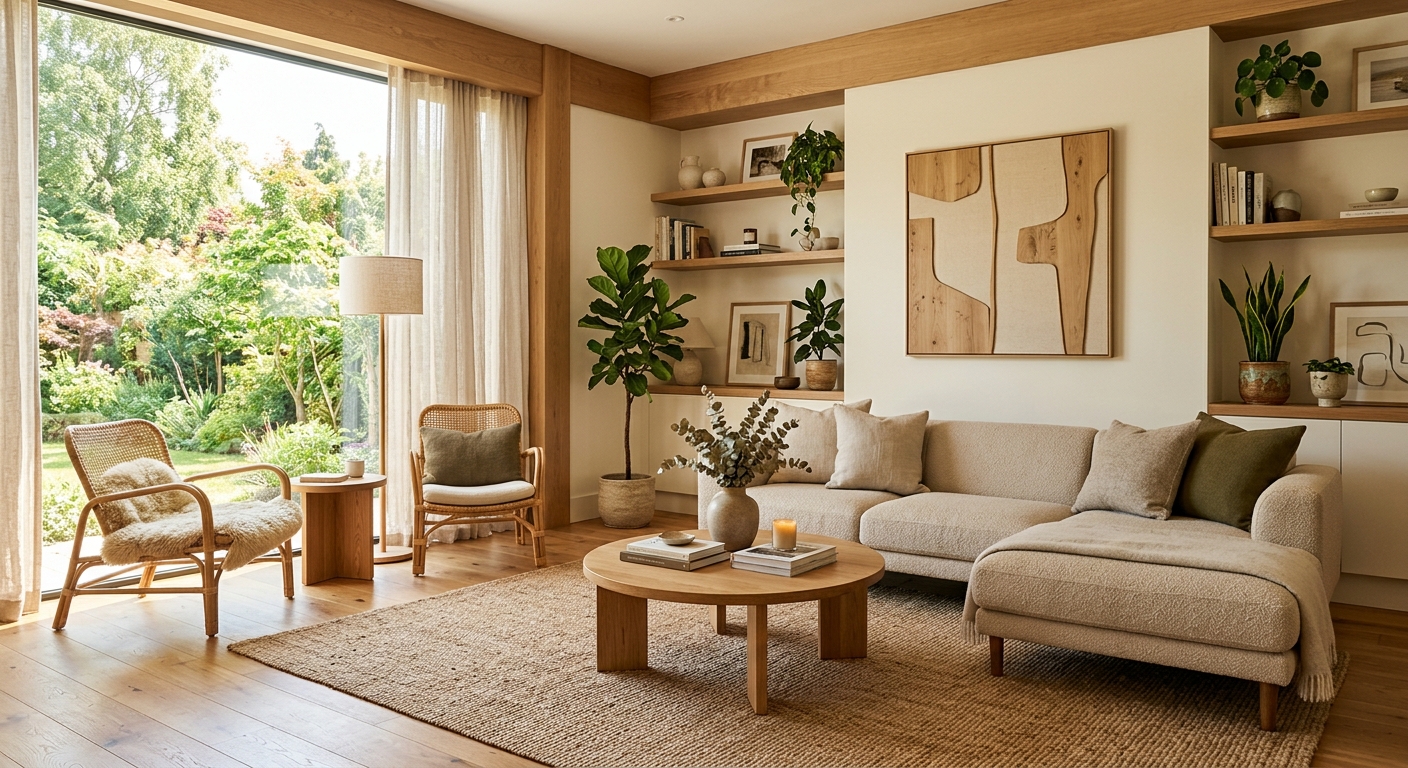
Get your photo
In 30 seconds, you get a photorealistic photo ready for your client presentations.
What studios ask us
Practical answers for your business.
Which 3D software are supported?
All of them: SketchUp, 3ds Max, Blender, Revit, ArchiCAD, Lumion, Twinmotion, Cinema 4D, V-Ray, Enscape, D5 Render. As long as you can export or capture a render, the AI handles it.
Do I need a clean export or can I send a screenshot?
Both work. If the software UI (toolbars, menus) is visible, the AI ignores it and only treats the render area.
Does the AI respect my model's geometry?
Yes. The perspective, furniture positions and architectural structure are preserved. Only materials, lighting and realism change.
Are the photos royalty-free for commercial use?
Yes. The generated photos are yours and can be used in presentations, mood boards, brochures and listings.
Help your clients
project themselves.
Upload your first render. The photorealistic photo is ready in 30 seconds.